
Turn a song or podcast into a video with a still picture
YouTube, Instagram and many chat apps want a video, but you have an MP3 and a cover picture. How to make an MP4 from audio plus a picture with KinoFlux Editor, in landscape, square or vertical, for one file or a whole album.
Nitiksh3 min readKinoFlux Editor
On this page
YouTube does not take MP3 files. Neither do Instagram, Facebook video posts or many chat apps. Musicians, podcasters and anyone sharing a voice recording run into the same thing: you need a video, but all you have is sound and a picture. Opening a full video editor to put one still image under a song is overkill.
Video - Picture + sound to video in KinoFlux Editor makes one video per audio file, showing your picture for as long as the sound lasts.
How to make a video from audio and a picture#
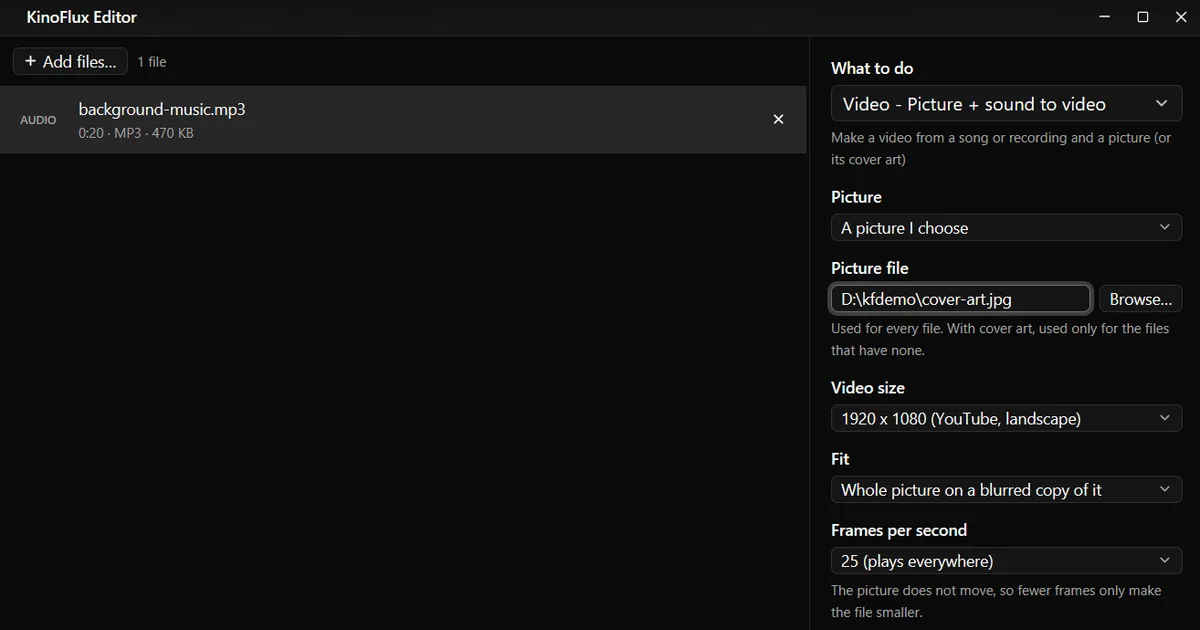
- Add the audio. Drag one or more MP3, M4A, WAV, FLAC or other audio files onto the KinoFlux Editor window.
- Pick the tool. Press Ctrl+K (Cmd+K on a Mac), type "picture + sound" and choose Video - Picture + sound to video.
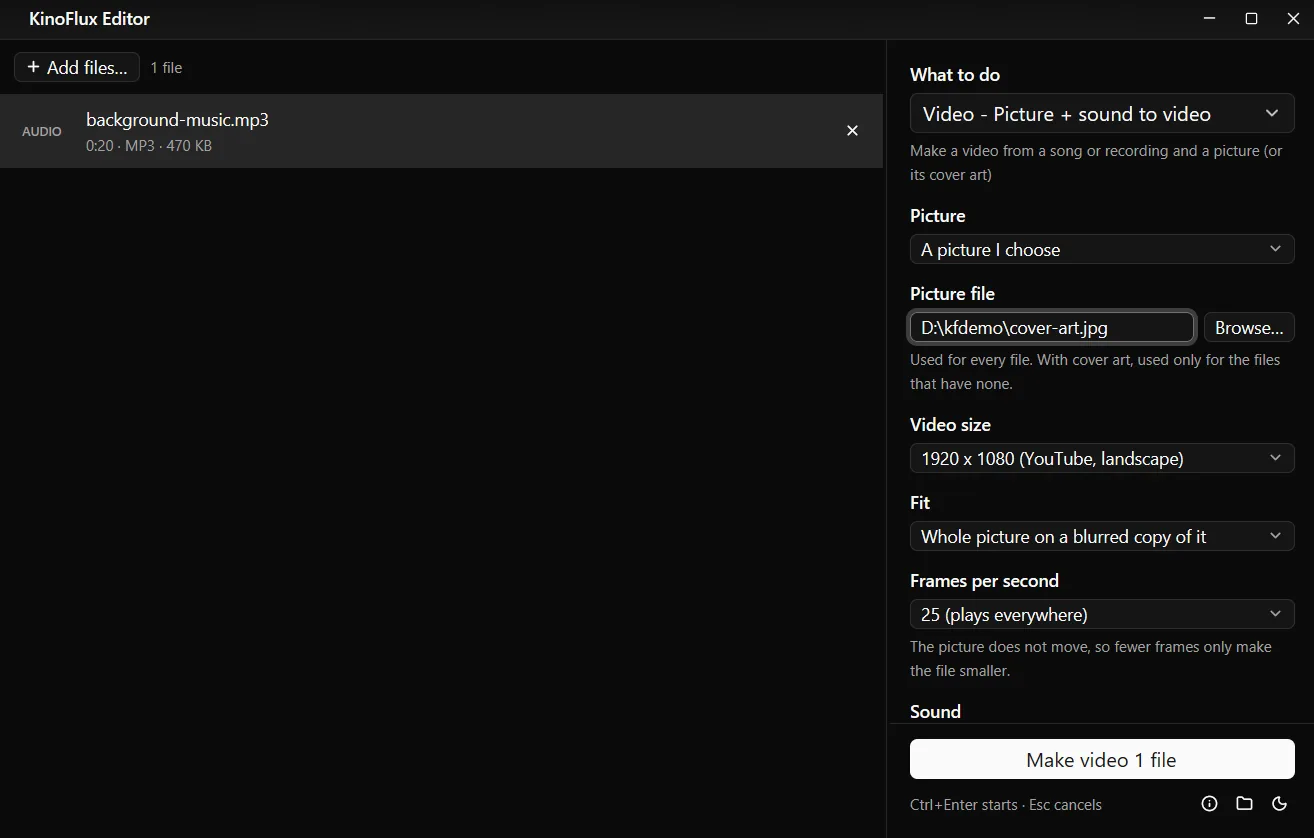
- Choose the picture. Next to Picture file, click Browse... and pick a JPG or PNG. Or set Picture to Each song's own cover art.
- Choose the size. 1920 x 1080 (YouTube, landscape) is the default. Fit decides what happens when the picture has another shape.
- Start. Press Ctrl+Enter. You get
name_video.mp4next to each audio file.
Result#
| Input | Output |
|---|---|
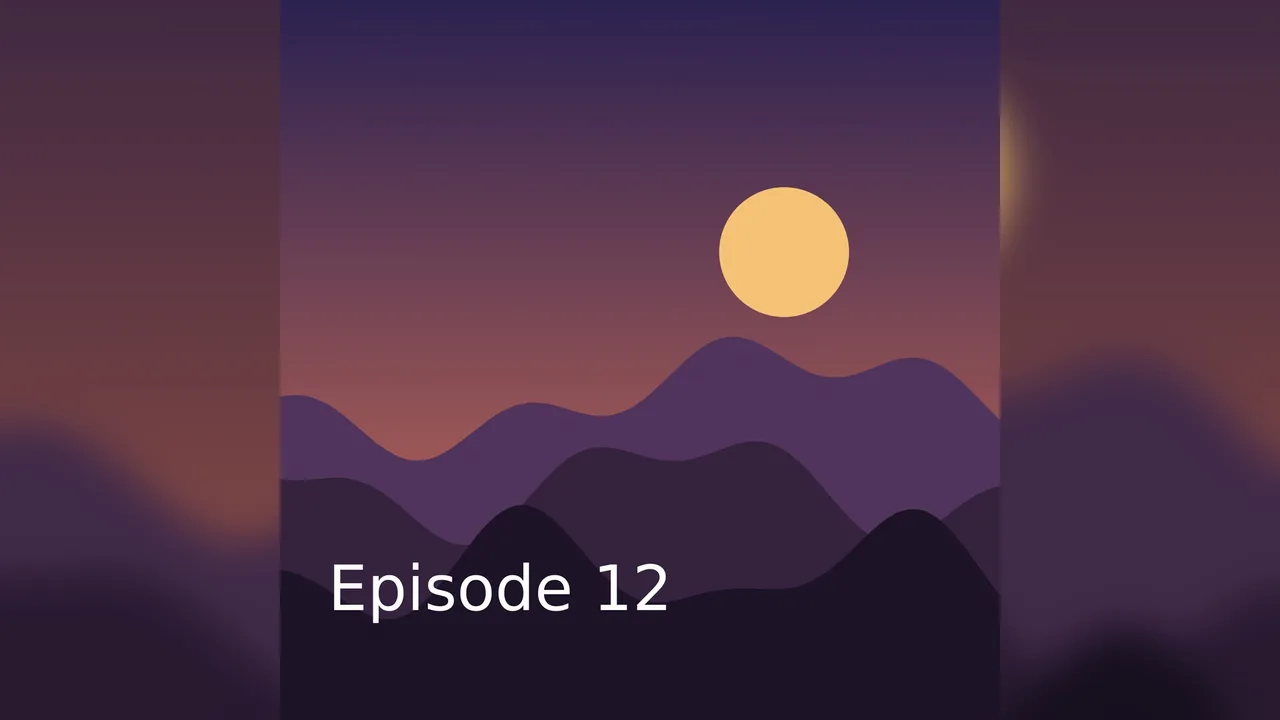
| background-music.mp3, 20 s, 192 kbps, 470 KB, plus cover-art.jpg, 3000 x 3000 | background-music_video.mp4, 1920 x 1080, 25 fps, 20 s, 2.1 MB |
The sound in the video is the same MP3 sound at 192 kbps, copied in without encoding it again. The demo audio and picture were made for these guides.
Options#
| Option | Choices | Default |
|---|---|---|
| Picture | A picture I choose, Each song's own cover art (my picture when there is none) | A picture I choose |
| Video size | Same as the picture, 1920 x 1080 (YouTube, landscape), 1080 x 1080 (square), 1080 x 1920 (Reels, Shorts, TikTok), 1280 x 720 (smaller file), 3840 x 2160 (4K) | 1920 x 1080 |
| Fit | Whole picture on a blurred copy of it, Whole picture on coloured bars, Crop to fill | Blurred copy |
| Bar colour (bars) | Black, White, Custom colour... | Black |
| Frames per second | 1 (smallest file), 5, 25 (plays everywhere), 30 | 25 |
| Sound | Keep the original sound when the format can hold it, AAC 320 kbps, AAC 192 kbps | Keep the original |
| Format | MP4 (plays everywhere), MKV (keeps any sound as it is) | MP4 |
Frames per second: the picture does not move, so fewer frames only make the file smaller. 25 is the safe choice: every player and site handles it.
Limits#
- A still picture only. No waveform, no moving text, no slideshow of several pictures.
- No text on the video. Put titles on the picture beforehand.
- FLAC, WAV, Opus and similar sound cannot be copied into MP4. With MP4 they are turned into AAC at 320 kbps automatically; choose MKV to keep the sound exactly.
- One video per audio file. To make one long video from several songs, join the audio files first.
Related guides#
- Covers and titles for a batch of songs: edit MP3 tags and album art.
- Turning an existing video vertical: make a video vertical 9:16.
- Getting the sound out of a video instead: extract audio from a video.
All tools are on the KinoFlux Editor page.
Frequently asked questions
Is the sound quality reduced?
No, by default. The sound is copied into the video as it is when the format can hold it, so it is not encoded a second time. MP3 and AAC fit in MP4; other sound such as FLAC or WAV becomes AAC at 320 kbps in an MP4, or stays as it is in MKV.
Can each song use its own album cover?
Yes. Set Picture to Each song's own cover art. Songs without a cover use the picture you chose instead. Add tags and covers first with Audio - Edit tags and cover.
Why is the file so small?
The picture never moves, so the video part compresses extremely well. A 20 second demo became a 2.1 MB Full HD video, most of it the sound.
Which size for YouTube, Instagram or TikTok?
1920 x 1080 for YouTube, 1080 x 1080 for an Instagram post, 1080 x 1920 for Reels, Shorts and TikTok.
Can I add the song title as text?
Not in this tool. Put the text on the picture first with an image editor, or use a cover that already has it.
- mp3 to mp4
- audio to video
- youtube
- podcast