

Developer Tools & Creative Softwares
Welcome to NTXM
A collection of tools, software, and productivity apps — built to run locally, fast, and without complexity.
- Offline First
- Lightweight
- No Setup
- Privacy Focused
Not an ecosystem.
Just the alternative.
NTXM doesn't build a suite that locks you in. Every tool is a free, offline replacement for something you're probably already paying for — built to stand entirely on its own.
- Monthly subscription to keep using it
- Your files pass through someone else’s server
- An account before you can even try it
- Ads, upsells, or a "pro" tier for basics
- Free, forever, no tier to upgrade into
- Runs entirely on your machine
- Open the app and start using it
- You get the whole tool, not a trial of it

The NTXM
Products
Real tools built for real workflows, organized by how you work.
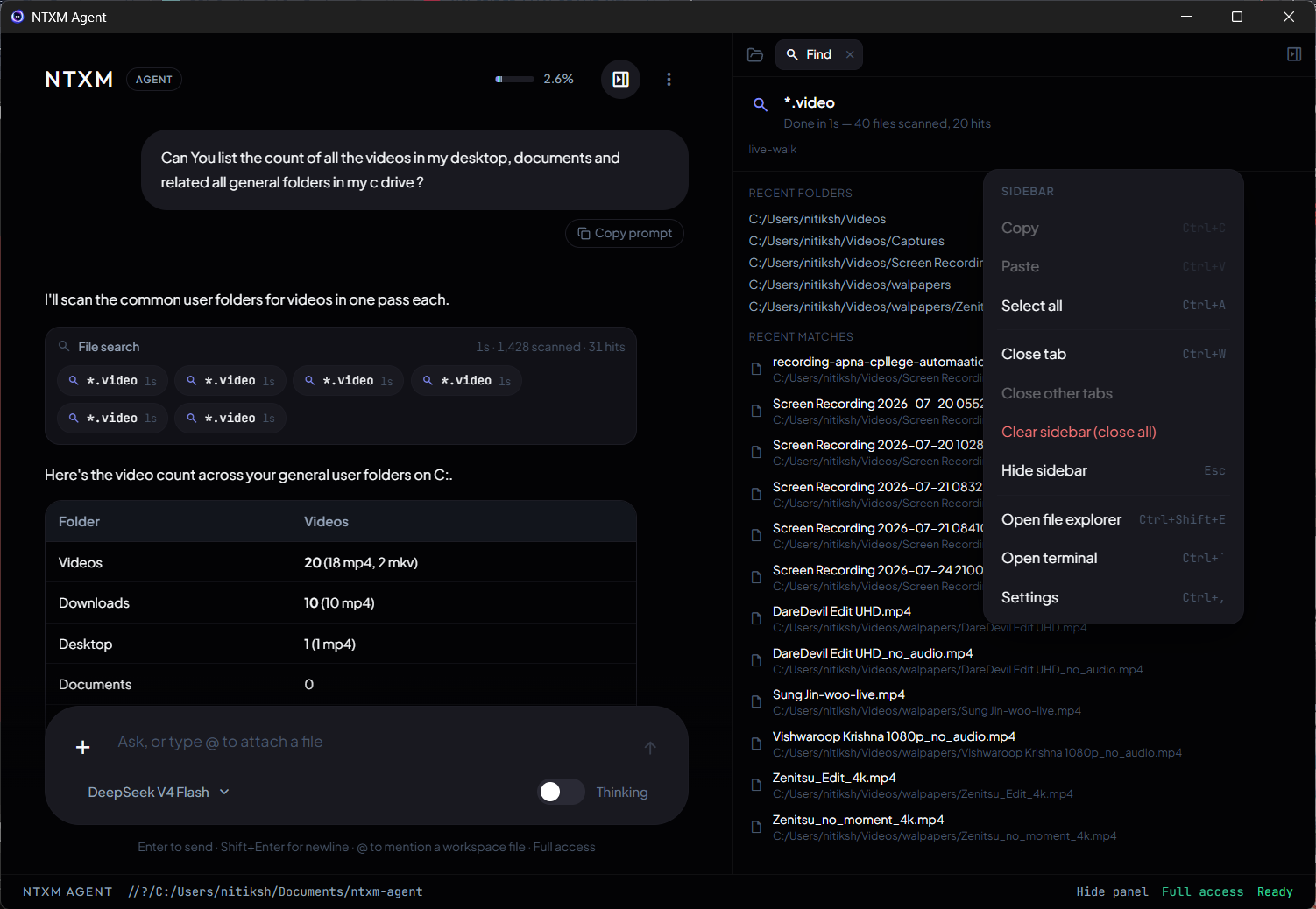
A Desktop Agent That Works Where You Work
NTXM Agent is a local desktop AI agent with terminal, filesystem search, code review, and Operator. DeepSeek Flash/Pro with your own API key — Keep / Revert for proposed edits, not a cloud chatbot bolted on the side.
- Filesystem search and open_path hand-offs that prefer smart open over whole-disk walks.
- Terminal sessions that stay alive — interrupt a shell job without cancelling the whole agent turn.
- Code edits land in review with Keep / Revert before anything sticks.
- Operator for Windows/macOS specialists, plus a warm Ready status on your machine.
- Proprietary desktop app — BYO DeepSeek key, local-first session.
The Browser An Agent Attaches To
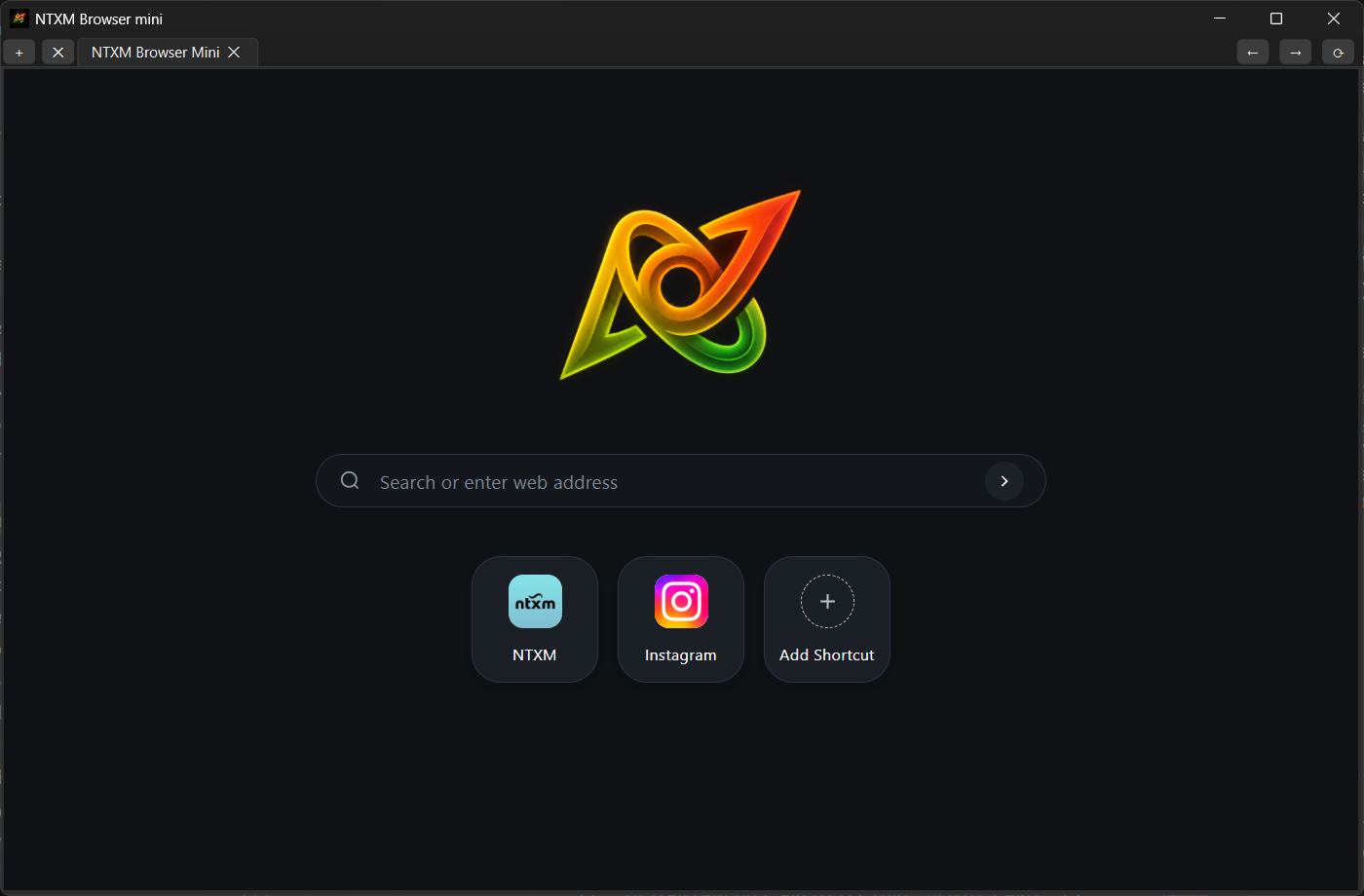
NTXM Browser Mini is a local Chromium (CEF) that stays open with your cookies and logins. Agents call /v1 — observe a small page map, act by short id, extract JSON. No Playwright. No screenshot tax.
- Production door: POST /v1/observe · /v1/act · /v1/extract on 127.0.0.1:9090.
- Token-capped observe maps with short stable ids — hard cap 800 tokens.
- Act returns a fresh observe; extract fills a JSON schema with no NTXM LLM inside.
- Your warm desktop profile — not a cloud browser farm or a fresh Playwright context.
- Windows and macOS installers; MCP at /mcp is experimental — /v1 is the install story.
The Future of Real-Time Media Processing
A highly-optimized offline ecosystem for video playback, editing, music, and AI transcription. No bloat. No cloud dependencies. Pure performance.
- KinoFlux Player: A next-gen video player built for speed and efficiency, with support for all major formats and codecs.
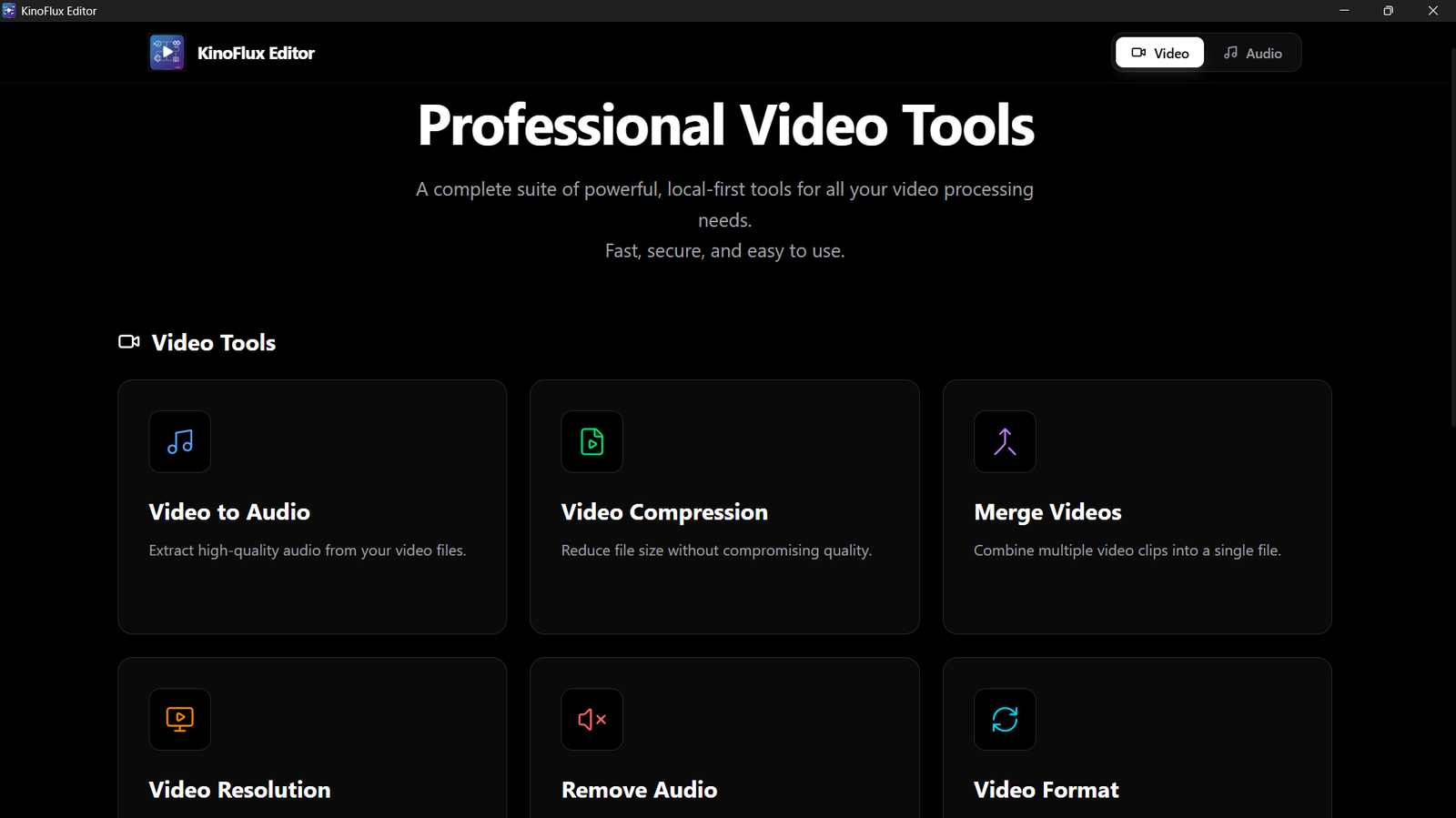
- KinoFlux Editor: A powerful, intuitive video editing suite that runs locally, giving you full control over your content without the need for cloud processing.
- KinoFlux Music Player: A high-fidelity music player and organizer that keeps your library at your fingertips, with advanced features for audiophiles.
- KinoFlux Whisper Studio: A local-first AI transcription tool that leverages the latest advancements in speech recognition, providing accurate and fast transcriptions without sending your data to the cloud.
A Complete Database Workspace For Devs
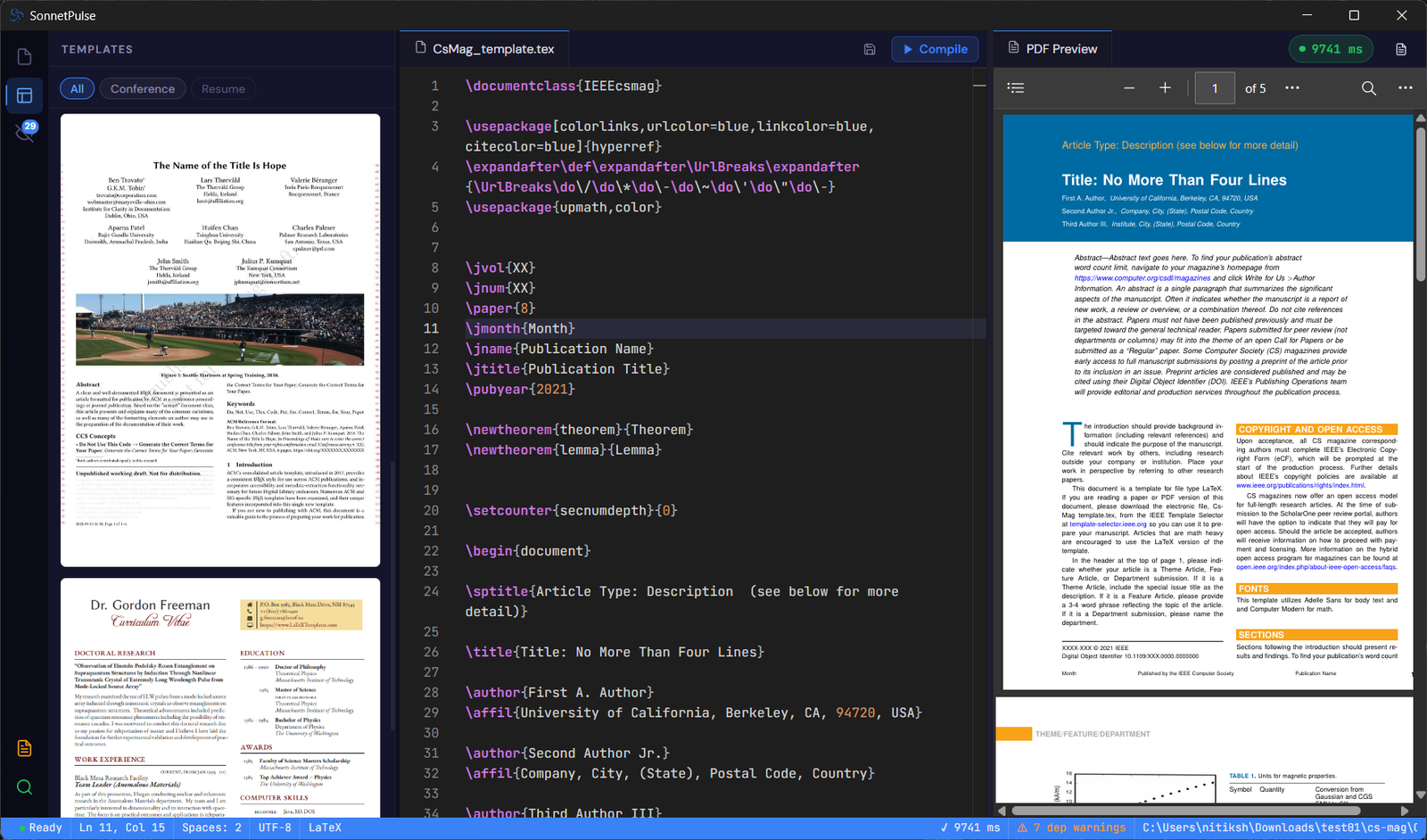
SQL Studio is a native desktop database client for PostgreSQL, MySQL, and SQLite. Explore schemas, run queries, manage data, and inspect Database Objects — including virtual SQL tabs with Ask Agent Keep / Revert.
- Connect to PostgreSQL, MySQL, and SQLite through Connection Hub with optional SSH tunnels and AES-256-GCM credential storage.
- Browse tables, views, functions, and procedures in Database Objects; open definitions as virtual:// SQL and edit with Ask Agent.
- Manage records through an editable data grid with filtering, CRUD, and CSV/JSON export (no SQL dump in this release).
- Execute SQL from Monaco while keeping results, Explorer, and the schema canvas within one local workspace.
- Free official installer — proprietary product; redistribute only the unmodified branded build.
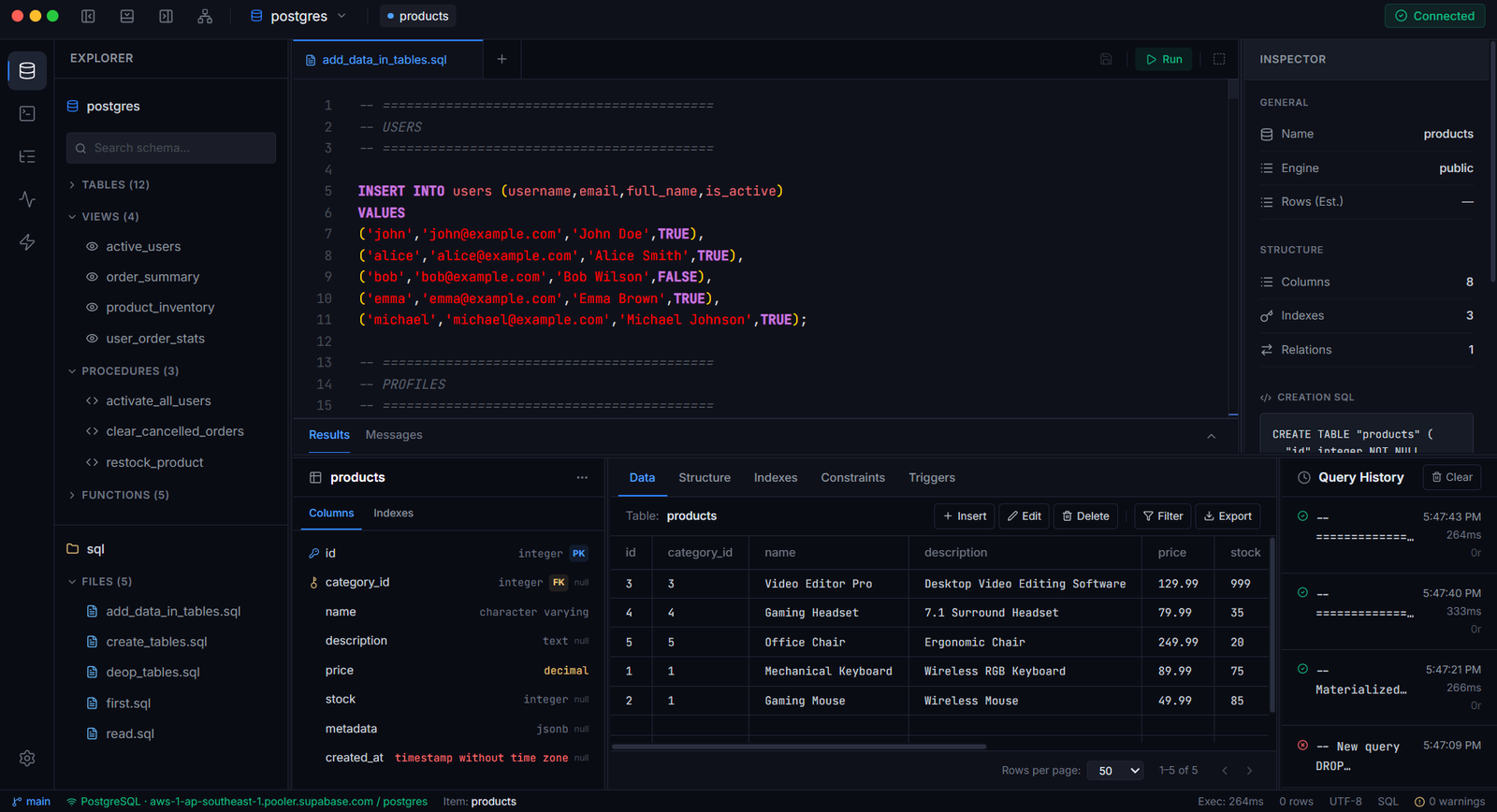
Master Your Typing Skills
TypeMaster transforms typing practice from dull drills into a literary journey. Instead of random words, you type classic stories, improving flow, rhythm, and accuracy. With a distraction-free web version and a fully offline Windows app, TypeMaster makes mastering your keyboard feel less like a test and more like reading a great book.
- Typing drills using random word generators fail to build natural rhythm. TypeMaster replaces them with full literary narratives for realistic practice.
- Each story chapter unlocks progressively, giving you a clear reason to keep typing beyond just improving speed or accuracy metrics.
- The Windows app works entirely offline with no background telemetry, making it suitable for private, distraction-free practice anywhere.
- Real-time feedback tracks WPM and accuracy, but the interface never prioritizes scores over maintaining a comfortable typing flow.
- All texts are sourced from public domain classics, which means zero licensing costs and no risk of future subscription fees.
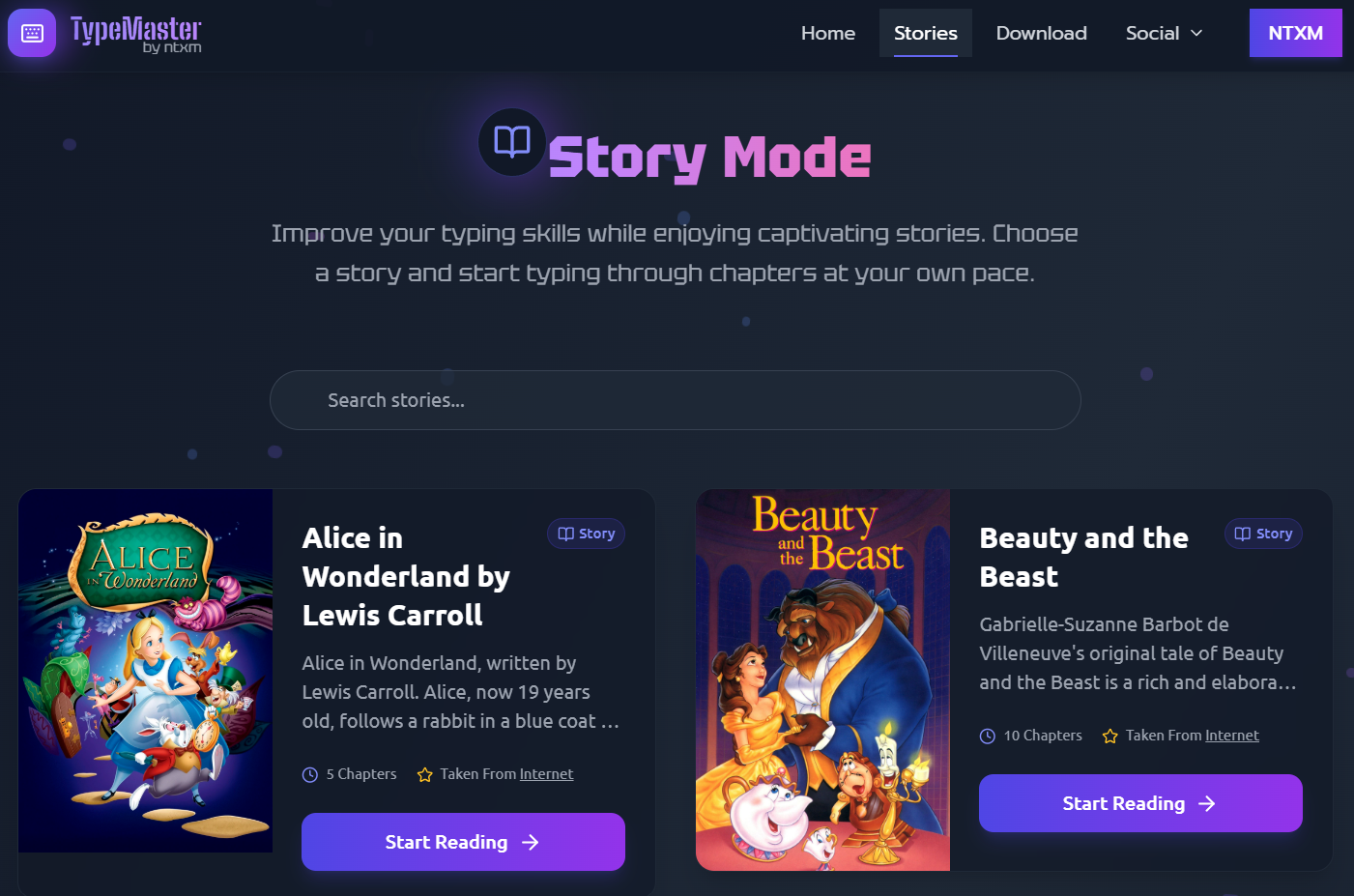
The Offline Writing Advantage
Write professional LaTeX documents instantly with zero setup. No cloud, no installation, just a clean editor and live PDF preview. SonnetPulse is designed for academics, students, and anyone who needs to create structured documents without the hassle of configuring LaTeX environments or relying on online editors.
- Downloads as a single executable and runs immediately. No separate LaTeX engine, no dependencies, no configuration steps.
- Compiles documents directly on your machine in seconds, avoiding the upload delays and queue times of online editors.
- Shows friendly error messages instead of cryptic compiler logs, so you can fix issues without searching forums.
- Keeps every file on your local drive with no telemetry or cloud upload, ensuring complete privacy for sensitive research.
Blog Posts
Stay updated with the latest trends in web development, AI, and design. Explore in-depth tutorials, guides, and insights from industry professionals.
Explore all posts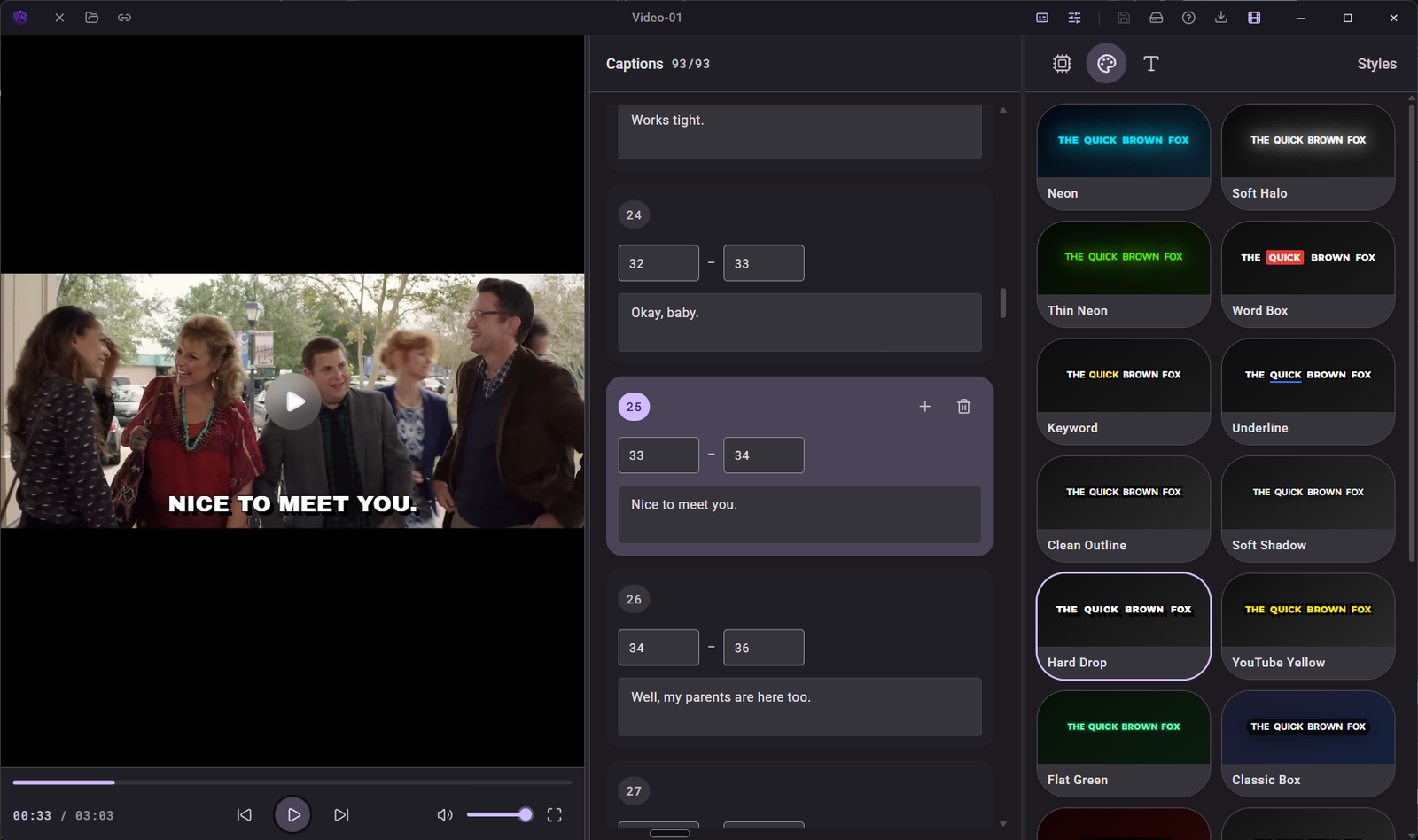
Online subtitle tools need your video on their server. KinoFlux Whisper Studio finds the words on your own computer and gives you an SRT file or a video with captions.
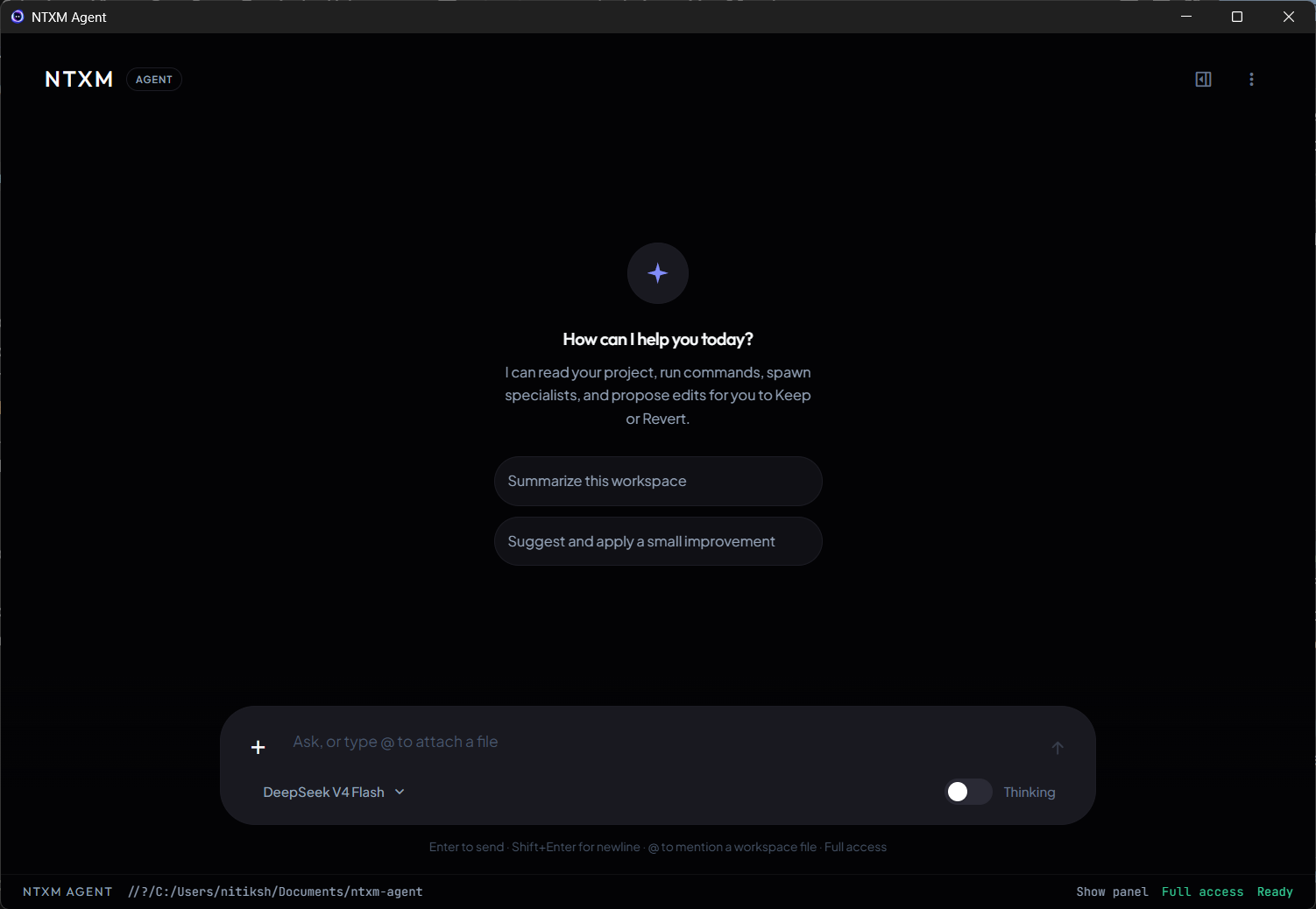
A chat in a browser tab cannot see your files or run your commands, so you copy and paste all day. NTXM Agent is a desktop app that works in your folder and terminal.
Want captions that always show, on any app or phone? Here is how to style subtitles and burn them into the video on your own computer with KinoFlux Whisper Studio.
Playwright is the standard way to script a browser. NTXM Browser is a desktop browser that an agent can drive over plain HTTP. Here is when to use which.
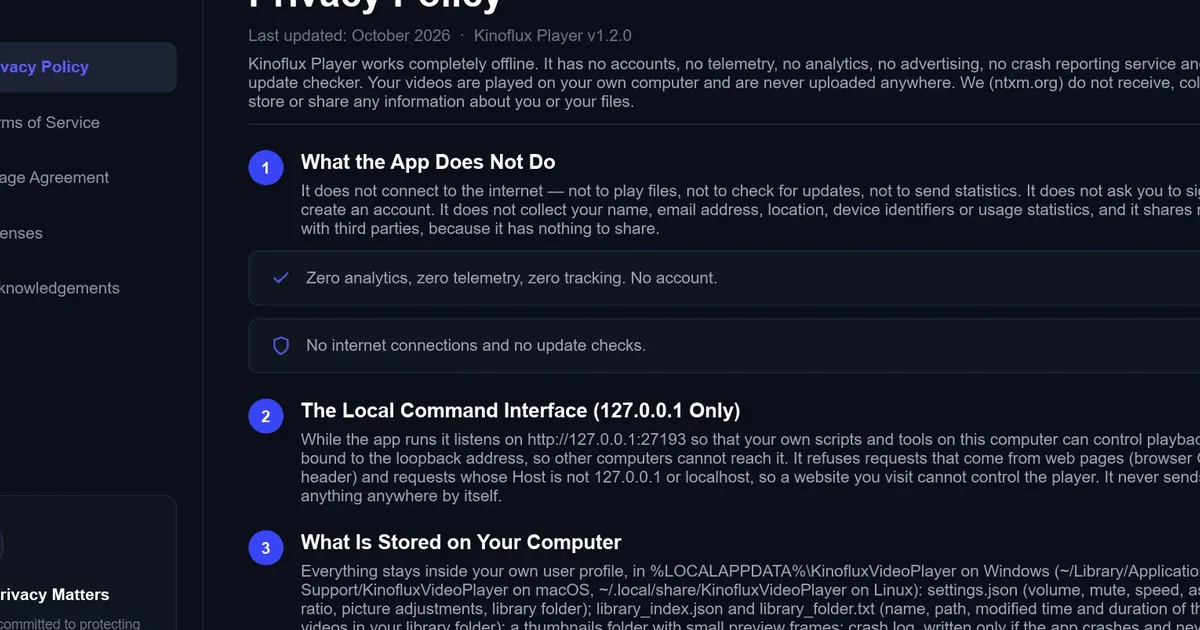
VLC plays almost anything, but its menus can feel old and crowded. KinoFlux Player keeps the controls you use in one place, in a simple dark design.
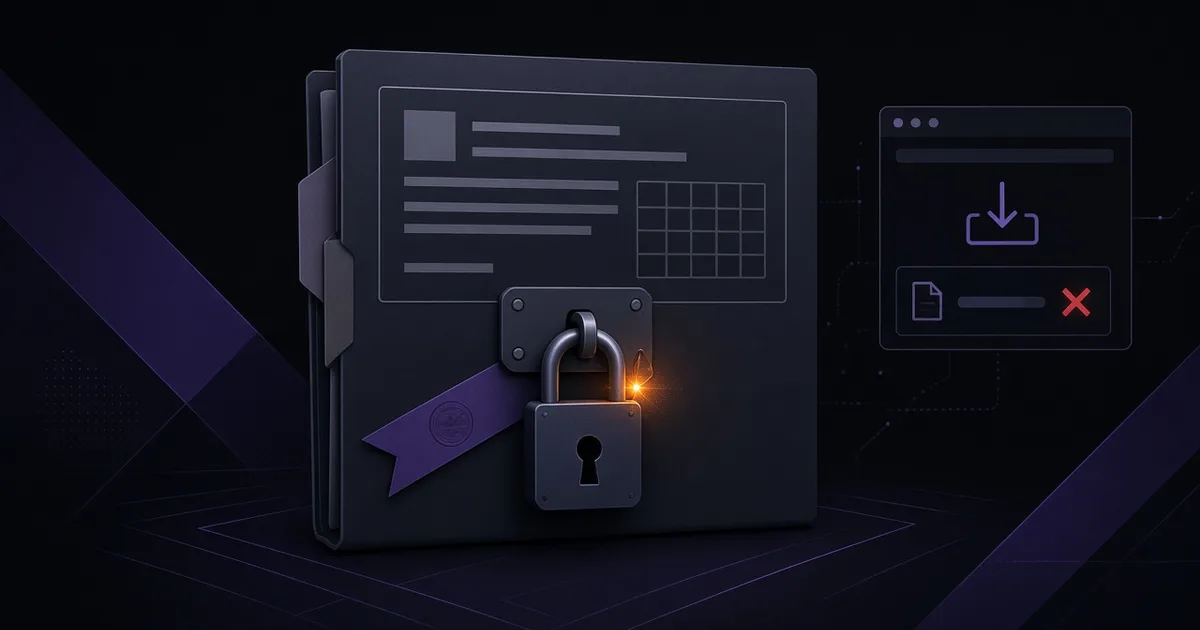
iLovePDF is handy, but its web tools work by uploading your PDF. If the file is private, KinoFlux Editor does the same everyday PDF jobs on your own computer.