
01•Shell
Commands that stay alive
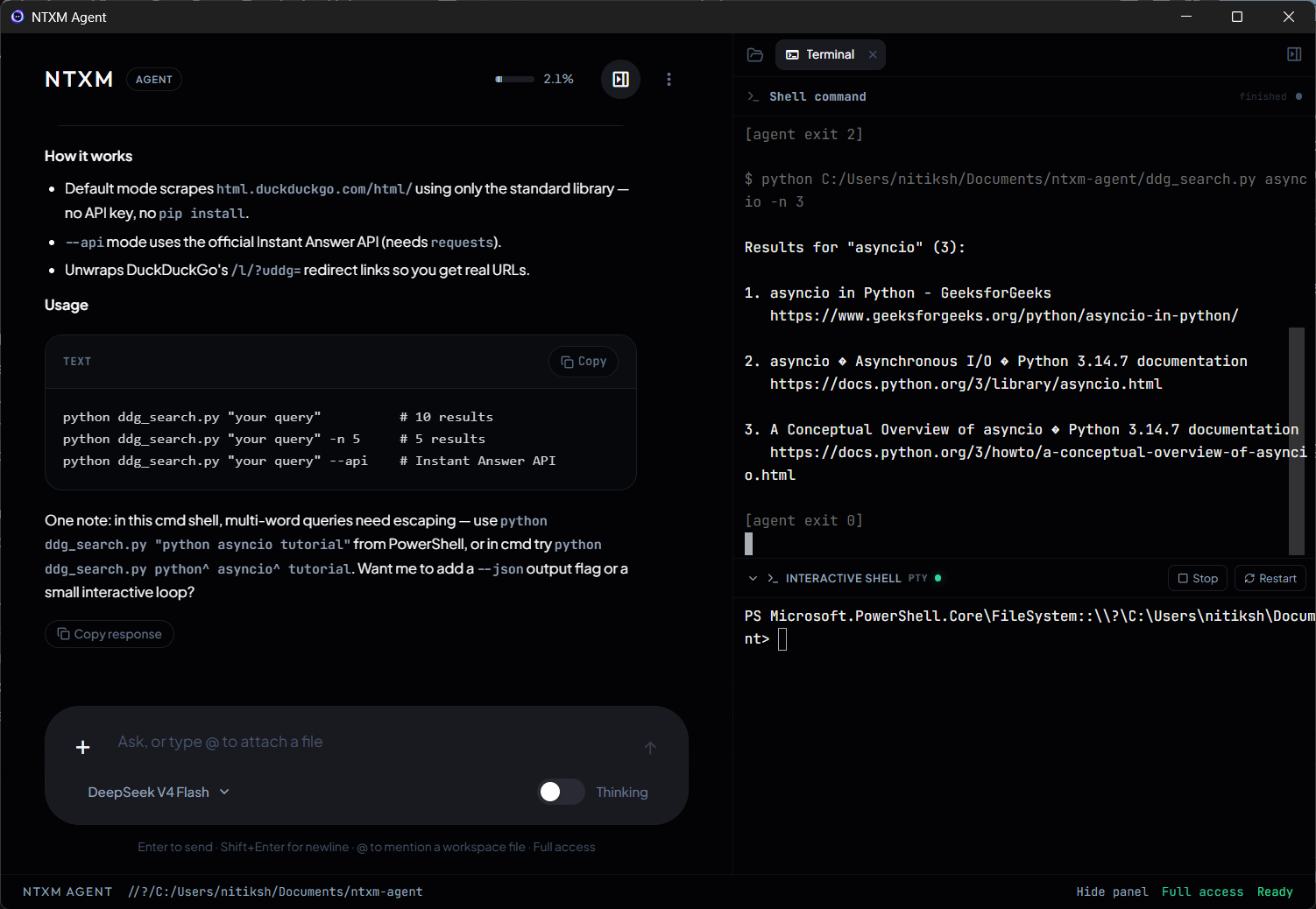
Dev servers return listening status and URL. Interrupt a shell job without cancelling the whole agent turn.
NTXM Agent
Native desktop AI that reads your workspace, runs the terminal, searches the filesystem, and operates other apps with look-and-act Operator — Keep / Revert on every edit.
Windows MSI · Proprietary · Release notes · GitHub
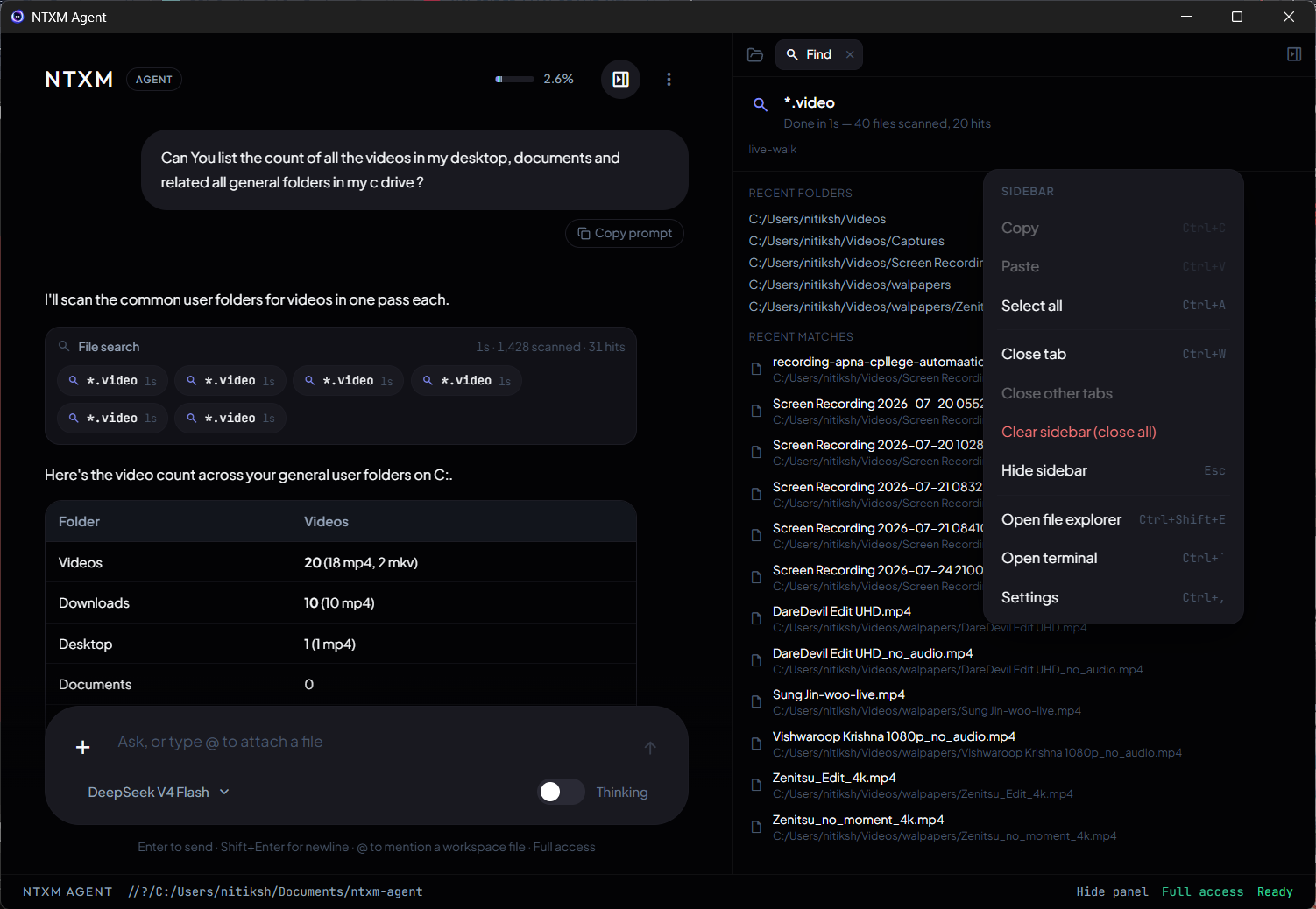
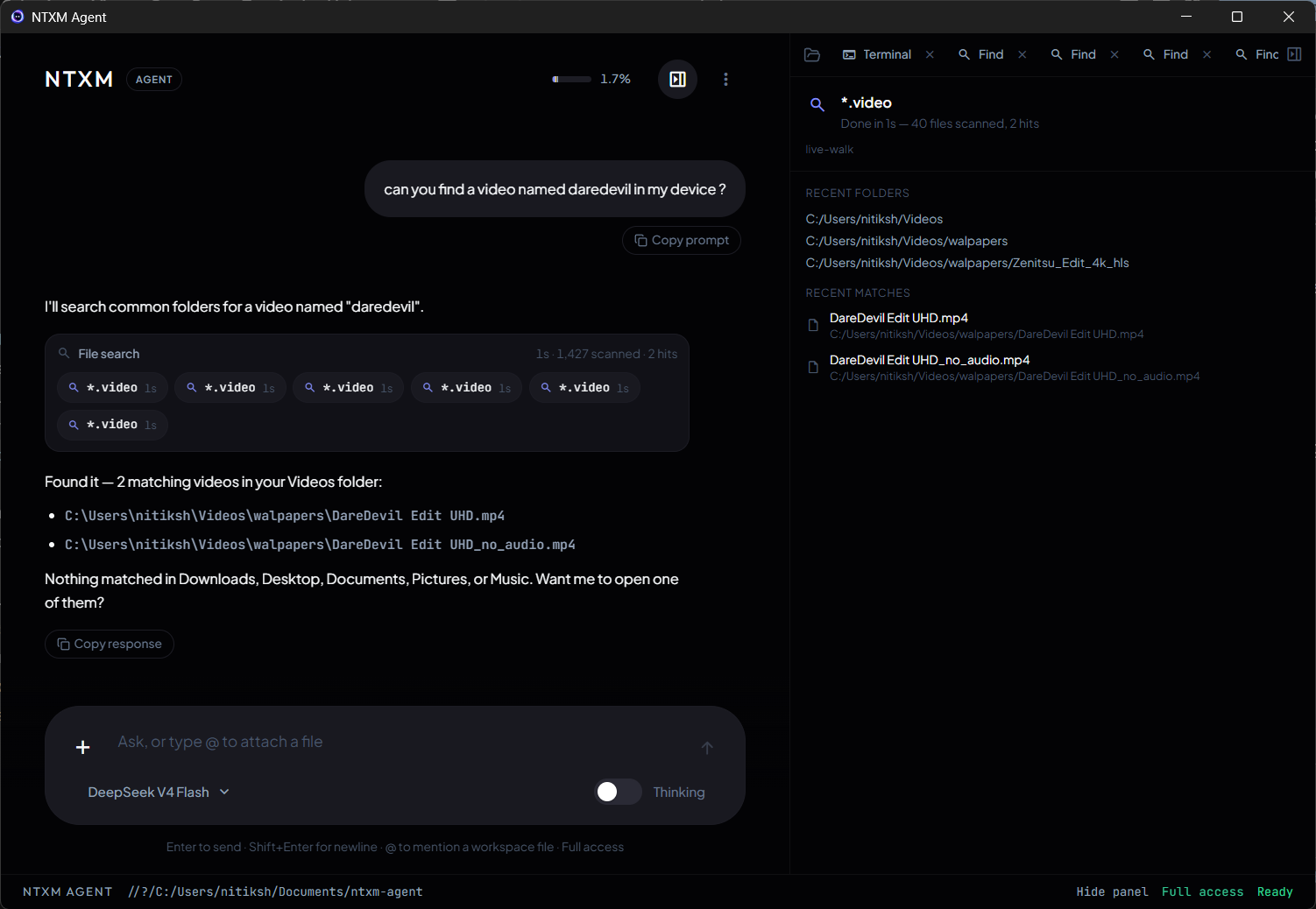
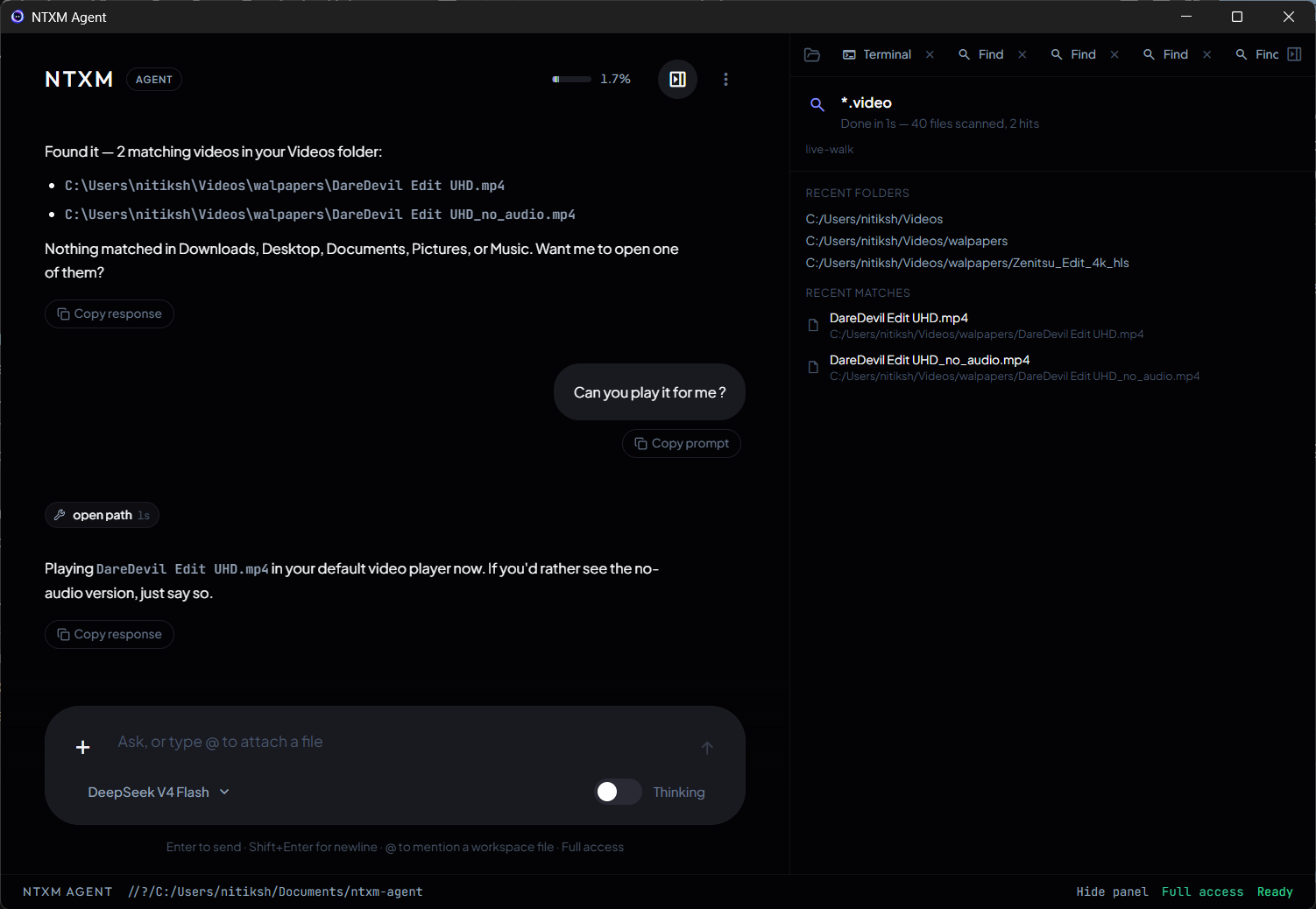
Indexed workspace search and live walks with scan profiles — interrupt mid-find and keep partial hits.
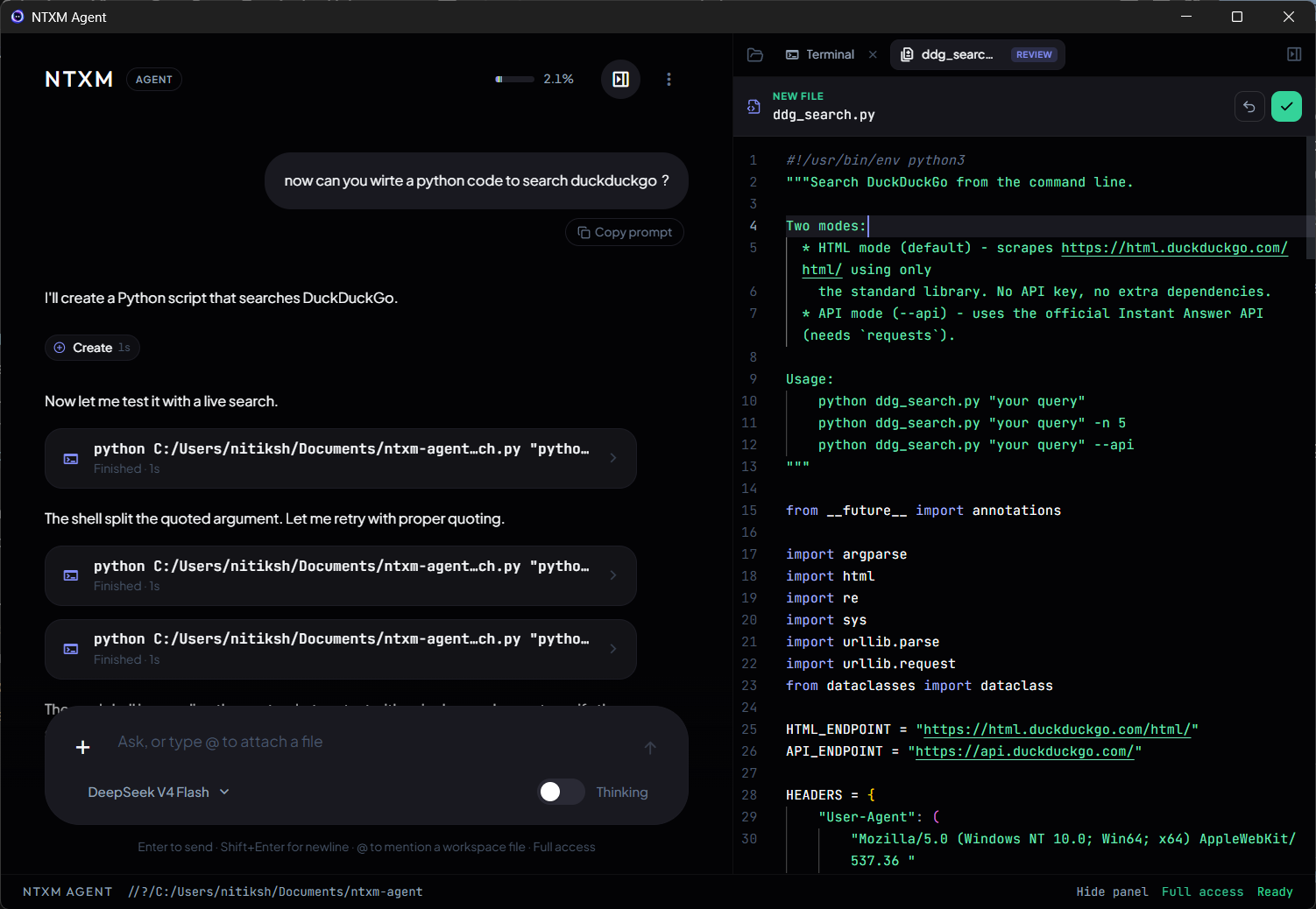
Multi-session PTY plus agent command output. Terminal Stop kills that job only — the turn continues.
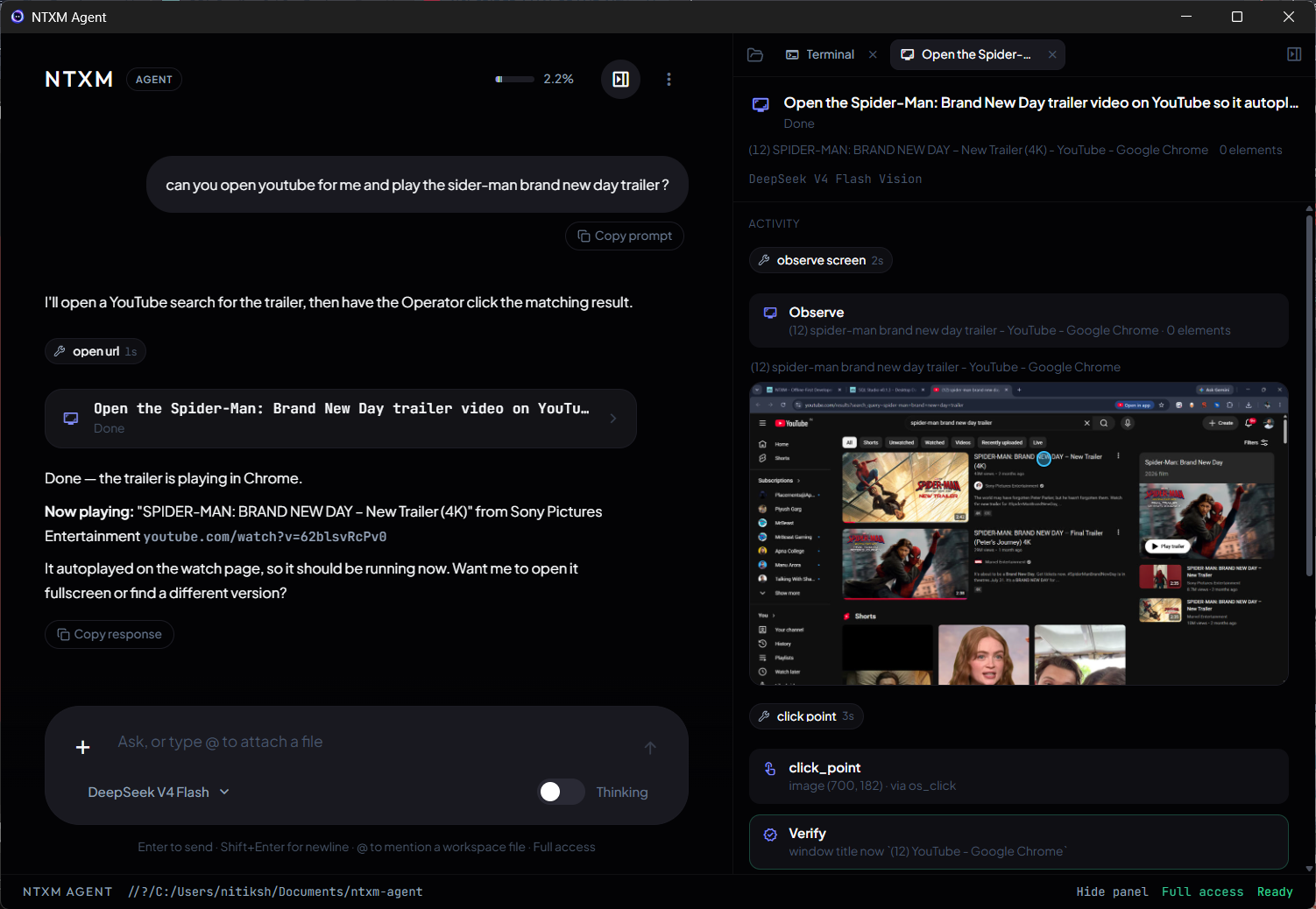
See a live window with Set-of-Marks, then click and type. Activity timeline shows every Observe → Act → Verify step.
Sidebar editor with Keep / Revert. Out-of-workspace writes and deletes always confirm.
Keep scrolling — each capability slices over the last until the stack settles.
Dev servers return listening status and URL. Interrupt a shell job without cancelling the whole agent turn.
Prefer open_application and open_path over whole-disk walks. Scan profiles for media, source, and exhaustive finds.
Agent edits land in review with Keep / Revert — same discipline as a serious IDE workflow.
Open files and folders in the default app, or launch installed software without a full-disk hunt.
— Operator
Hybrid grounding: accessibility + Set-of-Marks. Windows and macOS (Screen Recording + Accessibility on Mac). Linux core app only — Operator not supported.
See
AX / UIA bounds + SoM JPEG
Act
Click by element_id
Safe stop
Child cancel only
Composer Stop ends the whole turn. Find Stop and Terminal Stop only interrupt that tool. Operator Stop cancels the child — the parent continues.
Read, search, and list only — spin up multiple explorers when the task fans out.
Write on allowlisted paths with the same Keep / Revert review surface.
Owns terminal sessions — await, interrupt, and leave listening servers up.
Exclusive look-and-act specialist. Parent stays text-only while it works.
User recap for humans, or context compact into Summarized history without clearing chat.
Bring your own DeepSeek API key. Credentials and chat stay on your machine. Redistribute only the unmodified official installer.
Straight answers before you install.
A native desktop AI agent (Tauri v2 + React + Rust) that chats with DeepSeek, explores your workspace, edits files with Keep / Revert, runs terminal sessions, and can operate other apps via Operator.
The official app is free to install and use. It is proprietary — not open source. You may redistribute only the unmodified official installer with NTXM Agent / ntxm.org branding intact.
Core app: Windows, macOS, and Linux. Operator (computer-use) is supported on Windows and macOS (with Screen Recording + Accessibility on Mac). Operator is not available on Linux. The current public MSI is for Windows x64.
DeepSeek V4 Flash (default) and DeepSeek V4 Pro. You supply your own API key; it is stored locally. Extended thinking is optional via the composer toggle.
Chat and session data live in app data. Workspace .techx/ holds jobs, vision frames, filesystem index, and optional memory. There is no product cloud sync for chat.
A look-and-act specialist: observe a live window with Set-of-Marks + accessibility grounding, then click and type. The Activity timeline shows each step with inline frames. One Operator session at a time.