
Turn an MP4 into an HLS stream (m3u8) for your website
A big MP4 on a web page loads slowly and stalls on weak connections. How to make an HLS package with several qualities, an m3u8 playlist and short segments, on your own computer with KinoFlux Editor.
Nitiksh3 min readKinoFlux Editor
On this page
You put an MP4 on your website and it takes ages to start on a phone, or stalls halfway on a slow connection. Big video sites solve this with adaptive streaming: the video is stored in several qualities and short pieces, and the player switches between them as the connection changes. The most common format for this is HLS, with its .m3u8 playlists.
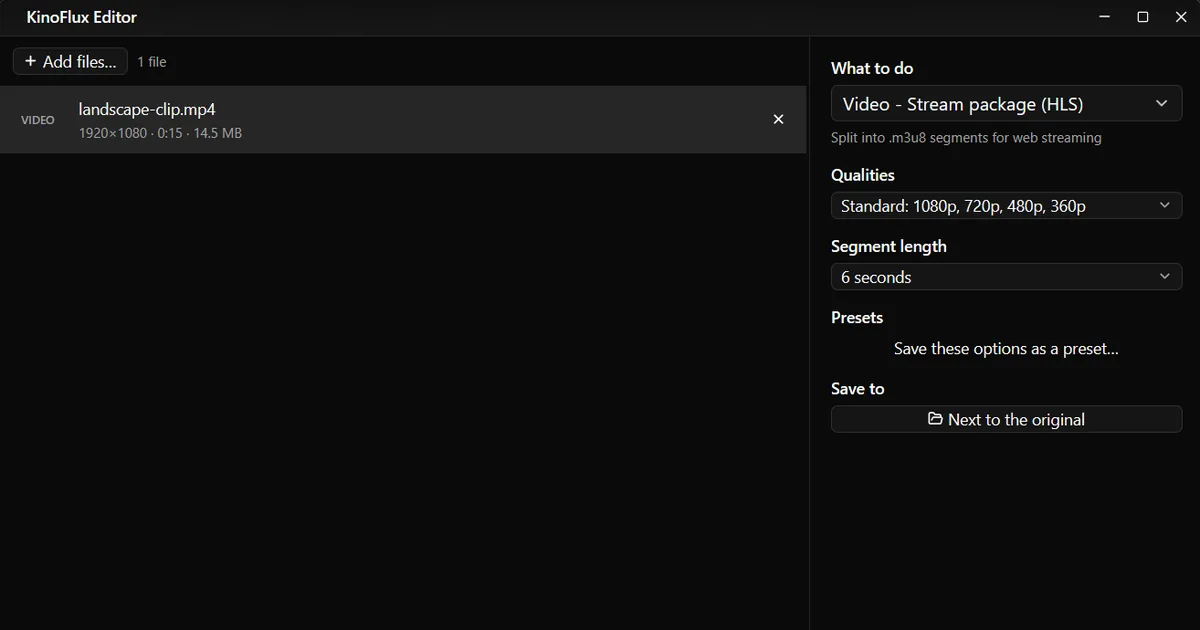
Making HLS usually means a long FFmpeg command line. Video - Stream package (HLS) in KinoFlux Editor does it with two choices, on your own computer.
How to make an HLS package#
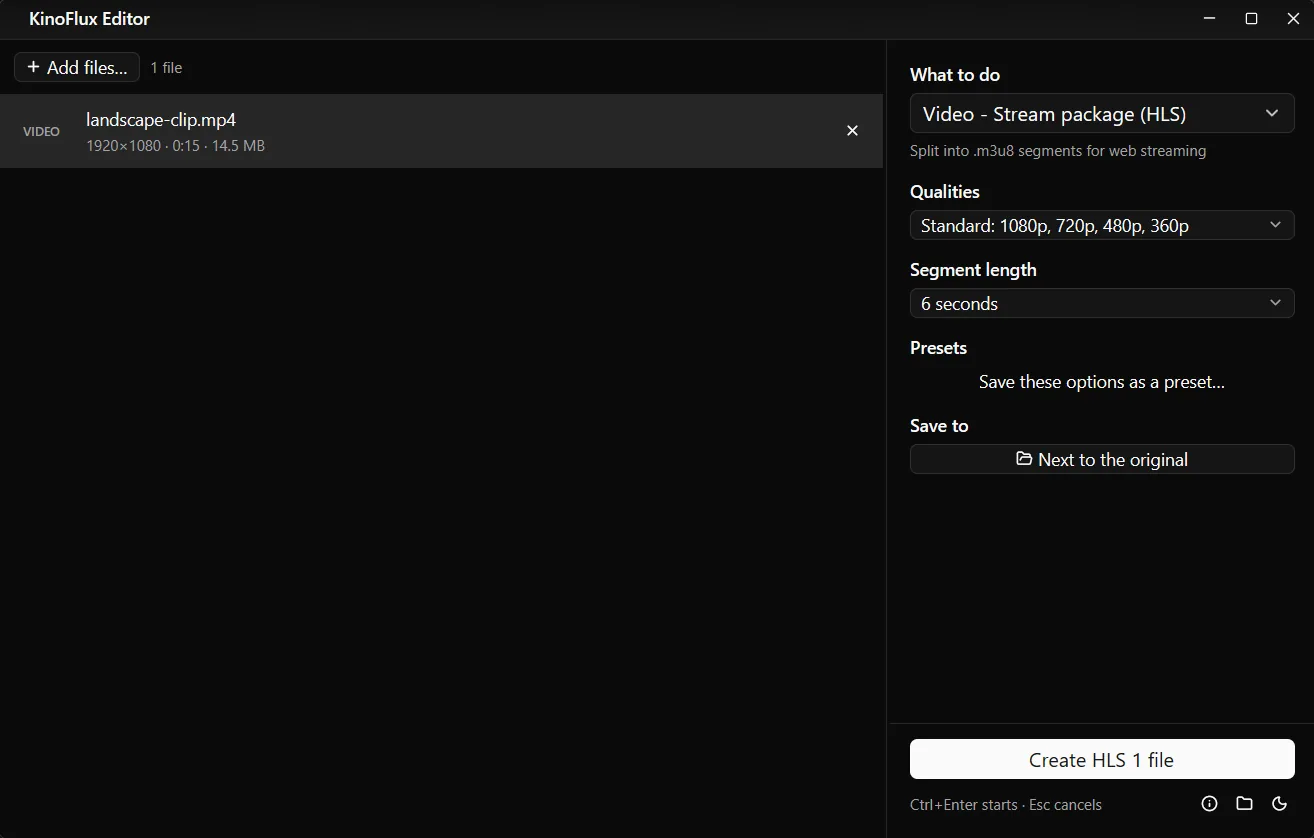
- Add the video. Drag the MP4 (or MOV, MKV and so on) onto the KinoFlux Editor window.
- Pick the tool. Press Ctrl+K (Cmd+K on a Mac), type "hls" and choose Video - Stream package (HLS).
- Choose the qualities. Standard: 1080p, 720p, 480p, 360p suits most sites. Mobile goes down to 240p. One quality keeps the video's own size.
- Choose the segment length. 6 seconds is the default and a good middle ground.
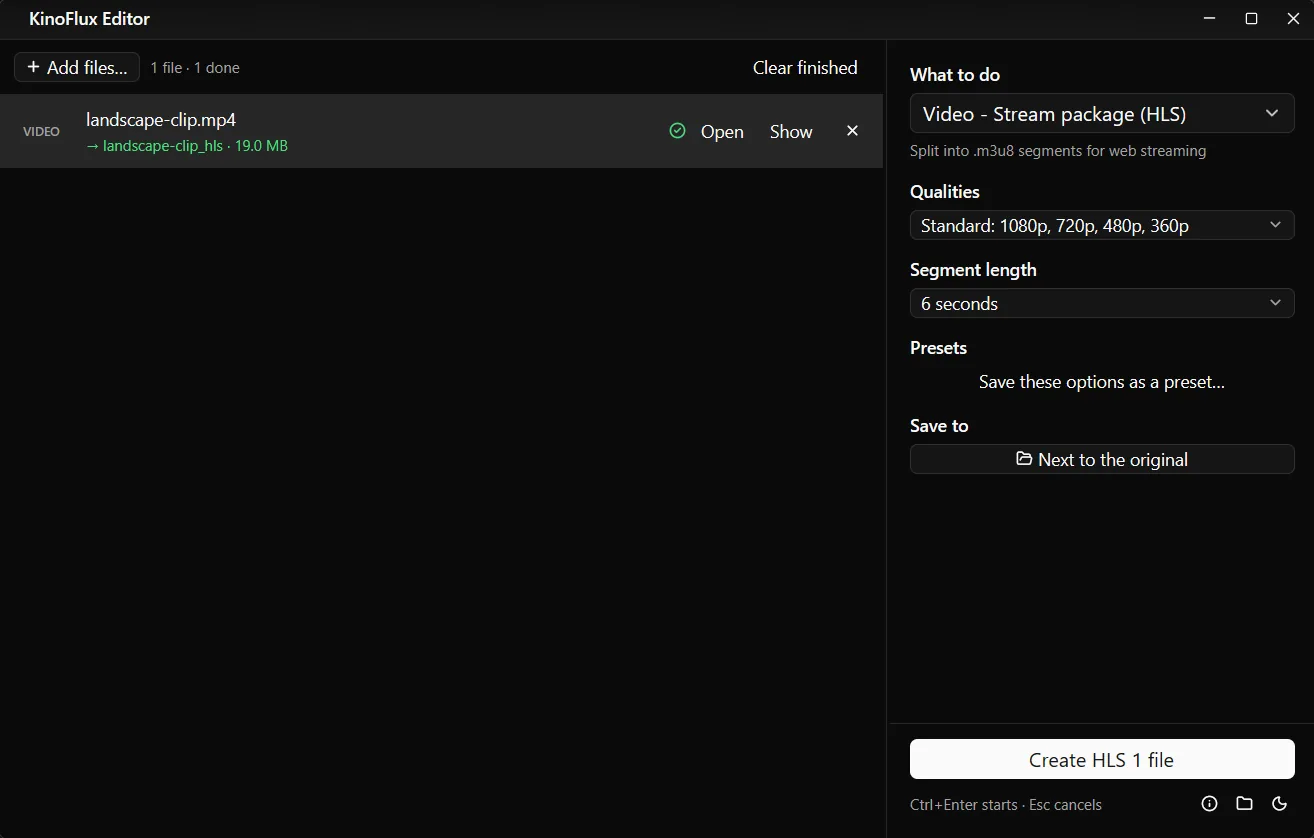
- Start. Press Ctrl+Enter. A folder named
name_hlsis created next to the video. - Upload the folder to your web server and point your player at
master.m3u8.
What is in the folder#
From a 15 second 1080p demo clip, the Standard set produced 17 files, 19 MB in total:
| File | What it is |
|---|---|
| master.m3u8 | The playlist you link to. It lists the four qualities with their size and bandwidth. |
| stream_0.m3u8 to stream_3.m3u8 | One playlist per quality (0 is 1080p, 3 is 360p) |
| stream_0_0000.ts, stream_0_0001.ts ... | The video pieces, three per quality for this clip |
The master playlist looks like this:
#EXTM3U
#EXT-X-VERSION:6
#EXT-X-STREAM-INF:BANDWIDTH=5285876,AVERAGE-BANDWIDTH=5161828,RESOLUTION=1920x1080,CODECS="avc1.640028,mp4a.40.2"
stream_0.m3u8
#EXT-X-STREAM-INF:BANDWIDTH=2930685,AVERAGE-BANDWIDTH=2924979,RESOLUTION=1280x720,CODECS="avc1.64001f,mp4a.40.2"
stream_1.m3u8
...
The qualities in detail#
| Quality | Video bitrate | Sound |
|---|---|---|
| 1080p | about 5,000 kbps | AAC, 128 kbps, stereo |
| 720p | about 2,800 kbps | same |
| 480p | about 1,400 kbps | same |
| 360p | about 800 kbps | same |
| 240p (Mobile set only) | about 400 kbps | same |
All qualities use H.264 video, which every HLS player supports. Qualities taller than your video are left out, so nothing is enlarged. With One quality, the video keeps its height and gets a bitrate to match.
Playing it on a page#
Safari plays HLS on its own:
<video controls src="/videos/landscape-clip_hls/master.m3u8"></video>For other browsers, use a player library such as hls.js or Video.js, or a hosted player that supports HLS. Upload the whole folder and keep the files together: the playlists refer to the segments by name.
Limits#
- No encryption or DRM. The pieces are plain files.
- No captions in the package. Subtitle tracks are not written into the HLS output. Many players can load a separate WebVTT file for captions.
- H.264 only. There is no H.265 or AV1 option for HLS.
- It takes a while. Every quality is encoded separately, so a package takes longer than a single conversion.
- One folder per video. To package several videos, add them all; each gets its own folder.
Related guides#
- Only need a smaller MP4 for a page? Make the video smaller.
- Source in an odd format? Convert to MP4 first.
- Need a poster image for the player? Save a frame as a picture.
All tools are on the KinoFlux Editor page.
Frequently asked questions
Which file do I link in my video player?
master.m3u8. It lists every quality, and the player picks the one that fits the viewer's connection and switches as it changes.
Will it play in every browser?
Safari on Mac and iPhone plays HLS by itself. For other browsers, the safe choice is a small player script such as hls.js or Video.js, which most video player setups already include.
Why are my segments 6.4 seconds, not 6?
Segments can only start on a keyframe. The tool puts a keyframe every 48 frames, which is every 1.6 seconds at 30 fps, so a 6 second target becomes 6.4 seconds. Players handle this without problems.
Does it make a 1080p version from a 720p video?
No. Qualities taller than the source are skipped. A 720p video with the Standard set gets 720p, 480p and 360p.
Is the video encrypted or protected?
No. The segments are plain, unencrypted files. Anyone who can reach the URL can download them.
- hls
- m3u8
- video streaming
- web video