
Fix song titles, artist names and album art in MP3 files
Your music shows up as "Track 2" by "Unknown artist" with no cover, in the car, on the phone and in your player. How to set titles, artist, album, track numbers and cover art for many files at once with KinoFlux Editor, without touching the sound.
Nitiksh4 min readKinoFlux Editor
On this page
Music ripped from old CDs, downloaded from a band's site or exported from a recording app often has missing or wrong tags. The phone shows "Track 2", the car shows "Unknown artist", the albums are mixed up and there is no cover. Fixing it one file at a time in a player's properties dialog is slow.
Audio - Edit tags and cover in KinoFlux Editor sets the same artist, album and cover for a whole batch, takes titles from the file names and numbers the tracks in list order. The sound itself is not touched.
How to edit tags and add a cover#
- Add the songs. Drag the files of one album onto the KinoFlux Editor window, in track order.
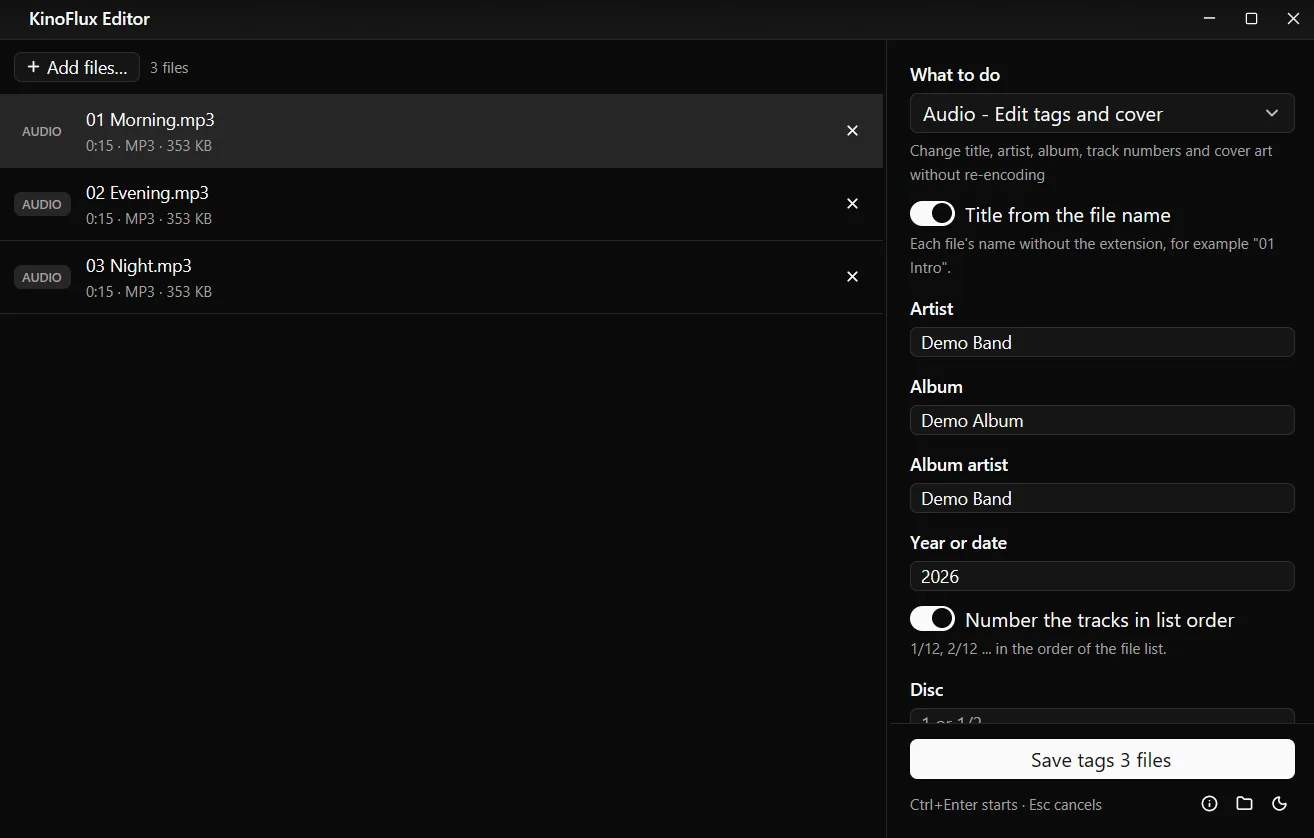
- Pick the tool. Press Ctrl+K (Cmd+K on a Mac), type "tags" and choose Audio - Edit tags and cover.
- Fill in the shared details. Type Artist, Album, Album artist, Year or date and Genre.
- Let the app do titles and numbers. Switch on Title from the file name and Number the tracks in list order.
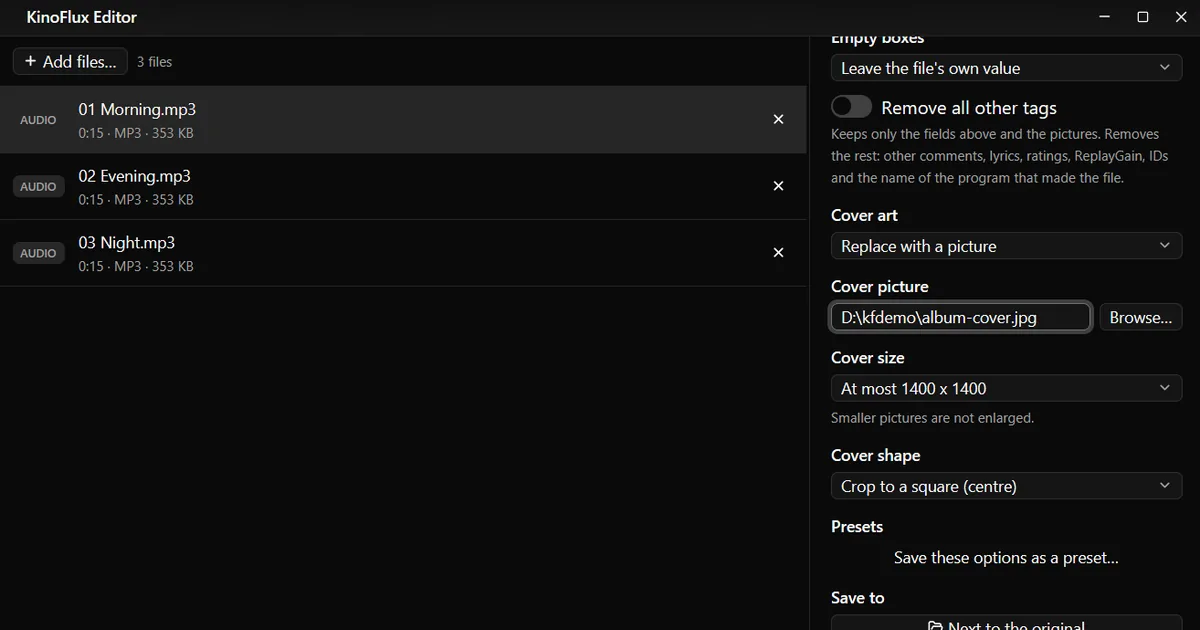
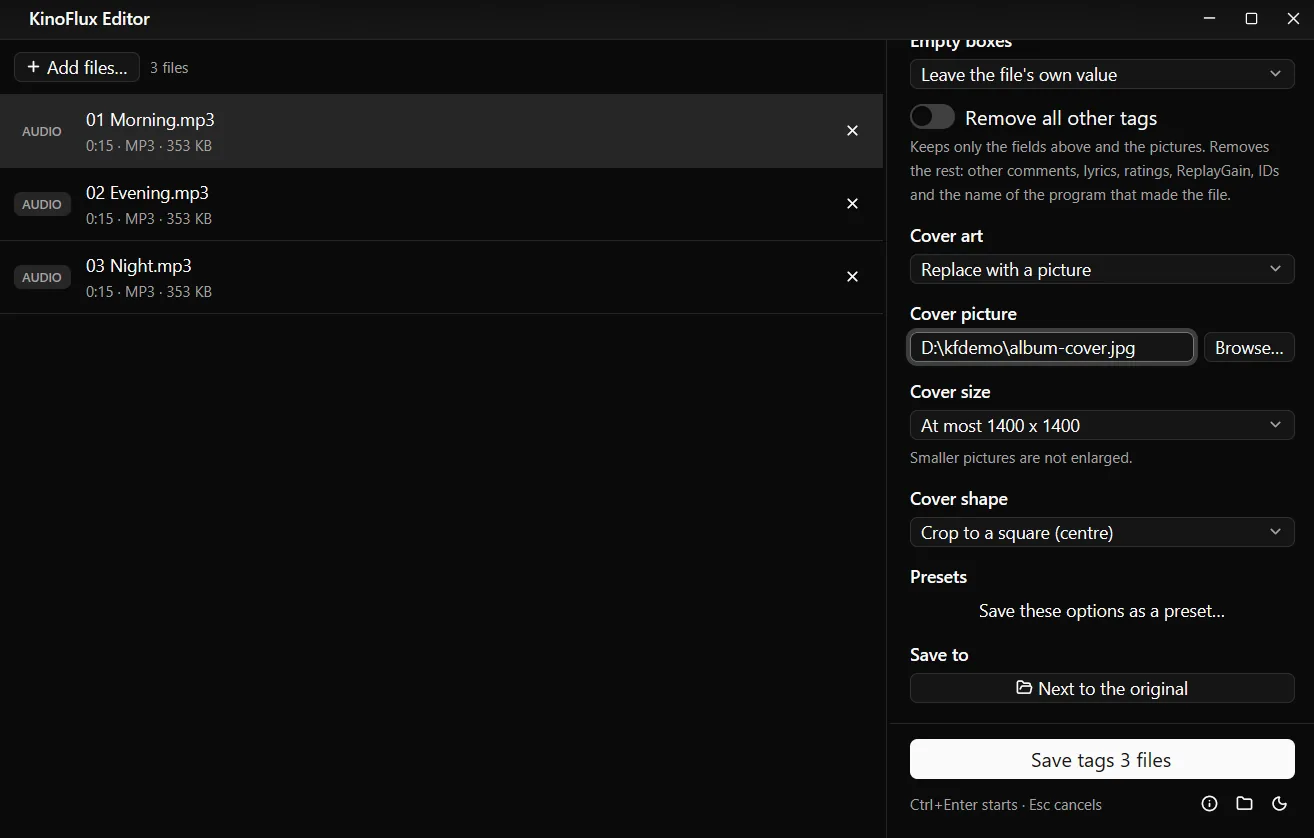
- Add the cover. Scroll down, set Cover art to Replace with a picture and choose the picture with Browse....
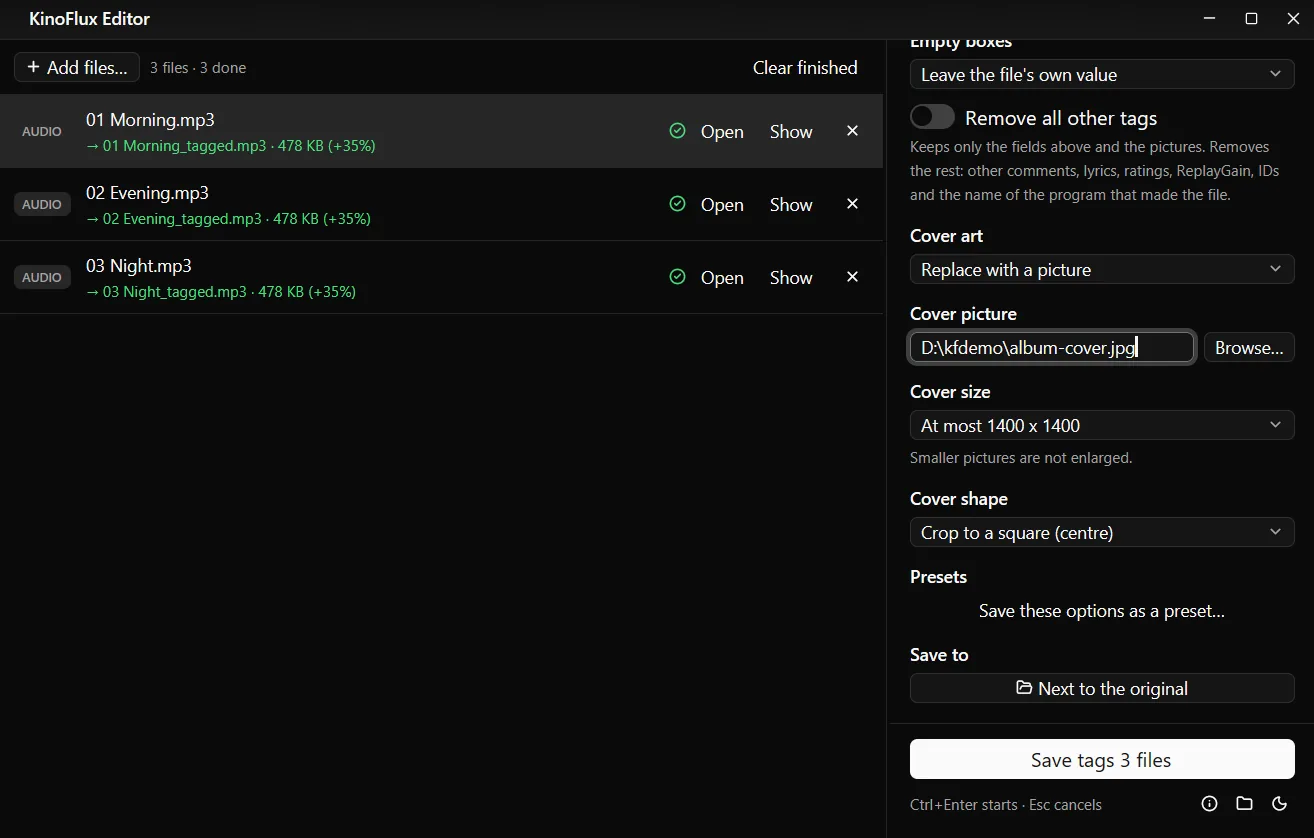
- Start. Press Ctrl+Enter. Each song gets a copy named
name_tagged.
Result#
The three demo songs made for these guides had only a title like "Track 2" and no cover. After the run, 02 Evening_tagged.mp3 held:
| Tag | Before | After |
|---|---|---|
| Title | Track 2 | 02 Evening |
| Artist | none | Demo Band |
| Album | none | Demo Album |
| Album artist | none | Demo Band |
| Year | none | 2026 |
| Track | none | 2/3 |
| Genre | none | Pop |
| Cover | none | JPEG, 1400 x 1400, 123 KB (from a 2000 x 2000 picture) |
Each file went from 353 KB to 478 KB. The difference is the cover picture and the text; the audio part of the file is byte for byte the same.
Options#
| Option | What it does | Default |
|---|---|---|
| Title, or Title from the file name | Sets the title; from the name takes "01 Intro" from "01 Intro.mp3" | off |
| Artist, Album, Album artist, Year or date, Disc, Genre, Composer, Comment | Sets that tag on every file | empty |
| Track, or Number the tracks in list order | 1/12, 2/12 ... in the order of the list | off |
| Empty boxes | Leave the file's own value, or Remove that tag | Leave the file's own value |
| Remove all other tags | Keeps only the fields above and the pictures; removes lyrics, ratings, ReplayGain, IDs and the like | off |
| Cover art | Keep as it is, Replace with a picture, Remove all pictures | Keep as it is |
| Cover size | Original size, at most 3000, 1400, 1000 or 600 px | At most 1400 x 1400 |
| Cover shape | Keep its shape, Crop to a square (centre) | Keep its shape |
1400 x 1400 is a good cover size: sharp on phones and car screens without making every file much bigger. Smaller pictures are not enlarged.
Limits#
- One album per run works best. The shared fields go into every file in the list.
- No online lookup. The app does not fetch titles or covers from the internet. You type them, or take titles from the file names.
- Rename files first if you want clean titles from the names. "01 Intro" becomes the title as it is, number included.
- WMA files are not supported.
- Old ID3v1 tags hold at most 30 Latin letters per field. If a file also has one, the app tells you when a value does not fit.
Related guides#
- Songs in WAV or FLAC? Convert them to MP3 first; text tags carry over.
- Cutting or joining tracks: cut, join and fade audio files.
- A song with its cover as a video for YouTube: turn an MP3 into a video with a picture.
All tools are on the KinoFlux Editor page.
Frequently asked questions
Does editing tags change the sound quality?
No. The tags are written into a copy of the file and the audio data is not decoded or re-encoded. In the test, each file grew by exactly the size of the new tags and the cover picture.
How do I number the tracks?
Put the files in the right order in the list and switch on Number the tracks in list order. The first file becomes 1/12, the second 2/12 and so on.
What if I want to change only the album and keep everything else?
Fill in only Album. With Empty boxes set to Leave the file's own value (the default), every box you leave empty keeps what the file already has.
Will Windows Explorer and car stereos read the tags?
Yes. MP3 files without a tag get ID3v2.3, the version Windows Explorer and most car stereos read. Files that already have an ID3v2.4 tag keep v2.4.
Which formats work?
MP3, M4A, AAC, WAV, FLAC, OGG, Opus and AIFF. WMA is not offered, because its cover picture cannot be written reliably.
- mp3 tags
- album art
- music
- audio tools