

NTXM Logo
++
+
+
+
Hero Silhouette

KINOFLUX

KINOFLUX

VIDEO

KINOFLUX - DESKTOP - PLAYER -

PLAYER

What is It ?

Offline-first video player for Windows 10/11 and macOS Apple Silicon featuring a hardware-accelerated engine for smooth 4K playback. It offers a distraction-free, native dark UI supporting major formats (MKV, MP4, AVI, WebM, MOV) with zero telemetry or data tracking.

Unsigned Binary NoticeAs a solo developer, my installers are currently unsigned. Windows Defender, SmartScreen, or your browser may show a "Windows protected your PC" warning or falsely flag the file as harmful. To proceed, click "More info" → "Run anyway". Use at your own risk.

4kVideo
Playback
100%Local &
Private
Inside the app

Home, library, player, speed, adjust, and privacy. All local.

Screenshots from KinoFlux Player 1.2.0. The same dark UI you see on Windows and on Apple Silicon Macs.

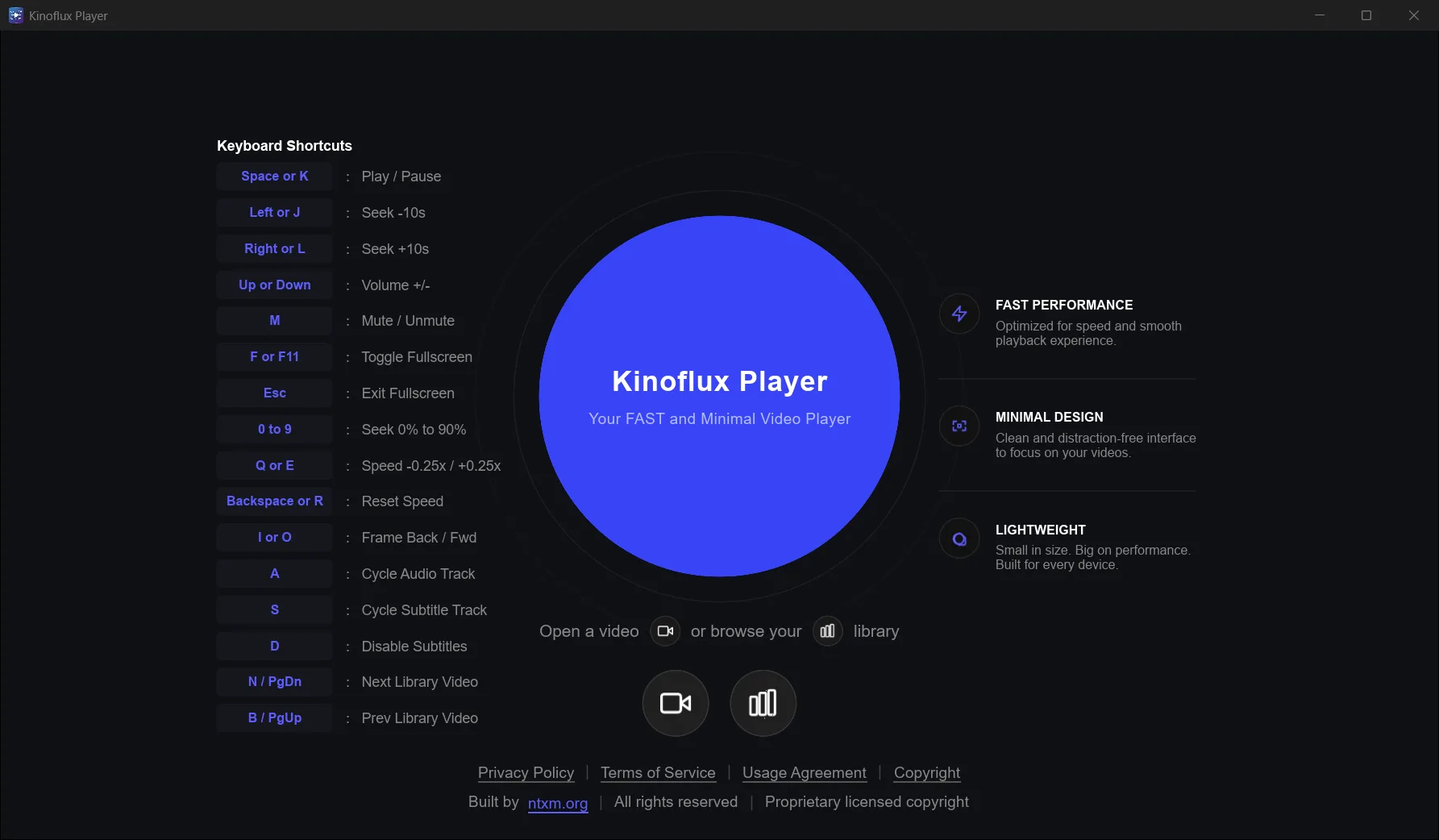
KinoFlux Player home screen with recent videos and quick actions

Home

Open recent videos fast and jump back into what you were watching. A clean start screen keeps the focus on your local library.

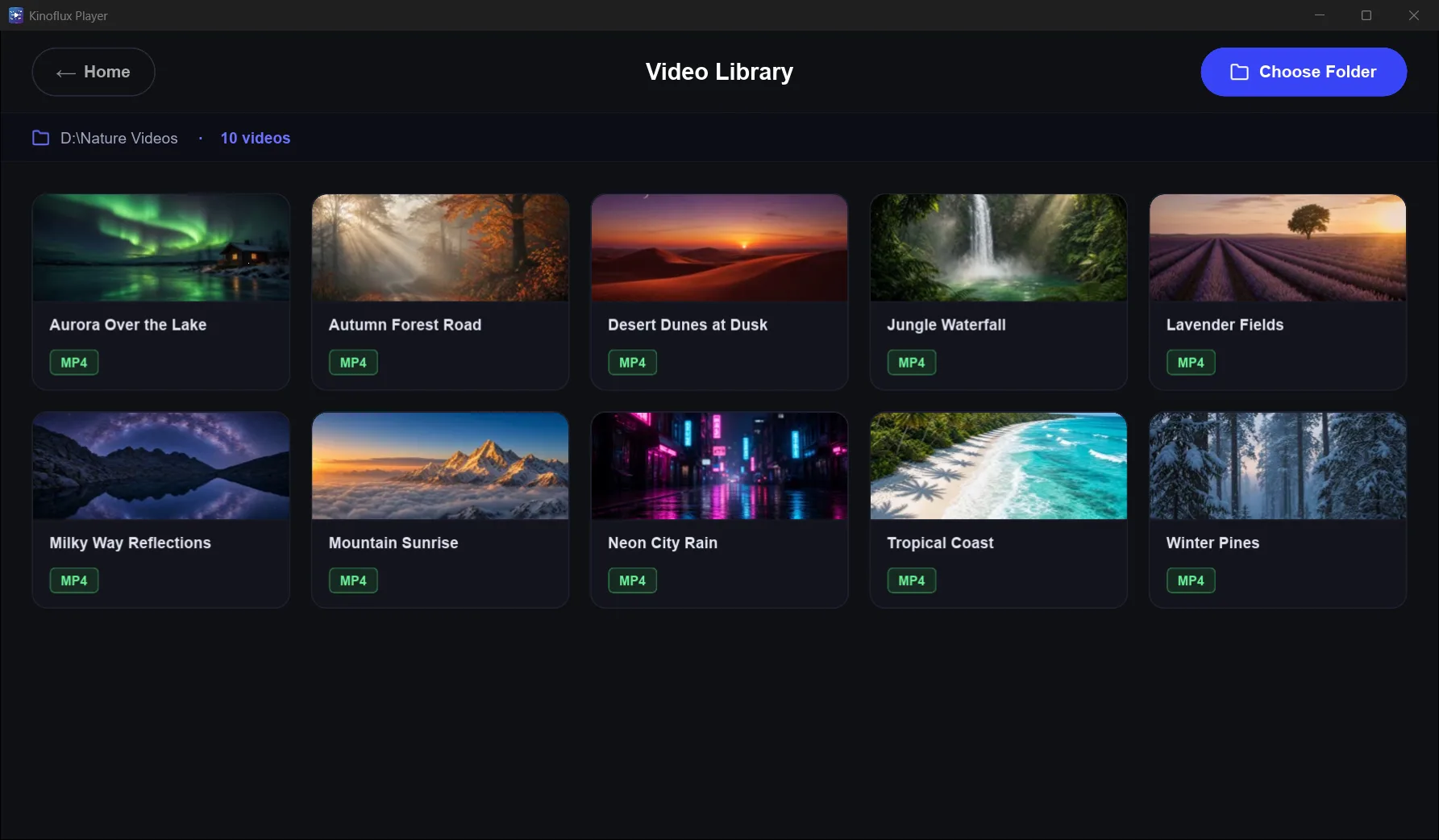
KinoFlux Player library view listing local video files

Library

Browse videos stored on your computer. Folders and files stay local; nothing is synced to a cloud service for playback.

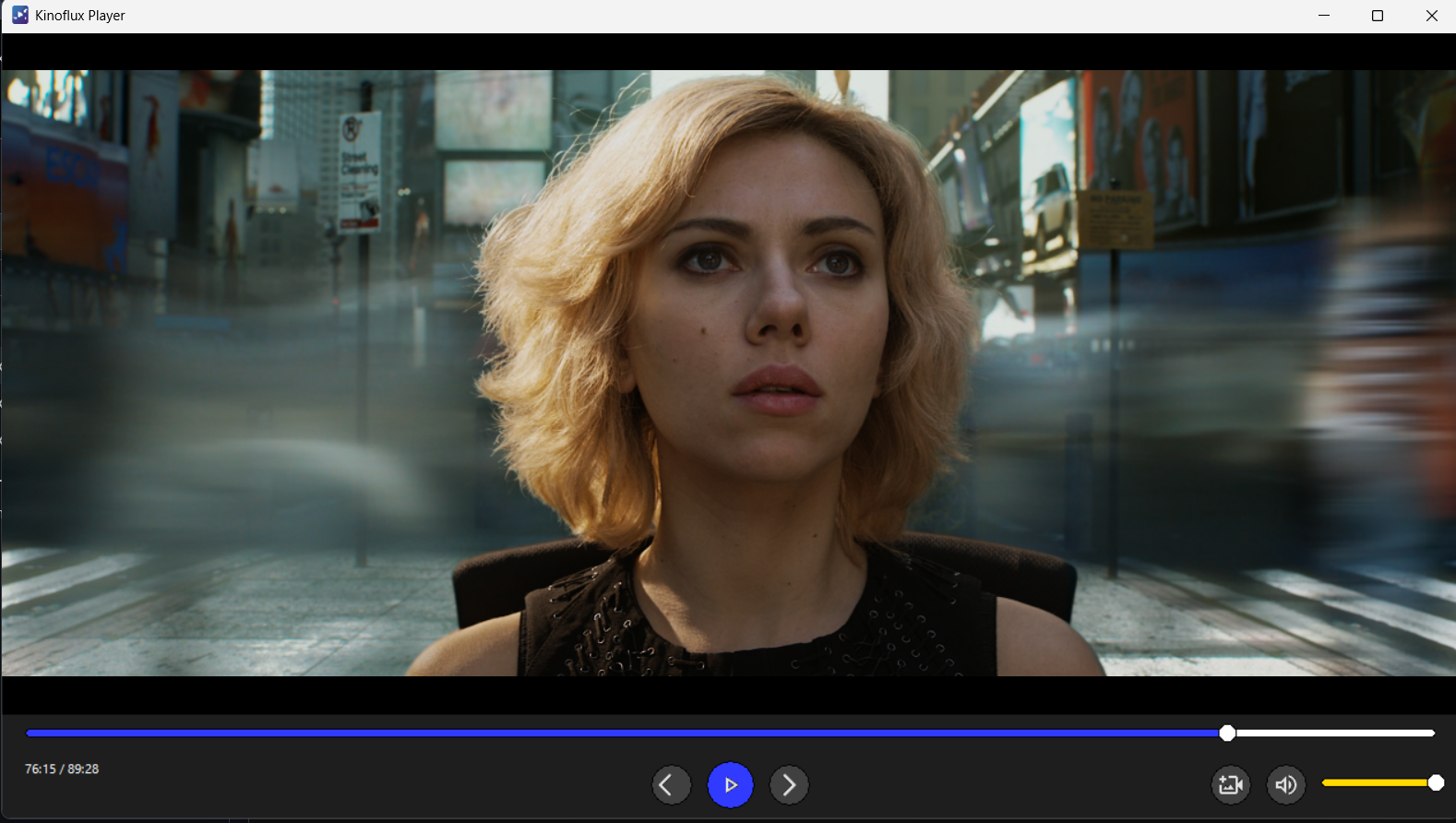
KinoFlux Player playback view with dark minimal controls

Player

A dark, distraction-free playback view with hardware-accelerated decoding for smooth 4K on supported hardware.

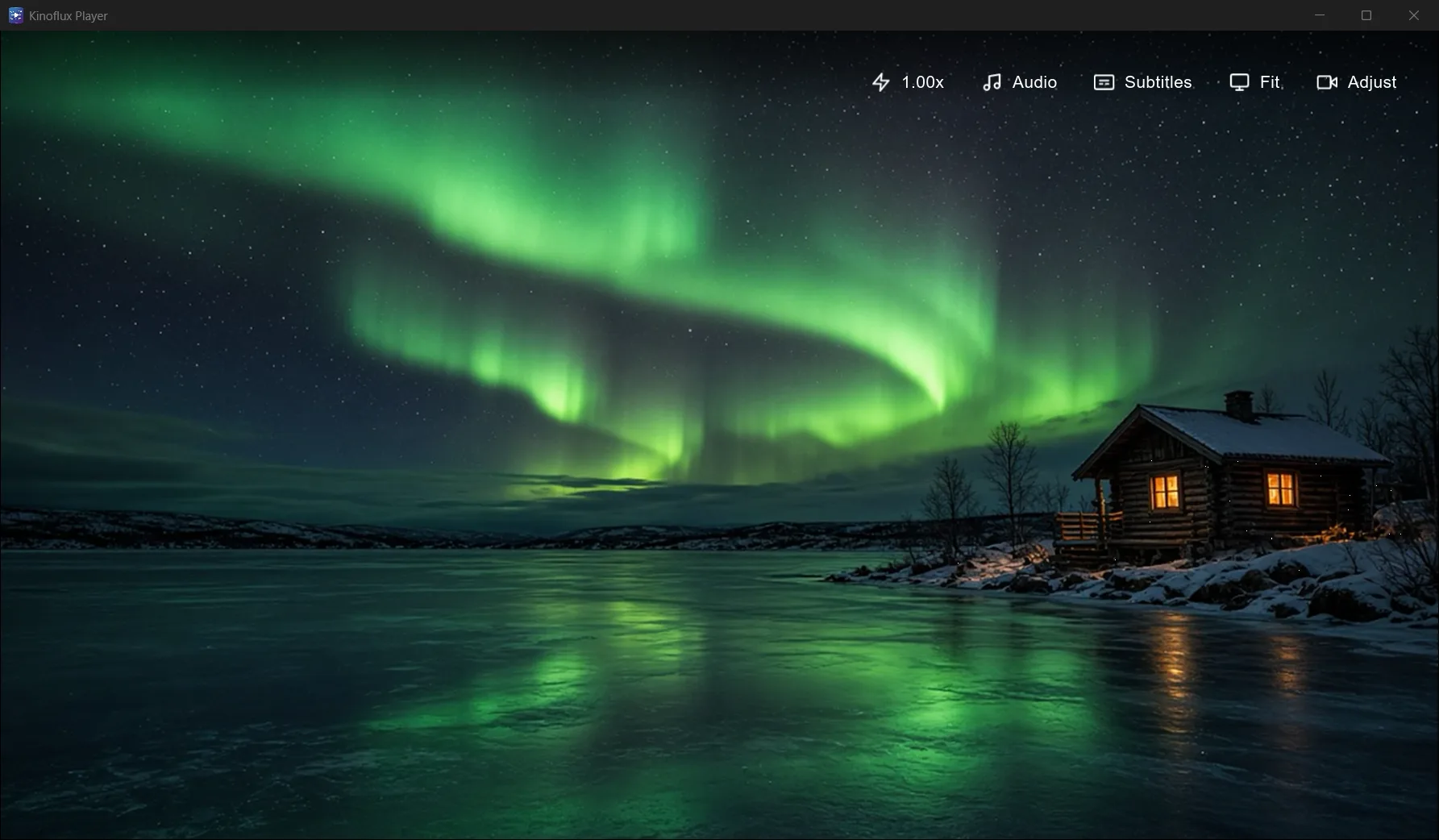
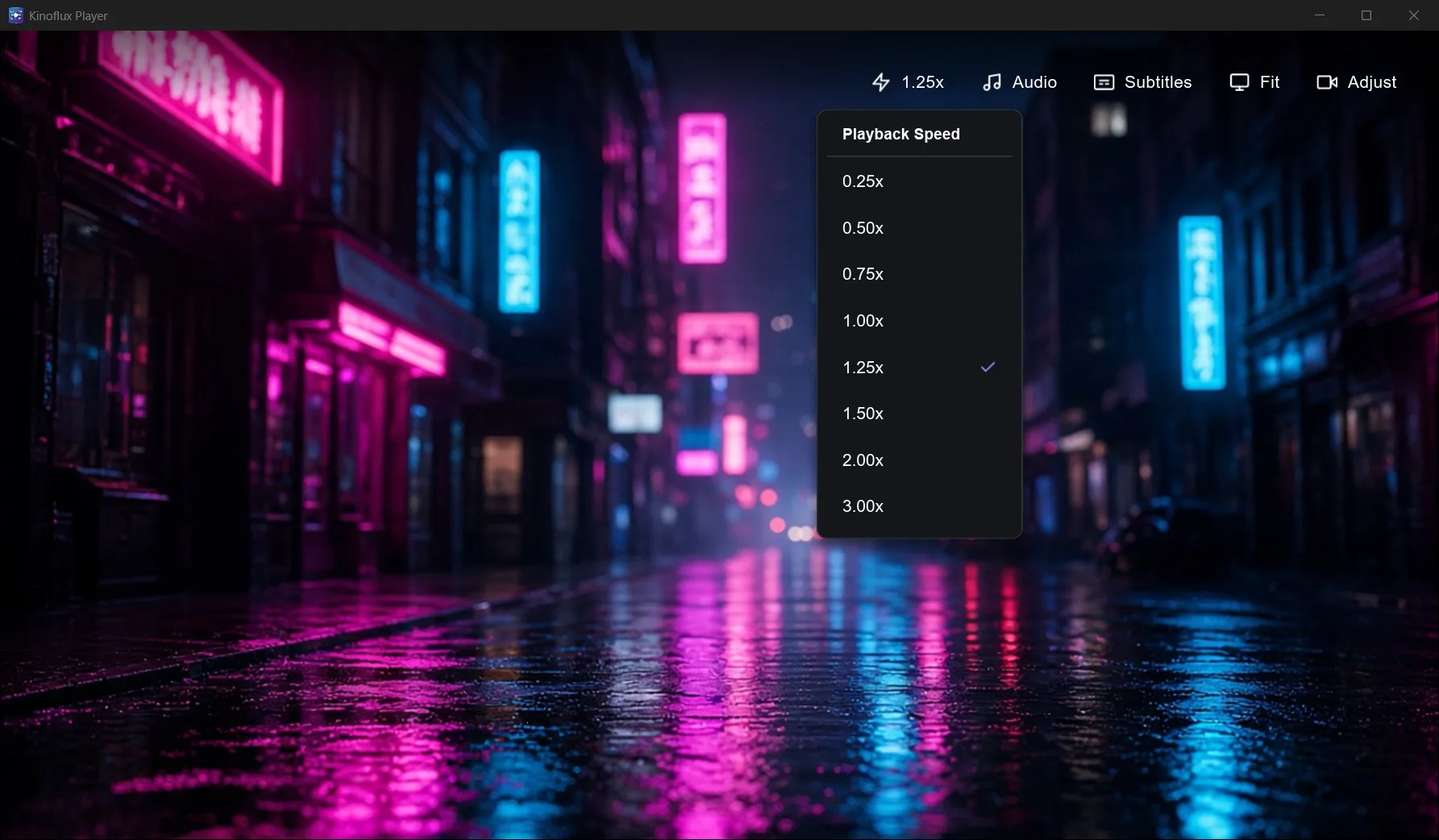
KinoFlux Player playback speed controls

Speed

Change playback speed when you want to skim lectures, review cuts, or slow a scene down without leaving the player.

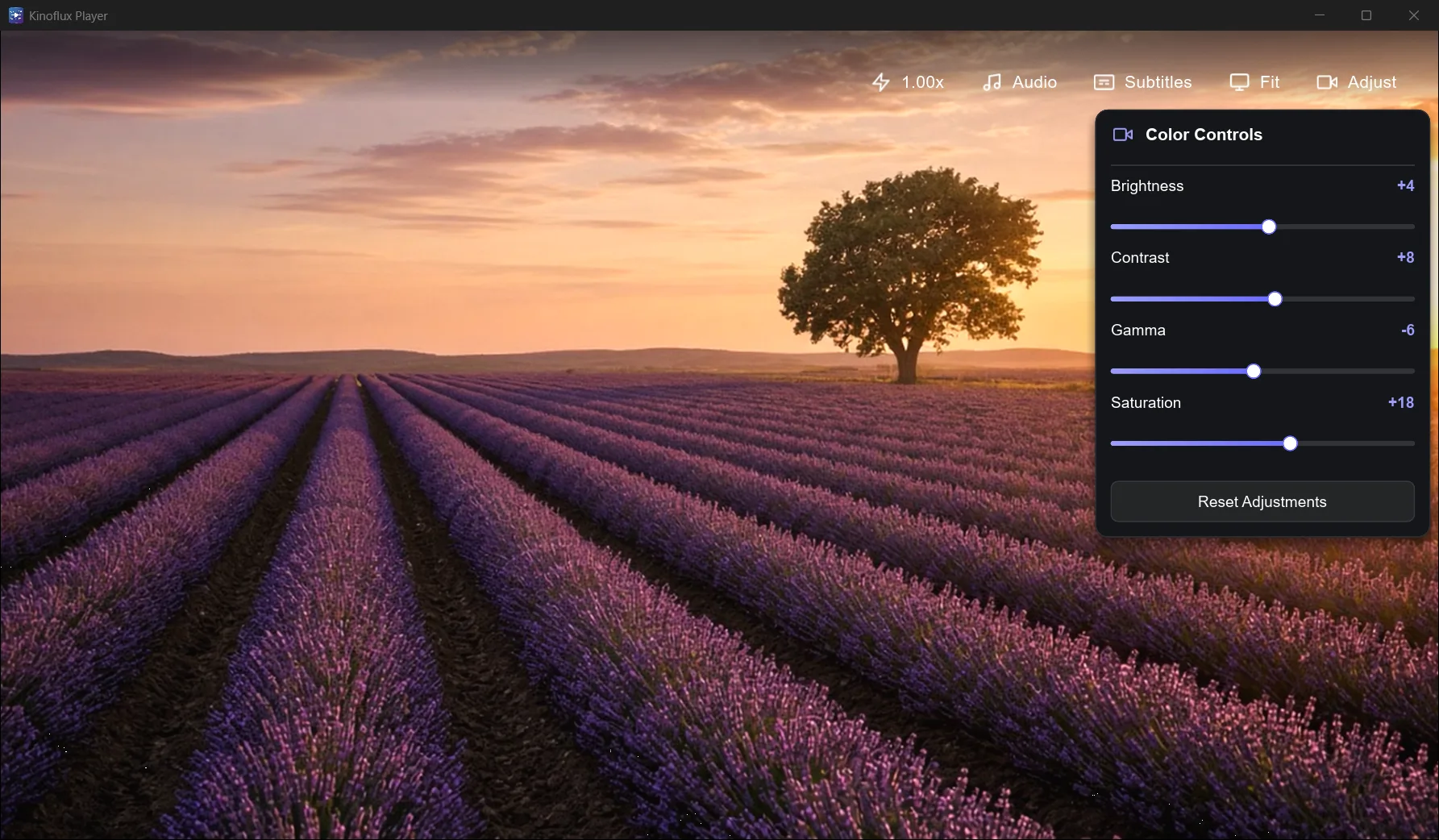
KinoFlux Player picture and audio adjustment panel

Adjust

Tune picture and audio to taste. Controls stay in a compact panel so the video remains the center of the screen.

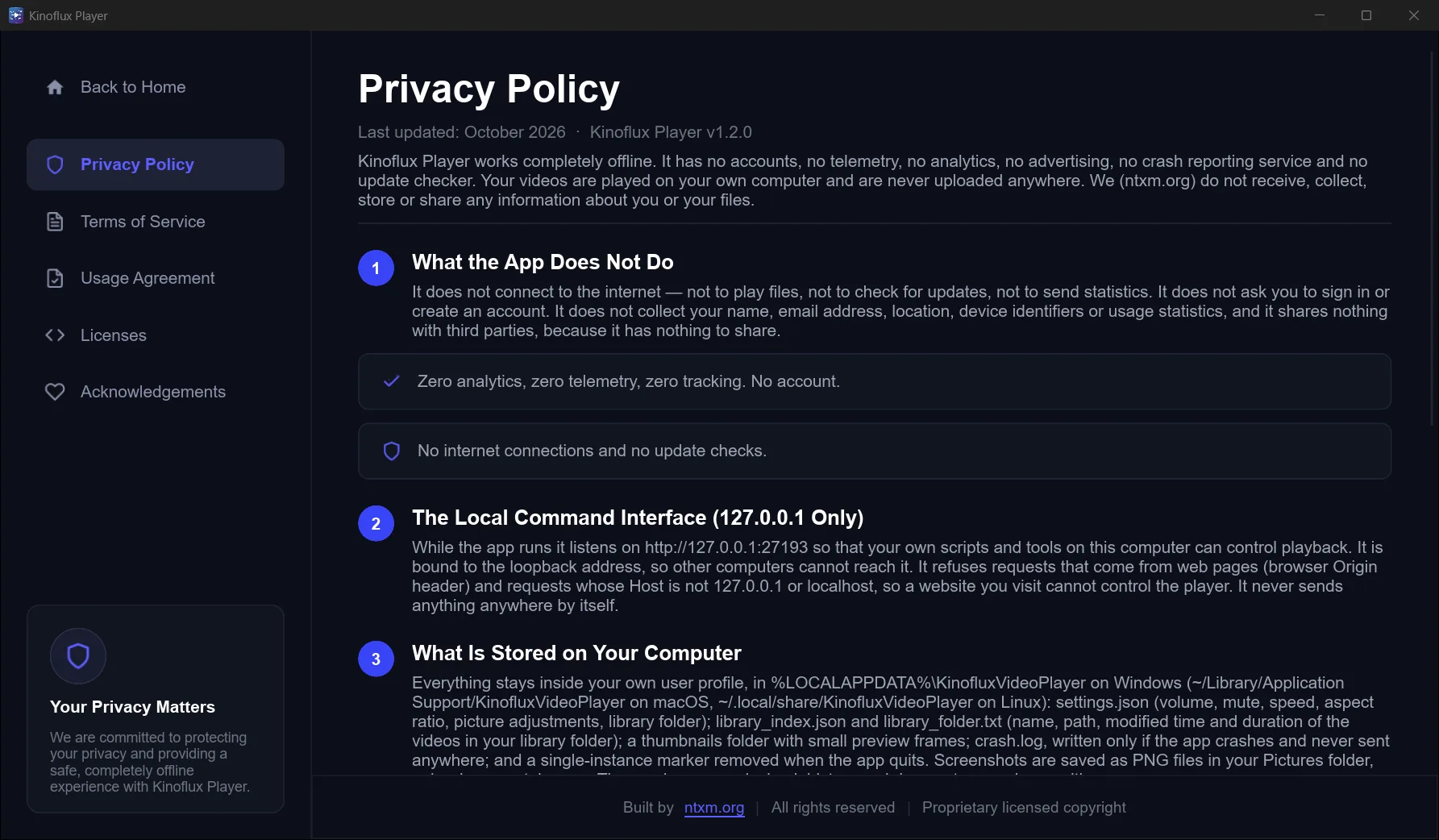
KinoFlux Player privacy settings confirming local-only use

Privacy

Built as an offline local player. No account gate and no telemetry for watching your own files.

Privacy

Offline-first. Your files stay on your machine.

  • Local playback only. Open videos from disk. No upload step to watch a file.
  • No account required. Install and play without signing in.
  • No telemetry for watching. The player is built for private, distraction-free use on Windows and Mac.
KinoFlux Player privacy settings confirming local-only use
Download · v1.2.0

Windows x64 and macOS Apple Silicon

Free proprietary player from ntxm. Install from GitHub Releases or get the Windows build from the Microsoft Store.

Windows

Windows 10 or 11 · 64-bit

Download Windows installer

Kinoflux-Player-Setup-1.2.0-x64.exe · 36.5 MB (38,241,992 bytes)

SHA-256 a865b9566f7a03d2101317dadaff2f2273583578ee6b1b2092db9fe0f2bb4bb4

Get it from Microsoft

Or get it from the Microsoft Store. Listed as KinoFlux Player. Store installs are signed by Microsoft.

  1. Download and run the installer, or install from the Store.
  2. If SmartScreen appears on the direct installer, choose More info, then Run anyway.
  3. Start KinoFlux Player from the Start menu.

macOS

Apple Silicon (M1 or newer)

Download macOS disk image

Kinoflux-Player-1.2.0-macos-arm64.dmg · 33.6 MB (35,202,523 bytes)

SHA-256 11a533a35e9f414fba1a70f1e63ca0f5e55fc488513b7f9245dd85de407b3f6f

  1. Open the .dmg and drag KinoFlux Player into Applications.
  2. If Gatekeeper blocks the first open, right-click the app, choose Open, then confirm.
  3. Play local video files from Finder or from inside the app.

All files: release v1.2.0. Verify SHA-256 before you run a download.

FAQ

Common questions

Is KinoFlux Player free?
Yes. KinoFlux Player 1.2.0 is free to download and use. It is proprietary software from ntxm, not open source.
Does it work offline?
Yes. It is a local player for files on your computer. Playback does not require an internet connection.
What platforms are supported?
Windows 10/11 (64-bit) and macOS on Apple Silicon. Get the Windows installer or the macOS disk image from the release page, or install on Windows from the Microsoft Store.
Does it upload or track my videos?
No. Videos stay on your device. There is no account, no telemetry, and no cloud upload for playback.
Which formats can it play?
Common containers including MKV, MP4, AVI, MOV and WebM, with a hardware-accelerated engine for smooth 4K playback.
Where do I download version 1.2.0?
Windows: https://github.com/ntxmproducts/kinoflux-video-player/releases/download/v1.2.0/Kinoflux-Player-Setup-1.2.0-x64.exe. macOS: https://github.com/ntxmproducts/kinoflux-video-player/releases/download/v1.2.0/Kinoflux-Player-1.2.0-macos-arm64.dmg. Release notes: https://github.com/ntxmproducts/kinoflux-video-player/releases/tag/v1.2.0. Microsoft Store: https://apps.microsoft.com/detail/9PJC13FSD9FJ.