
Offline video player for Windows and Mac: your files stay on the computer
Cloud players and browser tabs upload or stream. KinoFlux Player 1.2.0 plays MKV, MP4 and other local files on Windows and Apple Silicon with no account and no telemetry.
Nitiksh2 min readKinoFlux Player
On this page
Many players today sign you in, sync a library to a cloud, or open a browser that fetches the file from somewhere else. If the videos already sit on your disk, that is the wrong tool.
KinoFlux Player 1.2.0 is a desktop player for local files. You open a video from disk or from the in-app library, and playback stays on your machine. No account, no telemetry for watching, no upload step.
The current release is v1.2.0 on GitHub. The product page has the same downloads and the Microsoft Store badge.
What problem it solves#
- You want to watch MKV or MP4 files without sending them through a website.
- You want a dark, quiet window instead of a browser tab full of chrome.
- You want the same app on Windows and on an Apple Silicon Mac.
- You want install options that include the Microsoft Store (signed) or a plain installer / disk image.
Offline by design#
Playback does not need an internet connection. The privacy screen in the app states local-only use: no account gate and no telemetry for watching your own files.
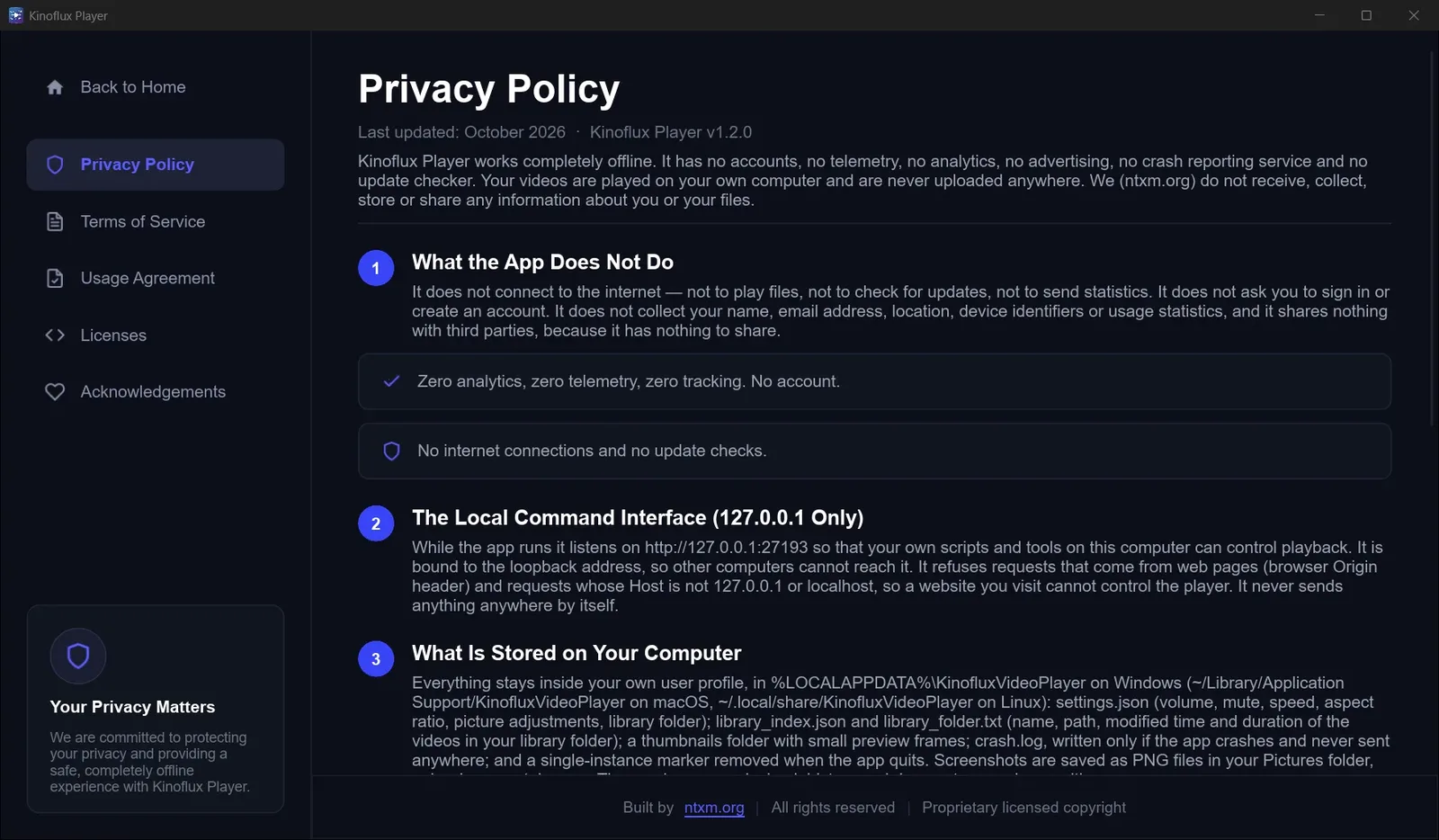
That is the product promise: open files from disk, keep them there.
Home and player#
The home screen shows recent videos and quick actions so you can jump back into what you were watching. The player itself is a dark, minimal view with hardware-accelerated decoding for 4K on supported hardware.
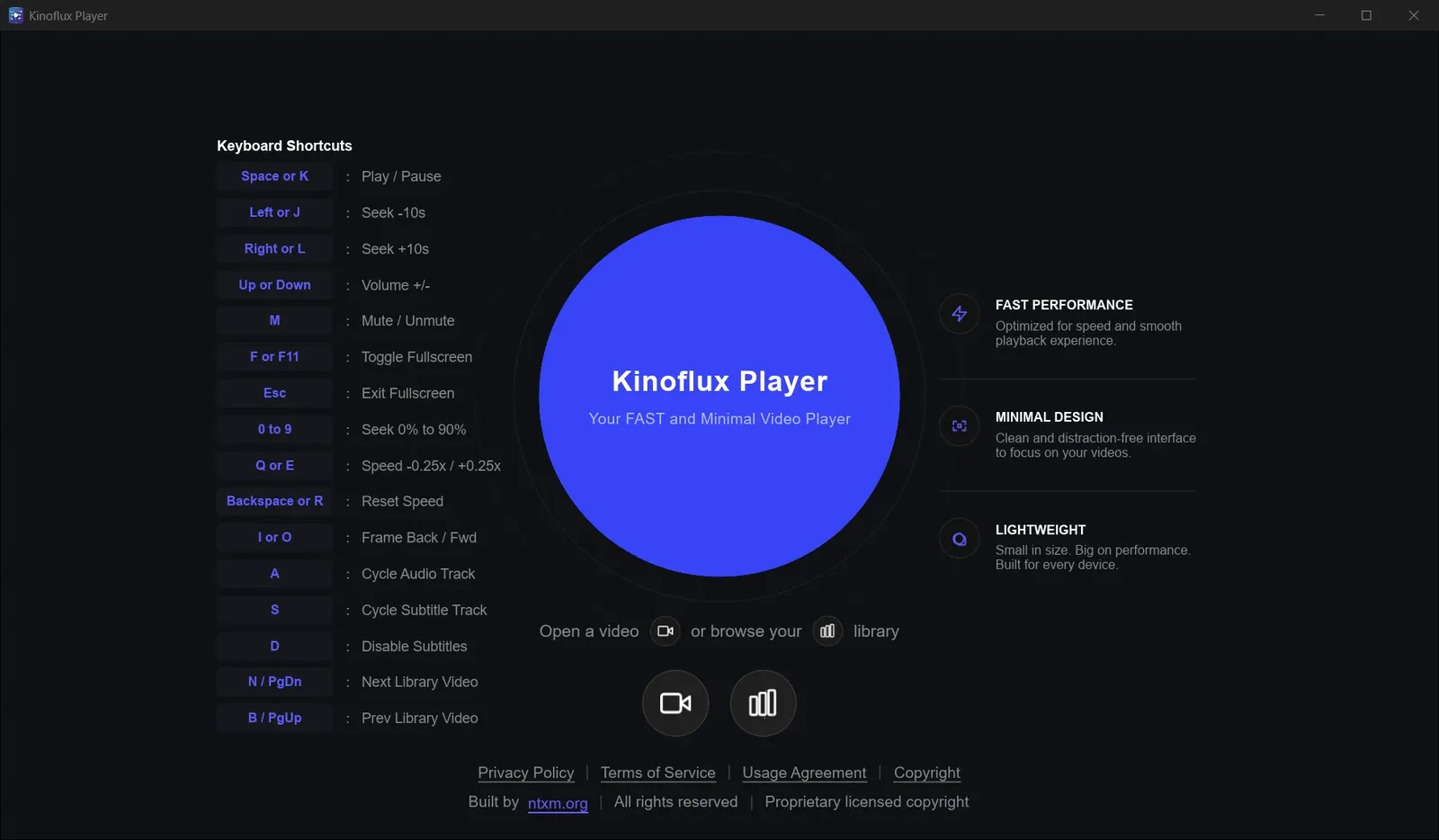
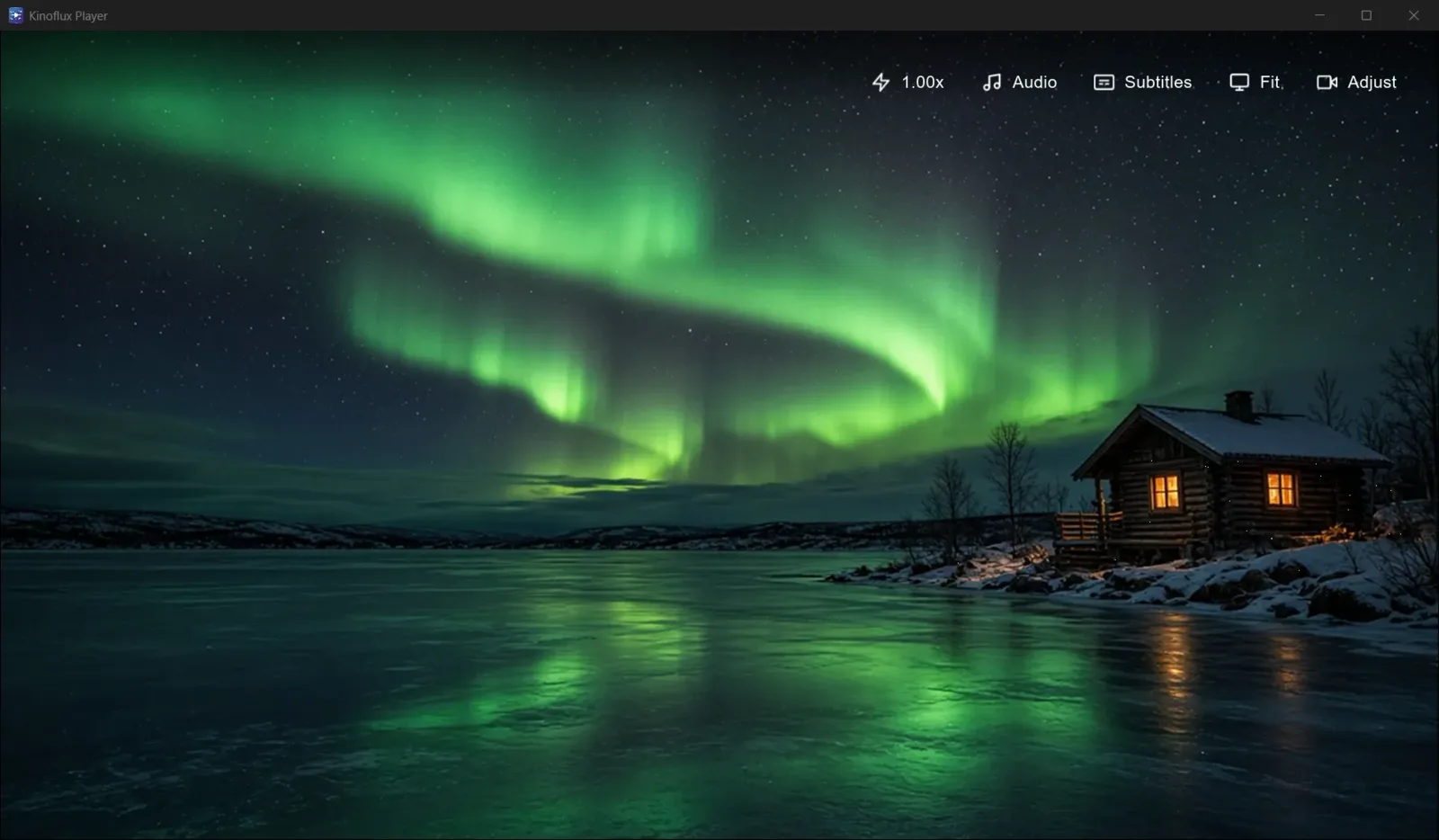
Speed controls, the library, and picture / audio adjust are covered in the playback features guide.
How to get it#
| Platform | File | Size | SHA-256 |
|---|---|---|---|
| Windows x64 | Kinoflux-Player-Setup-1.2.0-x64.exe | 36.5 MB | a865b9566f7a03d2101317dadaff2f2273583578ee6b1b2092db9fe0f2bb4bb4 |
| macOS Apple Silicon | Kinoflux-Player-1.2.0-macos-arm64.dmg | 33.6 MB | 11a533a35e9f414fba1a70f1e63ca0f5e55fc488513b7f9245dd85de407b3f6f |
- Windows installer: direct download
- Windows Store: KinoFlux Player in the Microsoft Store (product ID
9PJC13FSD9FJ) - macOS disk image: direct download
Step-by-step SmartScreen and Gatekeeper notes are in the install guide. For editing, converting or compressing the same files before you watch them, see KinoFlux Editor.
Frequently asked questions
Does KinoFlux Player upload my videos?
No. It plays files that are already on your computer. There is no upload step to watch a video, and no account to sign in.
Is it free?
Yes. KinoFlux Player 1.2.0 is free proprietary software from ntxm. It is not open source.
Which systems does it support?
Windows 10 or 11 (64-bit) and macOS on Apple Silicon (M1 or newer). There is no Intel Mac build in 1.2.0.
Where do I get it?
From the product page, the v1.2.0 release, or the Microsoft Store on Windows.
Which formats can it play?
Common containers including MKV, MP4, AVI, MOV and WebM, with hardware-accelerated decoding for smooth 4K on supported hardware.
- offline video player
- local playback
- privacy
- windows
- macos