
Install KinoFlux Player on Windows and macOS
How to install KinoFlux Player 1.2.0 from the Microsoft Store or the Windows Setup exe, and from the macOS Apple Silicon dmg, including checksum checks and first-start warnings.
Nitiksh2 min readKinoFlux Player
On this page
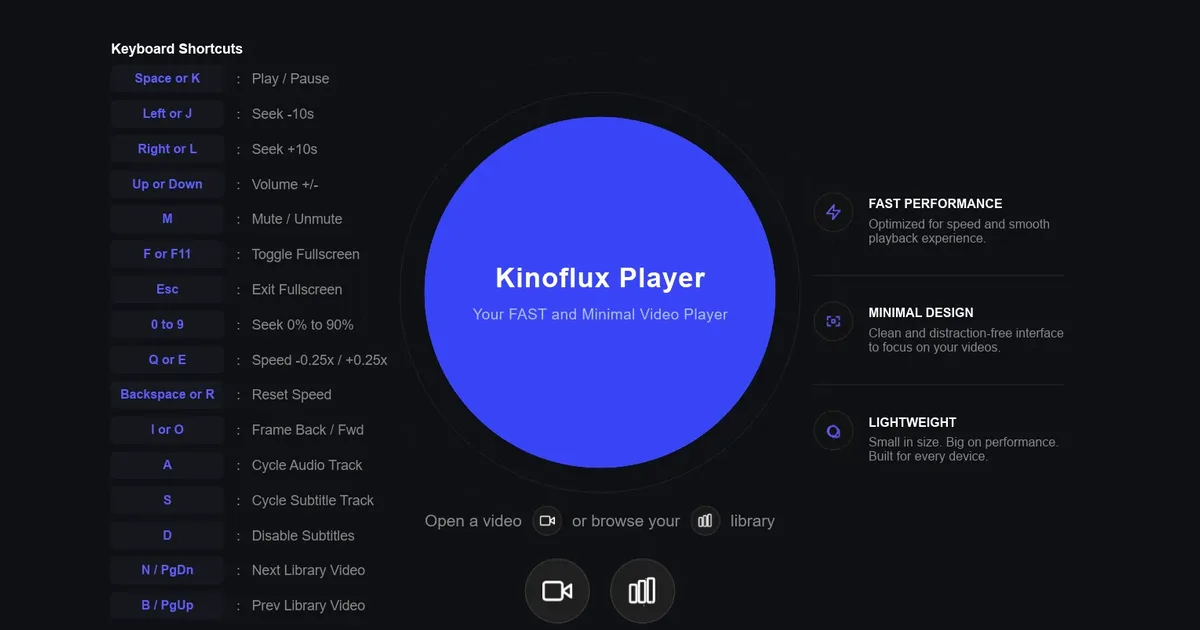
You need a local player installed once, then it works without a browser. KinoFlux Player 1.2.0 ships three install paths: the Microsoft Store on Windows, a Windows Setup exe, and a macOS Apple Silicon dmg.
Download#
Both direct files are attached to the v1.2.0 release:
| File | Size | SHA-256 |
|---|---|---|
Kinoflux-Player-Setup-1.2.0-x64.exe | 36.5 MB | a865b9566f7a03d2101317dadaff2f2273583578ee6b1b2092db9fe0f2bb4bb4 |
Kinoflux-Player-1.2.0-macos-arm64.dmg | 33.6 MB | 11a533a35e9f414fba1a70f1e63ca0f5e55fc488513b7f9245dd85de407b3f6f |
Sizes and hashes match videoplayer/links.ts on this site (verified against the GitHub Releases API on 2026-10-07).
Check the checksum first#
On Windows, in the folder with the download:
certutil -hashfile Kinoflux-Player-Setup-1.2.0-x64.exe SHA256On macOS:
shasum -a 256 Kinoflux-Player-1.2.0-macos-arm64.dmgEvery character must match the table. If it does not, download again from the release page linked above.
Windows: Microsoft Store#
The easiest path on Windows: install from the Microsoft Store listing for KinoFlux Player (product ID 9PJC13FSD9FJ).
- Open the Store page and click Get.
- Wait for the install to finish.
- Start KinoFlux Player from the Start menu.
Store apps are signed by Microsoft, so there is no SmartScreen prompt for the Store package, and the Store can deliver updates.
Windows: Setup exe#
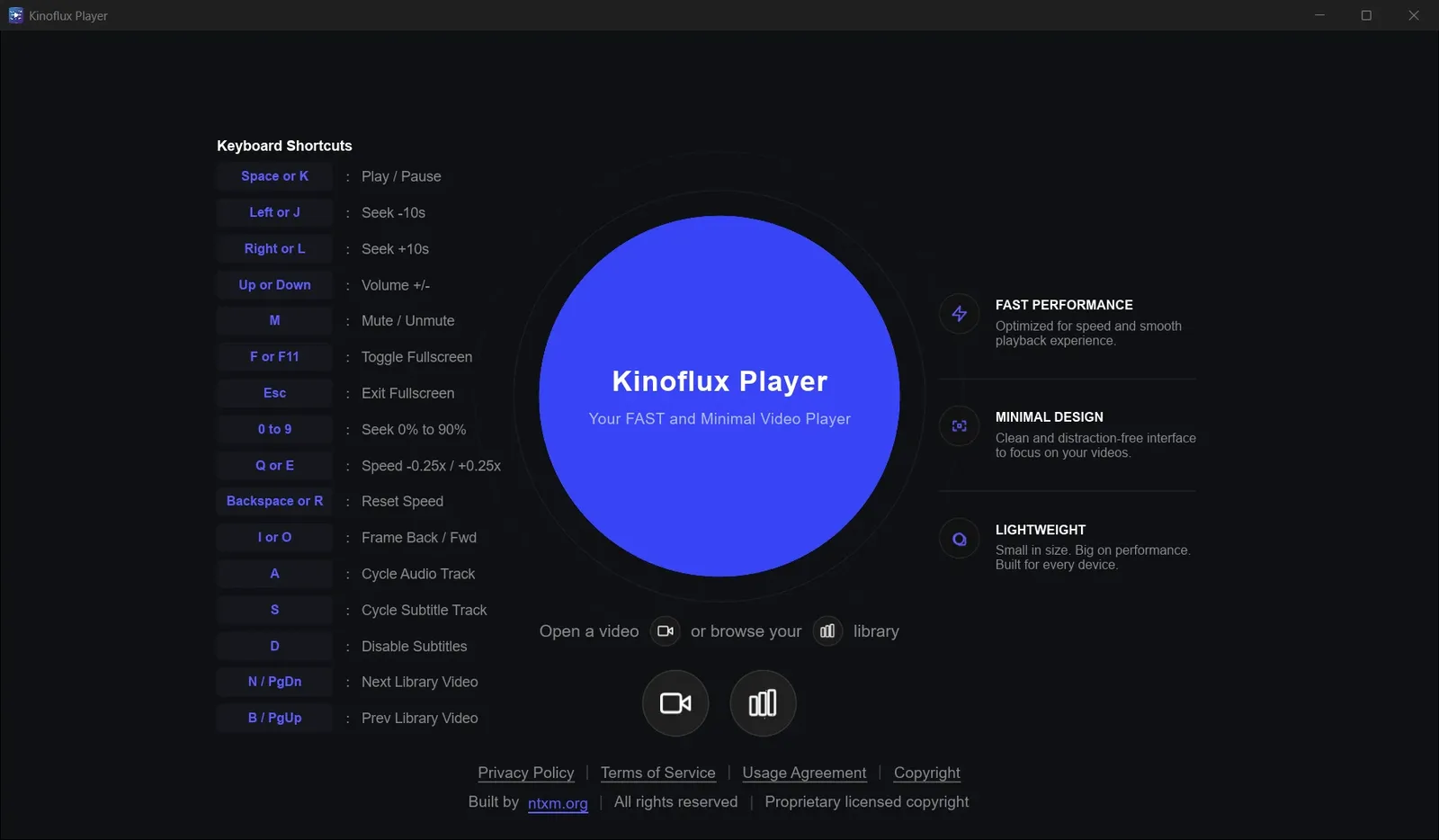
Use this when you prefer a direct installer.
- Download
Kinoflux-Player-Setup-1.2.0-x64.exefrom the release page or the product download section. - Confirm the SHA-256.
- Run the installer. If SmartScreen shows "Windows protected your PC", click More info, then Run anyway.
- Finish the wizard and start KinoFlux Player from the Start menu.
Requirements: Windows 10 or 11, 64-bit.
macOS: Apple Silicon dmg#
This build is for Apple Silicon Macs (M1 and later). There is no Intel build in 1.2.0.
- Download
Kinoflux-Player-1.2.0-macos-arm64.dmg. - Confirm the SHA-256.
- Open the disk image and drag KinoFlux Player into Applications.
- Start it from Applications. If Gatekeeper blocks the first open, right-click the app, choose Open, then confirm.
After install#
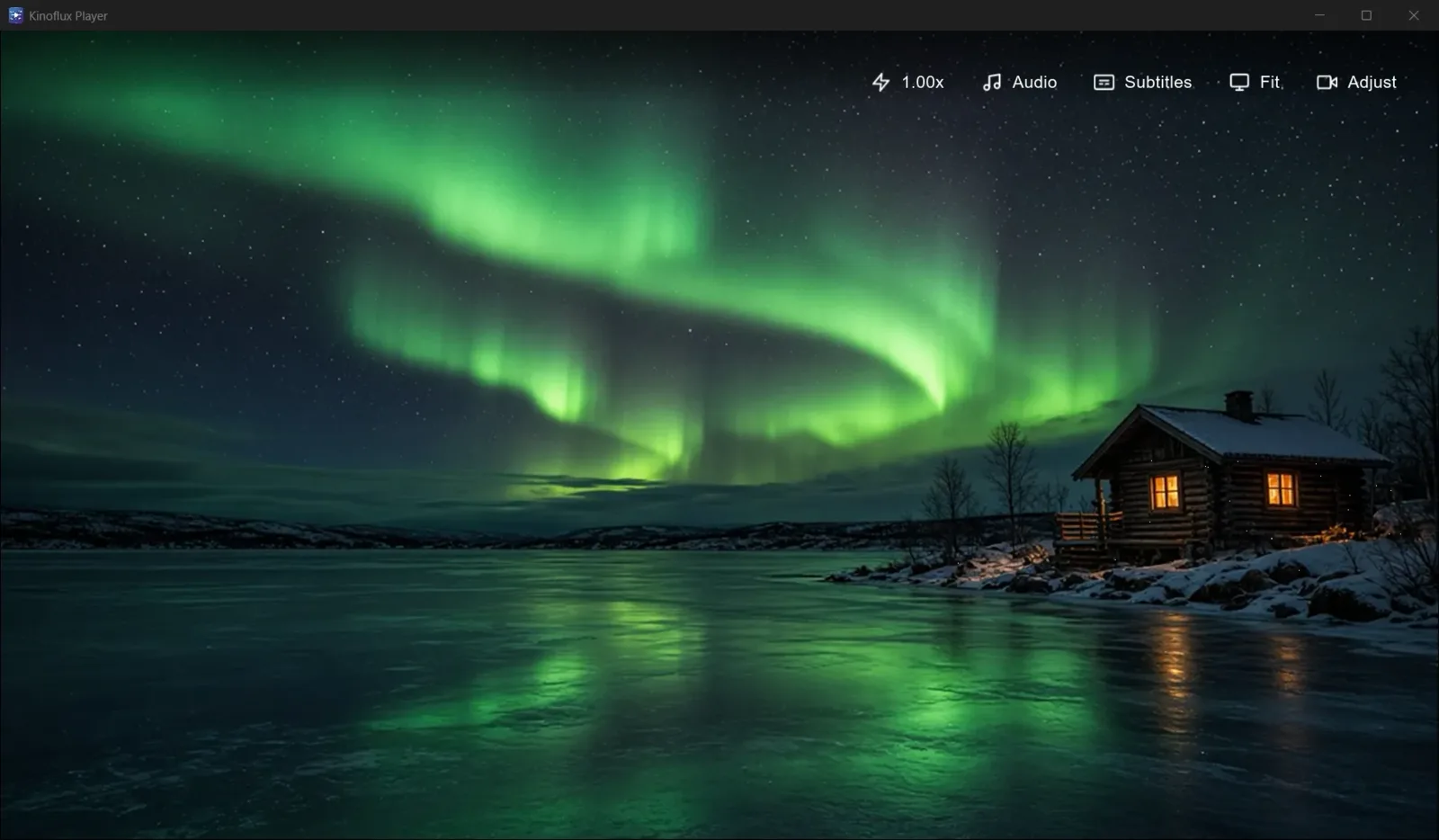
Open a video from disk, from Home, or from the Library. Speed and adjust controls are described in the playback features guide. Why the app stays offline is covered in the offline overview.
Frequently asked questions
Should I use the Microsoft Store or the Setup exe?
Use the Store if you want Microsoft's signature and automatic updates. Use the Setup exe from the release page if you want a plain installer without the Store.
Why does SmartScreen warn on the exe?
Unsigned or newly published installers often trigger SmartScreen. Click More info, then Run anyway after you have checked the SHA-256 against the release page.
Does the Mac build work on Intel Macs?
No. The 1.2.0 disk image is for Apple Silicon (M1 and newer) only.
Where are the official checksums?
In the table below and on the v1.2.0 release page. The product page lists the same files.
- install
- microsoft store
- smartscreen
- gatekeeper
- checksum