
Make a favicon and app icons from one logo
A new website needs favicon.ico, an Apple touch icon, Android icons and a web manifest, and an app needs a dozen icon sizes. How to make all of them from one picture with KinoFlux Editor, offline.
Nitiksh4 min readKinoFlux Editor
On this page
Every website needs a small icon for the browser tab, and phones want bigger ones for the home screen. Doing it properly means favicon.ico with several sizes inside, PNGs at 16, 32, 180, 192 and 512 pixels, a site.webmanifest and the right HTML tags. App icons are worse: iPhone alone wants more than ten sizes.
Image - Make a favicon / icon set in KinoFlux Editor makes the whole set from one logo, in one go, and checks every file afterwards.
How to make website favicons#
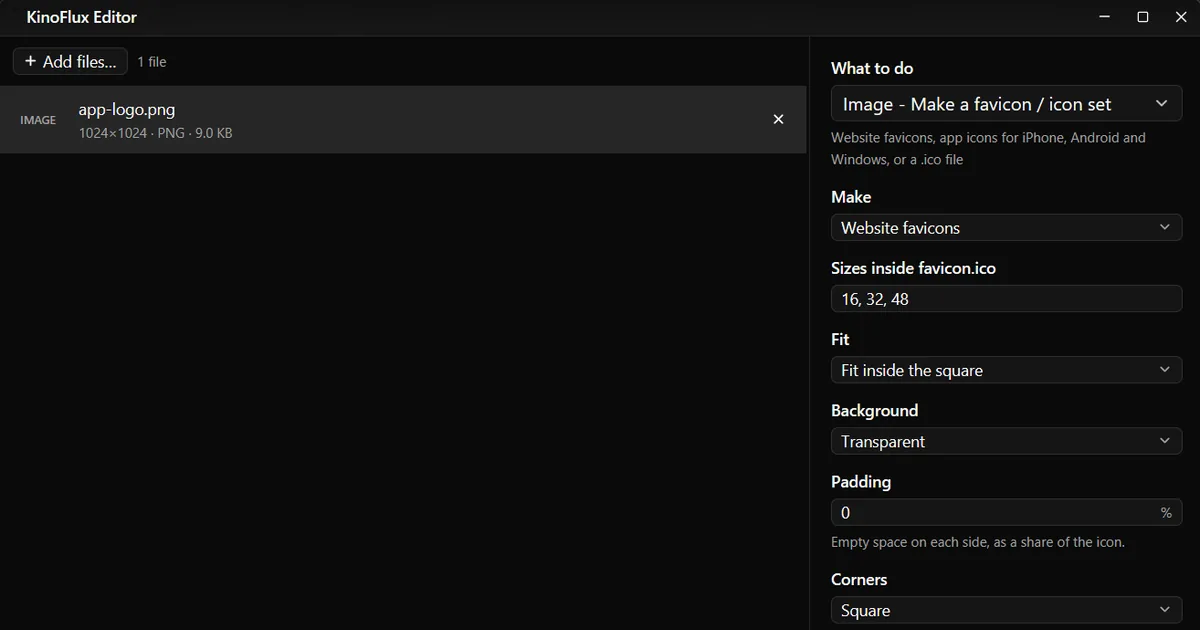
- Add your logo. Drag a square picture, ideally 1024 x 1024 PNG, onto the KinoFlux Editor window.
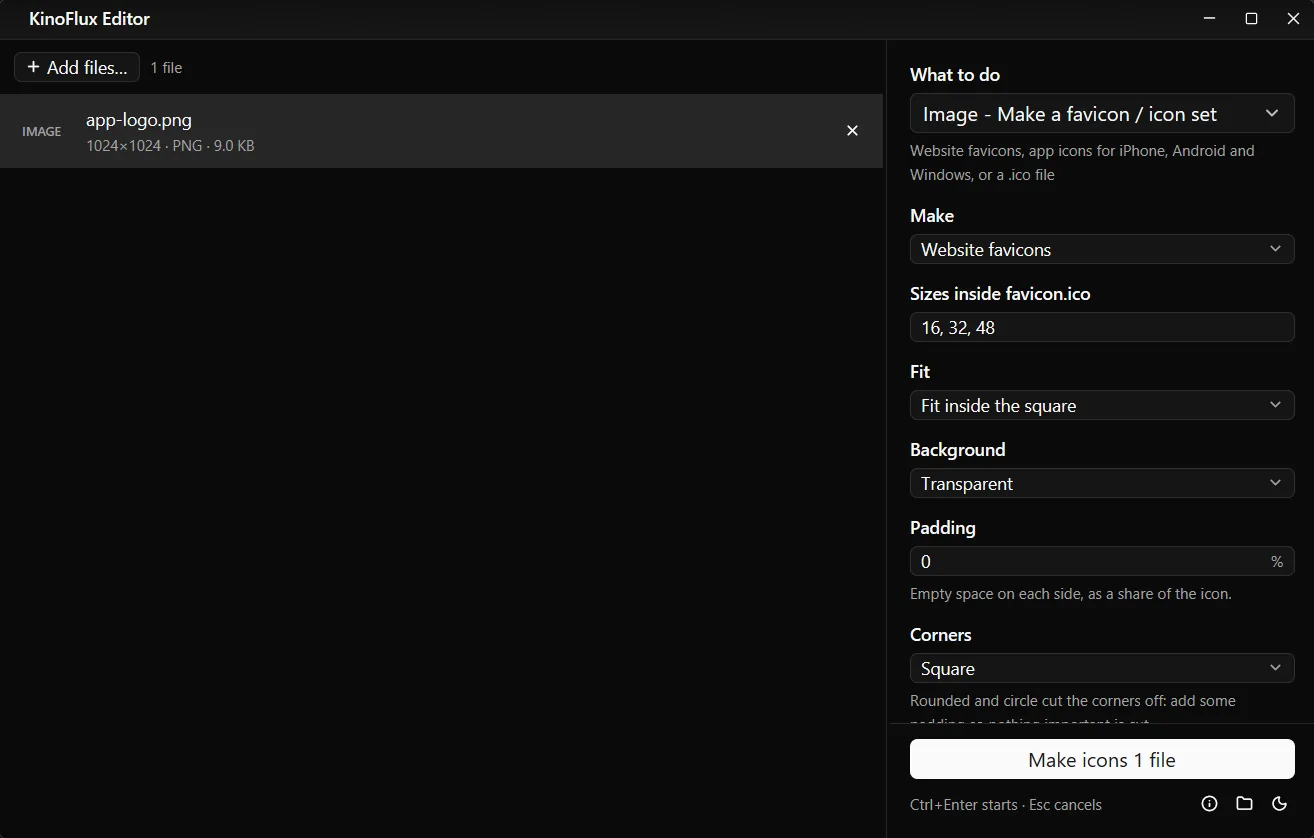
- Pick the tool. Press Ctrl+K (Cmd+K on a Mac), type "favicon" and choose Image - Make a favicon / icon set.
- Keep Website favicons. It is the default under Make.
- Type the site name. Site or app name (for the manifest) goes into site.webmanifest.
- Start. Press Ctrl+Enter. You get a folder named
logo_iconsnext to the logo.
What you get#
From the demo logo made for these guides, with "Demo Site" typed as the name, the folder app-logo_icons (33 KB in total) held:
| File | Size | Used by |
|---|---|---|
| favicon.ico | 15 KB, holds 16, 32 and 48 px | Every browser |
| favicon-16x16.png, favicon-32x32.png | under 1 KB each | Modern browser tabs |
| apple-touch-icon.png | 180 x 180 | iPhone and iPad home screen |
| android-chrome-192x192.png, android-chrome-512x512.png | 4 KB and 7 KB | Android home screen, installed web apps |
| site.webmanifest | name, icons, colours | Android and installed web apps |
| head-snippet.html | 5 lines | Paste into your pages |
The HTML to paste, exactly as the tool wrote it:
<link rel="icon" href="/favicon.ico" sizes="16x16 32x32 48x48">
<link rel="icon" type="image/png" sizes="32x32" href="/favicon-32x32.png">
<link rel="icon" type="image/png" sizes="16x16" href="/favicon-16x16.png">
<link rel="apple-touch-icon" sizes="180x180" href="/apple-touch-icon.png">
<link rel="manifest" href="/site.webmanifest">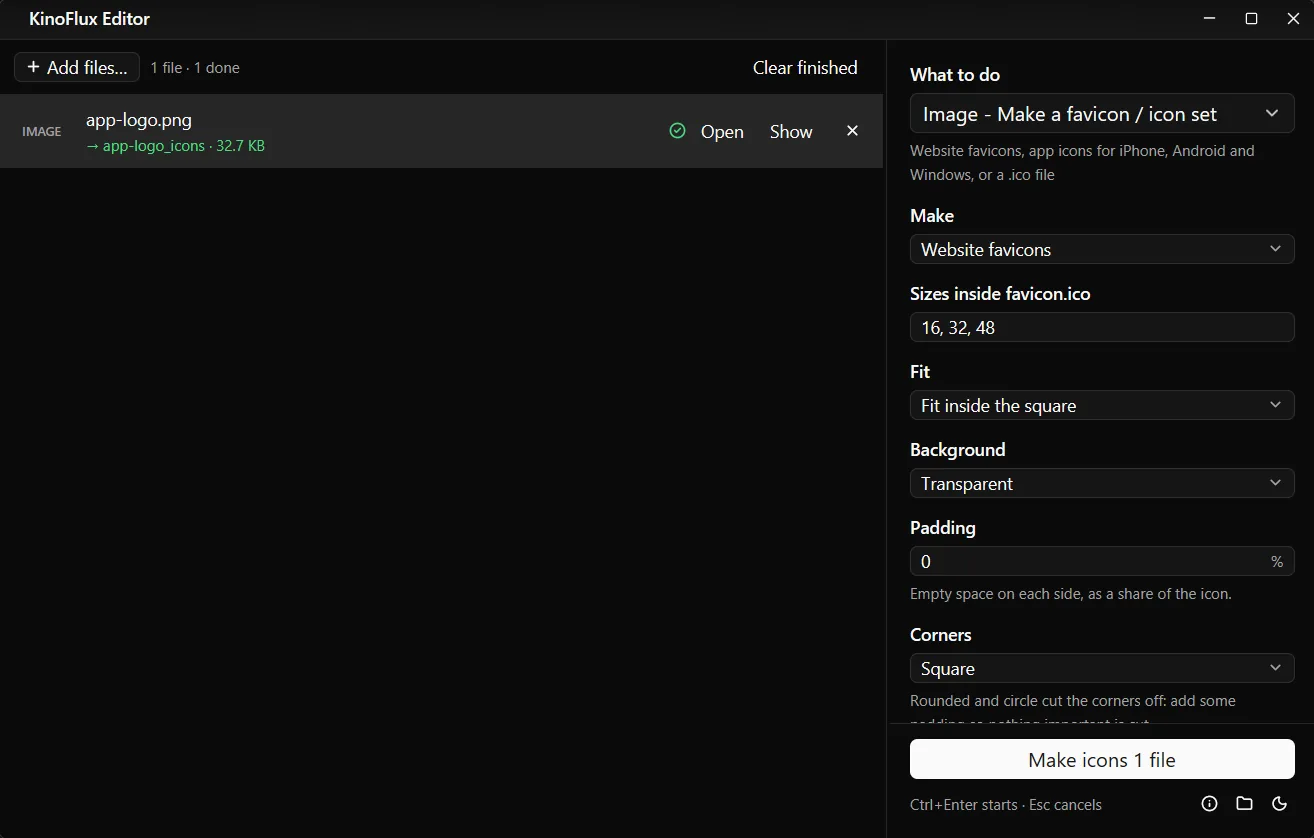
App icons for iPhone, Android and Windows#
Set Make to App icons (iPhone, Android, Windows). The folder then holds:
- ios/: AppIcon PNGs at 20, 29, 40, 58, 60, 76, 80, 87, 120, 152, 167, 180 and 1024 px.
- android/: ic_launcher.png in mipmap-mdpi (48), hdpi (72), xhdpi (96), xxhdpi (144) and xxxhdpi (192), plus play-store-512.png.
- windows/: Square44x44Logo, Square150x150Logo, Square310x310Logo and app.ico.
Two more choices: Only a Windows .ico file, and Custom sizes for any list of square PNGs up to 4096 px, optionally also packed into one .ico (sizes above 256 are left out of the .ico, the most it holds).
Options#
| Option | Choices | Default |
|---|---|---|
| Make | Website favicons, App icons (iPhone, Android, Windows), Only a Windows .ico file, Custom sizes | Website favicons |
| Sizes inside favicon.ico | list of sizes | 16, 32, 48 |
| Fit | Fit inside the square, Fill the square (crop the edges) | Fit inside the square |
| Background | Transparent, White, Black, Custom colour... | Transparent |
| Padding | 0 to 40% empty space on each side | 0% |
| Corners | Square, Rounded, Circle | Square |
| Solid background for Apple icons | on or off | on |
| Also write site.webmanifest and the HTML to paste | on or off | on |
| Site or app name (for the manifest) | text | empty |
Tips#
- Simple shapes work best. At 16 pixels, text and fine lines disappear. A bold letter or symbol reads better than a full logo.
- Rounded or Circle cut the corners. Add 8 to 12% padding so nothing important is cut off.
- Check the tab. After uploading, open the site in a private window; browsers cache favicons for a long time.
Limits#
- One picture for every size. You cannot give a simpler drawing for the 16 px icon and a detailed one for 512 px.
- No Xcode or Android Studio project files. You get the PNGs in folders; adding them to a project is up to you.
- The manifest colour is the background colour (white when transparent). Edit site.webmanifest by hand for another theme colour.
Related guides#
- Exact sizes for social media pictures: resize and crop images.
- Logo in WebP or HEIC? Convert it to PNG first, or use it directly.
- Putting the logo on a video: add a logo watermark to a video.
All tools are on the KinoFlux Editor page.
Frequently asked questions
What size should the logo be?
Square and at least 512 x 512 pixels. 1024 x 1024 is ideal because the app icon set includes a 1024 icon. A non-square picture is fitted inside the square or cropped, depending on Fit.
Why are my Apple icons on a white square?
iPhone and iPad show see-through parts as black, and the App Store refuses a see-through 1024 icon. With Solid background for Apple icons on (the default), Apple icons get the background colour, or white when it is transparent. Switch it off if you really want transparency.
How do I make only a .ico file?
Set Make to Only a Windows .ico file. By default it holds 16, 24, 32, 48, 64, 128 and 256 pixel pictures; Windows picks the size it needs.
Can I make an icon from an SVG?
Yes. SVG is one of the accepted inputs, along with PNG, JPG, WebP and the other common picture formats.
Where do I put the files on my website?
In the root of the site, next to index.html. Then paste the lines from head-snippet.html into the head of your pages.
- favicon
- icons
- web development
- image tools