
Add your logo to a video, in a corner and see-through
Your clips get reposted without credit, or every video for your channel needs the same small logo in the corner. How to put a logo on a video with the right size, position and opacity, offline, with KinoFlux Editor.
Nitiksh3 min readKinoFlux Editor
On this page
You post a video and a day later it is on another account with no credit. Or you make videos for a channel or a client and each one needs the same small logo in the same corner. Phone apps add their own watermark, and online tools want an upload and often a sign-up.
Video - Add a logo in KinoFlux Editor places your logo picture on the video, on your computer, with control over position, size, opacity and timing.
How to add a logo to a video#
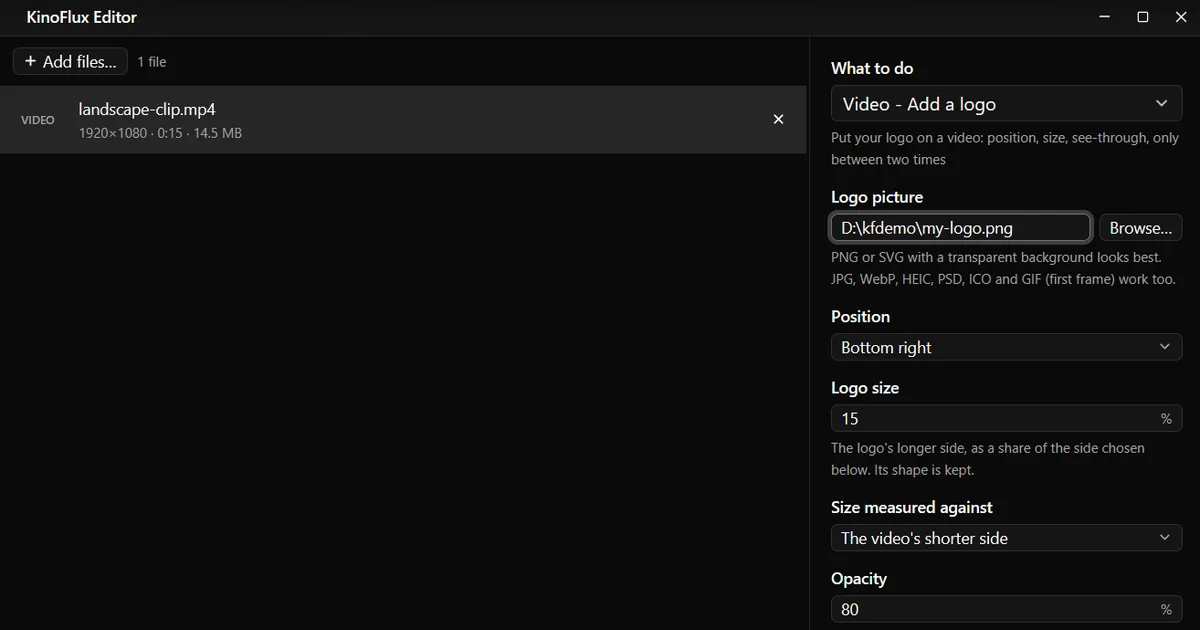
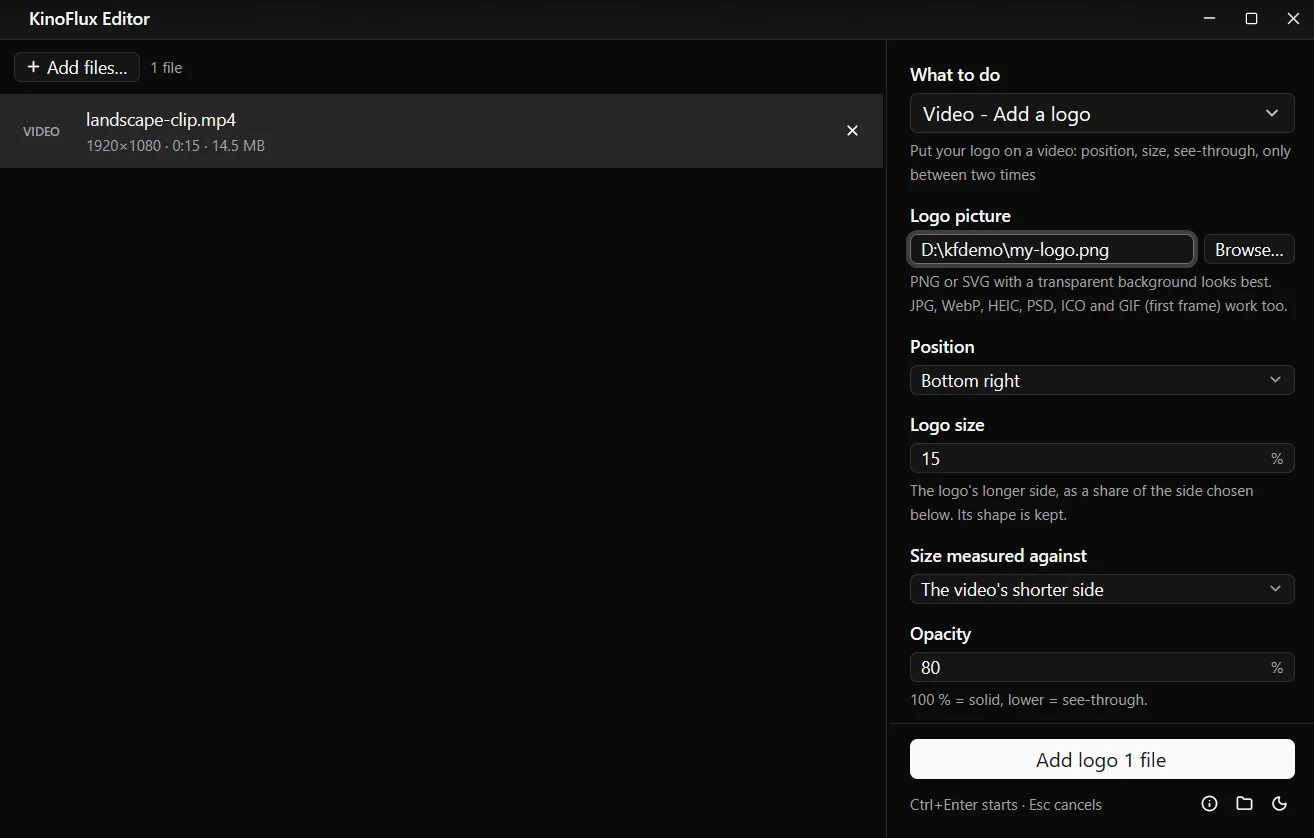
- Add the video. Drag it onto the KinoFlux Editor window. You can add several videos and they all get the same logo.
- Pick the tool. Press Ctrl+K (Cmd+K on a Mac), type "logo" and choose Video - Add a logo.
- Choose the logo. Next to Logo picture, click Browse... and pick your logo. PNG or SVG with a transparent background looks best.
- Place it. Choose a Position (Bottom right by default), the Logo size (15 %), Opacity (80 %) and Distance from the edge (3 %).
- Start. Press Ctrl+Enter. You get
name_logo.mp4next to the video.
Result#
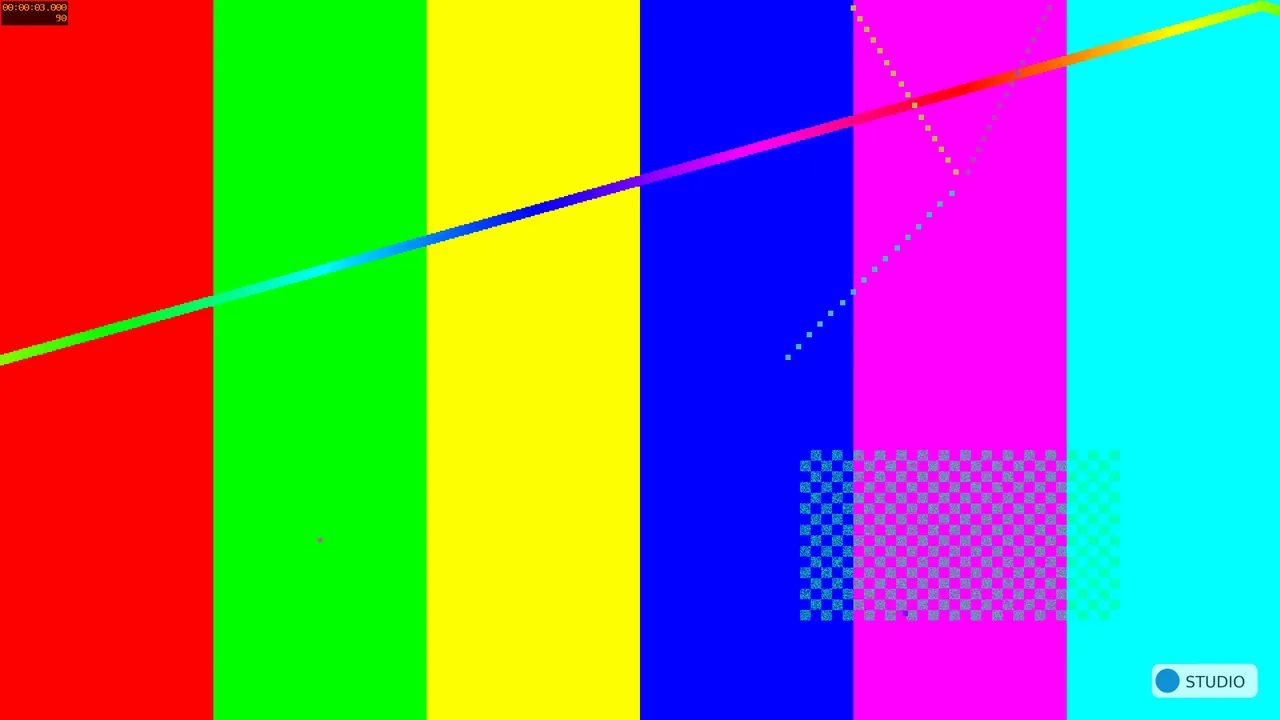
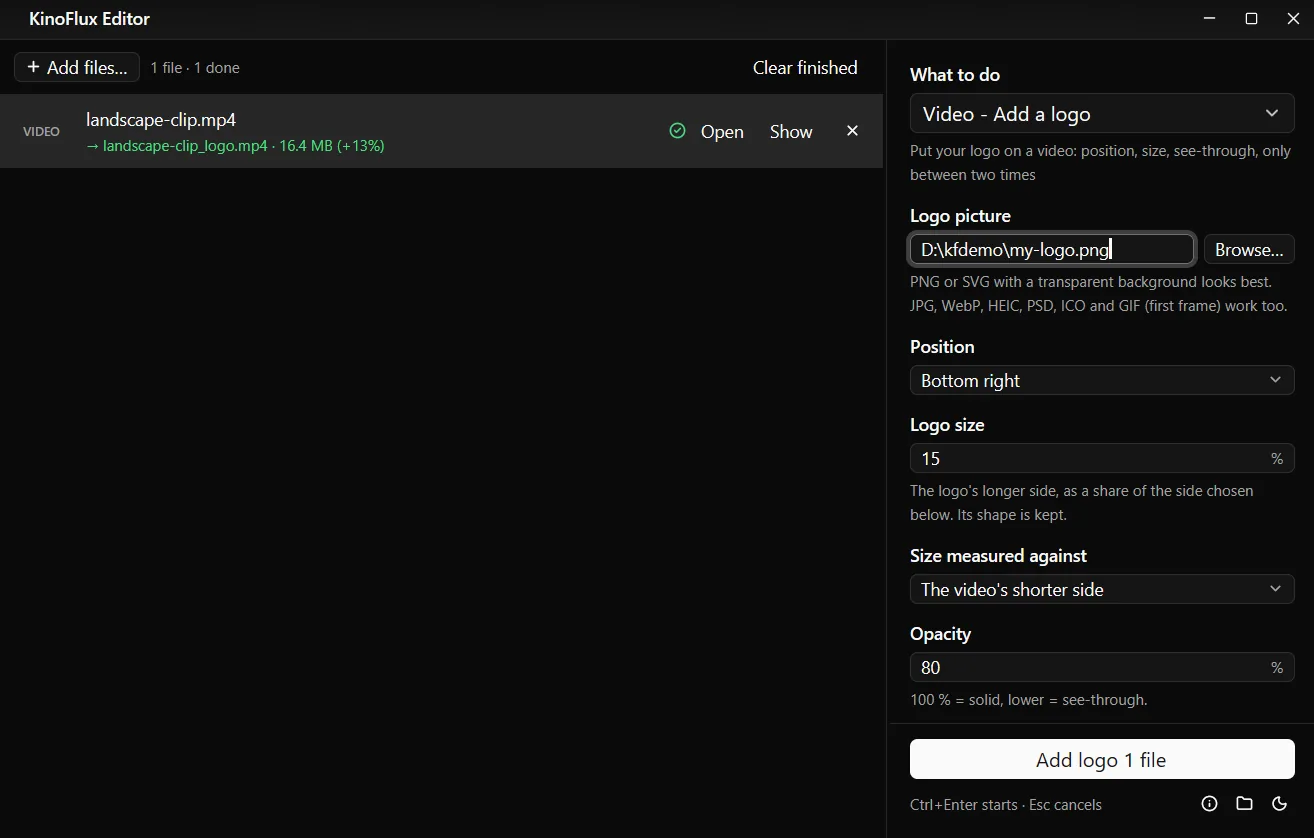
The demo clip (1920 x 1080, 15 seconds, 14.5 MB) and the 900 x 300 logo were made for these guides. The result, landscape-clip_logo.mp4, is 1080p H.264 with AAC sound and 16.4 MB. The logo's longer side is 15 % of 1080 pixels, about 162 pixels wide, and its shape is kept.
Show the logo only between two times#
For a logo at the start and end, or during one part of the video, set Show to Only between two times:
- From: when it appears, for example
0:05. - Until: when it disappears. Leave empty for the end of the video.
- Fade in and out: 0 to 5 seconds. 0 means it just appears and disappears.
Options#
| Option | Choices | Default |
|---|---|---|
| Logo picture | jpg, png, webp, bmp, tif, gif, ico, heic, avif, tga, psd, svg and more | required |
| Position | Top left, Top centre, Top right, Middle left, Centre, Middle right, Bottom left, Bottom centre, Bottom right | Bottom right |
| Logo size | 1 to 100 % | 15 |
| Size measured against | The video's shorter side, The video's width, The video's height | The video's shorter side |
| Opacity | 1 to 100 % (100 = solid) | 80 |
| Distance from the edge | 0 to 25 % of the shorter side (not used for Centre) | 3 |
| Show | All the time, Only between two times | All the time |
| Quality | Smaller file, Balanced, High quality | High quality |
| Encoder | CPU (best compression), GPU (fastest) | CPU |
Limits#
- The output is always MP4 (H.264). The video is encoded again, which takes time and loses a little quality. Choose GPU (fastest) to speed it up when your computer has a supported graphics card.
- One logo per run. For a second logo, run the tool again on the result.
- Pictures only. No text, animated logos or moving positions.
- It does not remove watermarks.
Related guides#
- Subtitles too: add subtitles to a video.
- The same logo on photos: add a watermark to photos.
- Shorts and Reels: make a video vertical 9:16 first, then add the logo.
All tools are on the KinoFlux Editor page.
Frequently asked questions
What kind of logo file works best?
A PNG or SVG with a transparent background, so only the logo shows and not a white box around it. JPG, WebP, HEIC, PSD, ICO and GIF (first frame) work too.
Will the logo look the same on vertical and horizontal videos?
Yes, with the default Size measured against: The video's shorter side. The logo keeps the same size relative to the picture, whatever its shape.
Can I show the logo only for part of the video?
Yes. Set Show to Only between two times, enter From and Until (seconds, mm:ss or hh:mm:ss), and add a fade of up to 5 seconds.
Can I add text instead of a logo?
Not with this tool. Make a PNG of your text first, or use Image - Add a watermark for photos.
Can I remove a watermark from a video?
No. The tool only adds logos.
- watermark
- logo
- branding
- video tools