
Edit a PDF in Word, Excel or PowerPoint: convert it back, offline
Someone sent a PDF and you need to change a line, reuse a price table or update a slide. How to turn a PDF into an editable .docx, .xlsx or .pptx with KinoFlux Editor, and what to expect from the result.
Nitiksh3 min readKinoFlux Editor
On this page
A PDF is made to be read, not changed. Then someone sends one and you need to fix a date in a letter, reuse a price list in a spreadsheet, or update two slides from a presentation that only exists as a PDF. Retyping takes an hour, and the free online converters want you to upload the document first.
KinoFlux Editor has three conversions back to Office formats:
- Documents - PDF to Word makes an editable .docx.
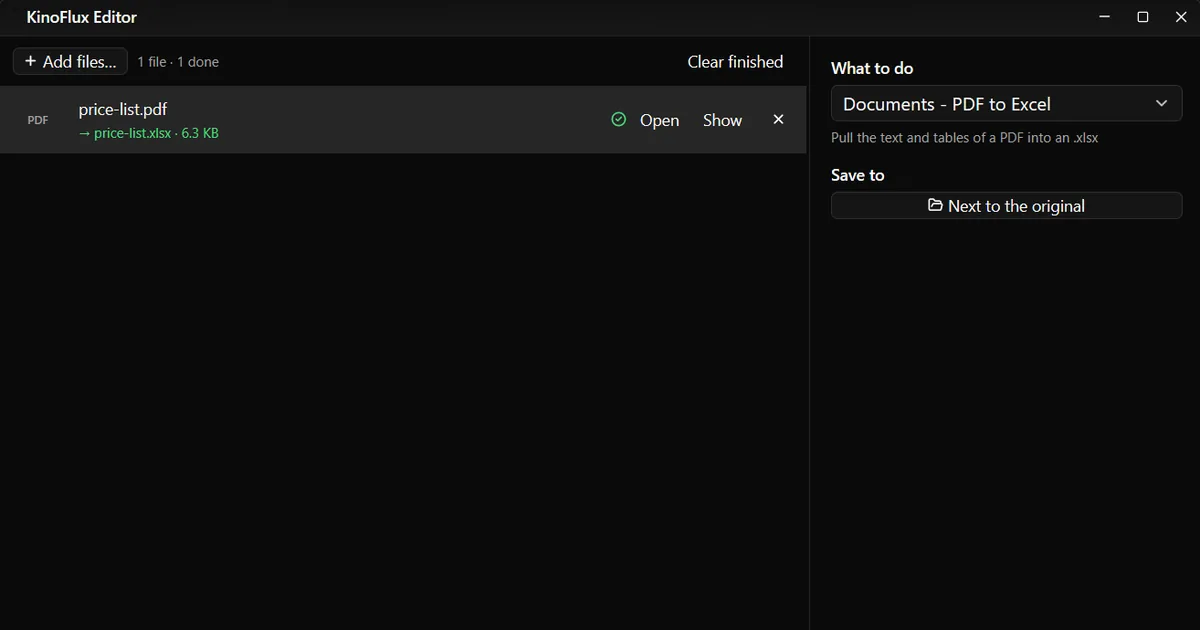
- Documents - PDF to Excel pulls the text and tables into an .xlsx.
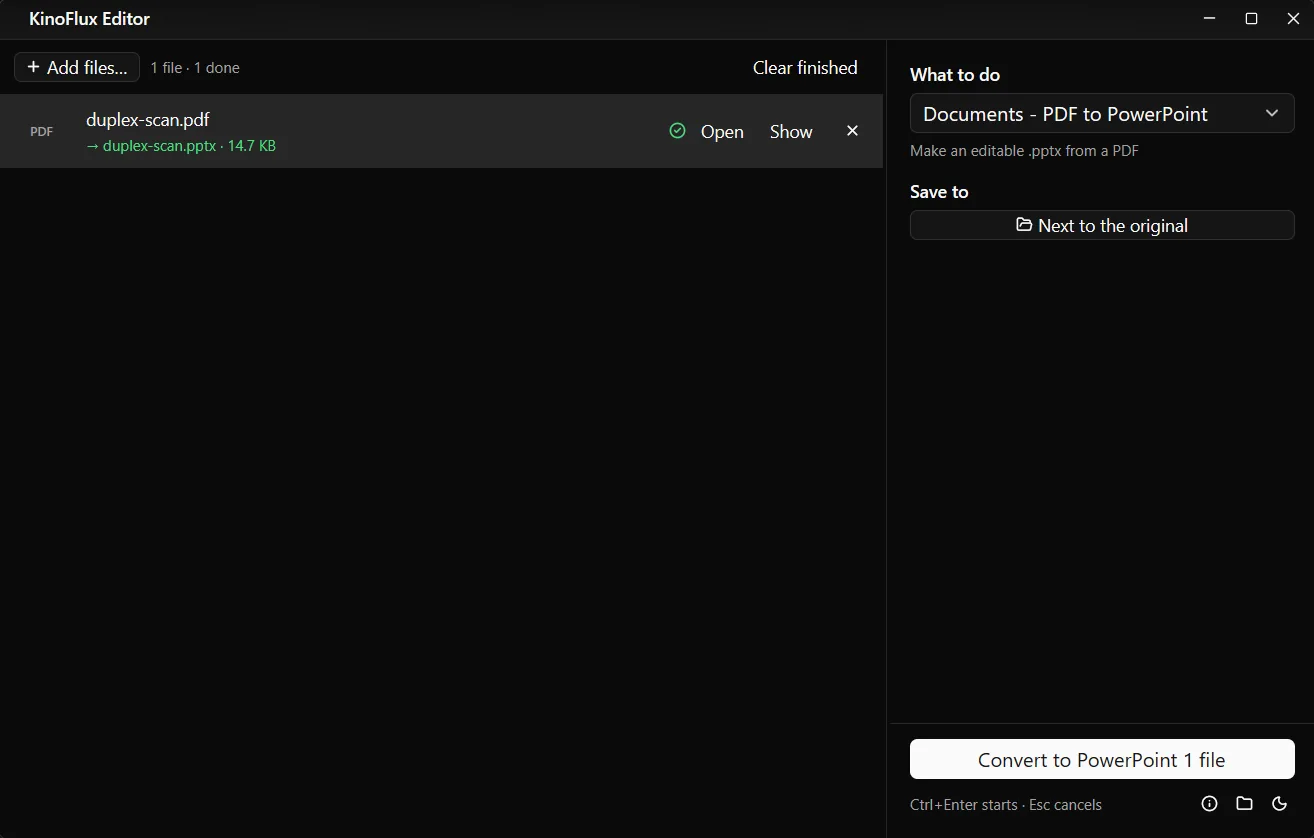
- Documents - PDF to PowerPoint makes an editable .pptx, one slide per page.
None of them has options. Pick the tool and start.
How to convert a PDF to Word#
- Add the PDF. Drag it onto the KinoFlux Editor window.
- Pick the tool. Press Ctrl+K (Cmd+K on a Mac), type "pdf to word" and choose Documents - PDF to Word.
- Start. Press Ctrl+Enter. You get
name.docxnext to the PDF. - Check it. Open it in Word or LibreOffice and make your changes.

Results#
All three test files are demo documents made for these guides.
| Tool | Input | Output | What came out |
|---|---|---|---|
| PDF to Word | price-list.pdf, 1 page | price-list.docx, 10 KB | Every line in its own text box at its place on the page |
| PDF to Excel | price-list.pdf, 1 page | price-list.xlsx, 6.3 KB | 4 columns (Item, Code, Price, In stock), 20 products, prices and counts as real numbers |
| PDF to PowerPoint | duplex-scan.pdf, 6 pages | duplex-scan.pptx, 14.7 KB | 6 slides, one per page, text editable |

How PDF to Excel splits the columns#
The text is read with its page layout, and a gap of two or more spaces starts a new cell. So a neatly lined-up table becomes neat columns. The first rows of the result:
| A | B | C | D |
|---|---|---|---|
| Price list, autumn 2026 | |||
| Item | Code | Price | In stock |
| Desk lamp | DM-1000 | 29.32 | 69 |
| Office chair | DM-1007 | 16.52 | 77 |
A title or a long sentence with single spaces stays in one cell. A page break leaves an empty row. Check the columns before you rely on totals.
Which one to use#
| You want to | Use |
|---|---|
| Fix a few words in a letter or form | PDF to Word |
| Reuse a table of numbers | PDF to Excel |
| Update or reuse slides | PDF to PowerPoint |
| Just the text, to rewrite it | PDF - Extract text |
| A page as a picture | PDF - Pages to pictures |
Limits#
- Layout is approximate. Word and PowerPoint results place text in boxes. Fonts that are not on your computer are replaced.
- No OCR. Scanned PDFs give empty or picture-only results.
- Excel takes text, not structure. Merged cells, multi-line cells and tables without clear gaps come out messy.
- Locked PDFs must be unlocked first with PDF - Remove the password.
- One file at a time. Several PDFs are converted one after the other.
Related guides#
- The other direction: convert Word documents to PDF.
- The spreadsheet needs to be a CSV: convert Excel to CSV.
- Old .doc or .xls files: update old Office files.
All tools are on the KinoFlux Editor page.
Frequently asked questions
Will the Word file look exactly like the PDF?
It looks close, because every piece of text is placed where it was on the page. But each line becomes its own text box, so small fixes are easy and rewriting whole paragraphs is awkward. For long text, Extract text and pasting into a new document often works better.
Does PDF to Excel keep numbers as numbers?
Yes, when the PDF holds real text. In the test, prices like 29.32 and stock counts like 69 arrived as numbers you can add up, not as text.
Can I convert a scanned PDF?
Not usefully. A scan is a picture of a page; without text recognition (OCR), which KinoFlux Editor does not have, there is no text to put into Word or Excel.
Do I need Microsoft Office installed?
No. The conversions are done by LibreOffice, which is bundled with KinoFlux Editor on Windows and macOS. You can open the results in Word, Excel, PowerPoint, LibreOffice or Google Docs.
Can I convert several PDFs at once?
Yes, add them all. Documents tools run one file at a time, one after the other, because LibreOffice handles one conversion at a time.
- pdf to word
- pdf to excel
- pdf to powerpoint
- documents