
Local-First Browser Automation: Building a Clean News Scraping Pipeline
Web scraping has become a battle against JavaScript renders, paywalls, and complex layouts. This guide explores how to build a local-first automation pipeline using a lightweight CEF + Qt6 browser API and Python to extract clean news articles.

Nitiksh
June 2026
Local-First Browser Automation: Building a Clean News Scraping Pipeline
The modern web is increasingly hostile to traditional web scraping.
A few years ago, you could fetch news articles with a simple HTTP GET request using Python's urllib or requests. Today, that approach often yields empty HTML templates, cookie consent walls, or bot-detection screens. Modern news sites rely heavily on client-side JavaScript rendering, lazy loading, and complex hydration patterns.
To scrape these sites reliably, developers usually turn to heavy headless browser frameworks like Selenium, Puppeteer, or Playwright. While powerful, these tools carry substantial system overhead, require constant driver updates, and consume significant memory when running multiple instances.
This article details a fundamentally different approach: building a local-first, lightweight news scraping pipeline using a custom CEF (Chromium Embedded Framework) + Qt6 browser controlled via a simple local HTTP API, and parsing the results with Python to extract nothing but fresh, readable content.
The CEF + Qt6 Automation Advantage
Instead of launching full-fledged browser engines from scratch for every automation task, we utilize a persistent, lightweight browser automation server (NTXM Browser mini) running locally. Built on the combination of Qt6's UI framework and the Chromium Embedded Framework (CEF), this browser exposes its core functionalities through a local HTTP REST API listening on port 9090.
This architecture offers several immediate advantages for developers:
- Low Overhead: The browser starts once and runs in the background. It doesn't need to rebuild headless instances or initialize drivers for every single scraping task.
- RESTful Simplicity: Navigation, tab management, and content extraction are achieved using standard HTTP requests (
GETandPOST), making it language-agnostic. - Native JavaScript Rendering: Since it uses Chromium under the hood, all client-side JavaScript, single-page application routers, and layout rendering work exactly as they would in a standard desktop browser.
To get started, you can download the browser executable directly from the NTXM Browser mini product page. For a detailed breakdown of all available endpoints, query parameters, and advanced tab-targeting configurations, check out the official NTXM Browser mini automation blog.
Step 1: Connecting to the Local Browser API
The first step in my Python script is to verify that the local browser automation server is online and running. I can query the /status endpoint to make sure the server is ready to accept commands.
import urllib.request
import json

API_BASE = "http://127.0.0.1:9090"

def check_browser_status():
    try:
        req = urllib.request.Request(f"{API_BASE}/status")
        with urllib.request.urlopen(req, timeout=3) as response:
            status = response.read().decode('utf-8').strip()
            return status == "running"
    except Exception:
        return False
Once verified, I can navigate the browser's active tab to my news aggregator page (in this example, BBC News) using the /navigate_content endpoint, which allows me to specify a delay in milliseconds to ensure the page has completely rendered.
def navigate_to_news(url):
    # Navigate browser and wait 4 seconds for JS rendering
    url_data = url.encode('utf-8')
    req = urllib.request.Request(
        f"{API_BASE}/navigate_content?delay=4000",
        data=url_data,
        headers={'Content-Type': 'text/plain'}
    )
    with urllib.request.urlopen(req, timeout=12) as response:
        response.read()
Step 2: Parsing the News Feed
Once the home page is loaded, we fetch the fully rendered HTML using the /content endpoint and search for articles. On BBC News, articles are structured with anchor tags containing /news/articles/.
We can parse the links using BeautifulSoup (or fallback to Python's built-in html.parser.HTMLParser if external libraries are not available):
from bs4 import BeautifulSoup

def parse_articles(html):
    soup = BeautifulSoup(html, 'html.parser')
    links = soup.find_all('a')
    articles = []
    seen = set()

    for link in links:
        href = link.get('href', '')
        if href and ("/news/articles/" in href):
            full_url = urllib.parse.urljoin("https://www.bbc.com/news", href)
            title = link.get_text().strip()

            # Clean up spacing and avoid duplicates
            title = re.sub(r'\s+', ' ', title)
            if title and len(title) > 5 and full_url not in seen:
                seen.add(full_url)
                articles.append({"title": title, "url": full_url})

    return articles
Step 3: Sequential Tab Scraping and Resource Management
To scrape the details of these articles without crashing the browser or overloading local resources, we process the links sequentially:
- Open a new tab for the article URL using the
/new_tab?url=...endpoint. - Wait a few seconds for the page script execution and image placeholder loads to settle.
- Retrieve the HTML content of the specific tab by targeting its unique
id(returned by/new_tab). - Keep the tab open while extracting text, then close the tab at the very end of the run.
This sequential pattern prevents memory spikes and replicates human-like browsing patterns, which is critical for dodging automated anti-scraping systems.
def open_url_in_new_tab(url):
    encoded_url = urllib.parse.quote(url, safe='')
    req = urllib.request.Request(f"{API_BASE}/new_tab?url={encoded_url}", method='POST')
    with urllib.request.urlopen(req, timeout=15) as response:
        return json.loads(response.read().decode('utf-8'))
Step 4: Extracting "Fresh" Content (Stripping Web Noise)
The most challenging part of scraping detail pages is isolating the actual news story. Standard pages are packed with headers, footers, social sharing widgets, cookie notices, and related article sidebars.
Since we are scraping a real news website with a semantic structure, we can write a targeted extractor:
- Locate the
<article>tag, which contains the main story. - Extract all
<p>tags inside<article>, skipping video players or warning captions. - Strip layout-specific elements like
<nav>,<header>,<footer>,<script>, and<style>.
def clean_and_extract_content(html):
    soup = BeautifulSoup(html, 'html.parser')

    # Target the article container
    article = soup.find('article')
    if article:
        paragraphs = article.find_all('p')
        cleaned_paragraphs = []
        for p in paragraphs:
            text = p.get_text().strip()
            # Filter out player errors, sharing prompts, etc.
            if text and not text.startswith("This video file cannot"):
                cleaned_paragraphs.append(text)
        if cleaned_paragraphs:
            return "\n\n".join(cleaned_paragraphs)

    # Fallback to general cleaned text if no <article> exists
    for tag in ["script", "style", "header", "footer", "nav", "aside", "form"]:
        for element in soup.find_all(tag):
            element.decompose()

    paragraphs = soup.find_all('p')
    return "\n\n".join([p.get_text().strip() for p in paragraphs if p.get_text().strip()])
This ensures the final output saved in the {Article Title}.txt file contains only readable paragraphs, optimized for direct offline reading, archiving, or feeding into text-analysis models.
Conclusion
Building a local-first news scraper using a lightweight CEF + Qt6 browser highlights the viability of desktop-level automation. By shifting away from resource-intensive browser engines and cloud-dependent APIs, I gain complete control over my data, speed, and privacy.
For projects ranging from archiving news feeds to preparing training data for machine learning models, local browser automation provides a highly performant and stable foundation.
Related Posts
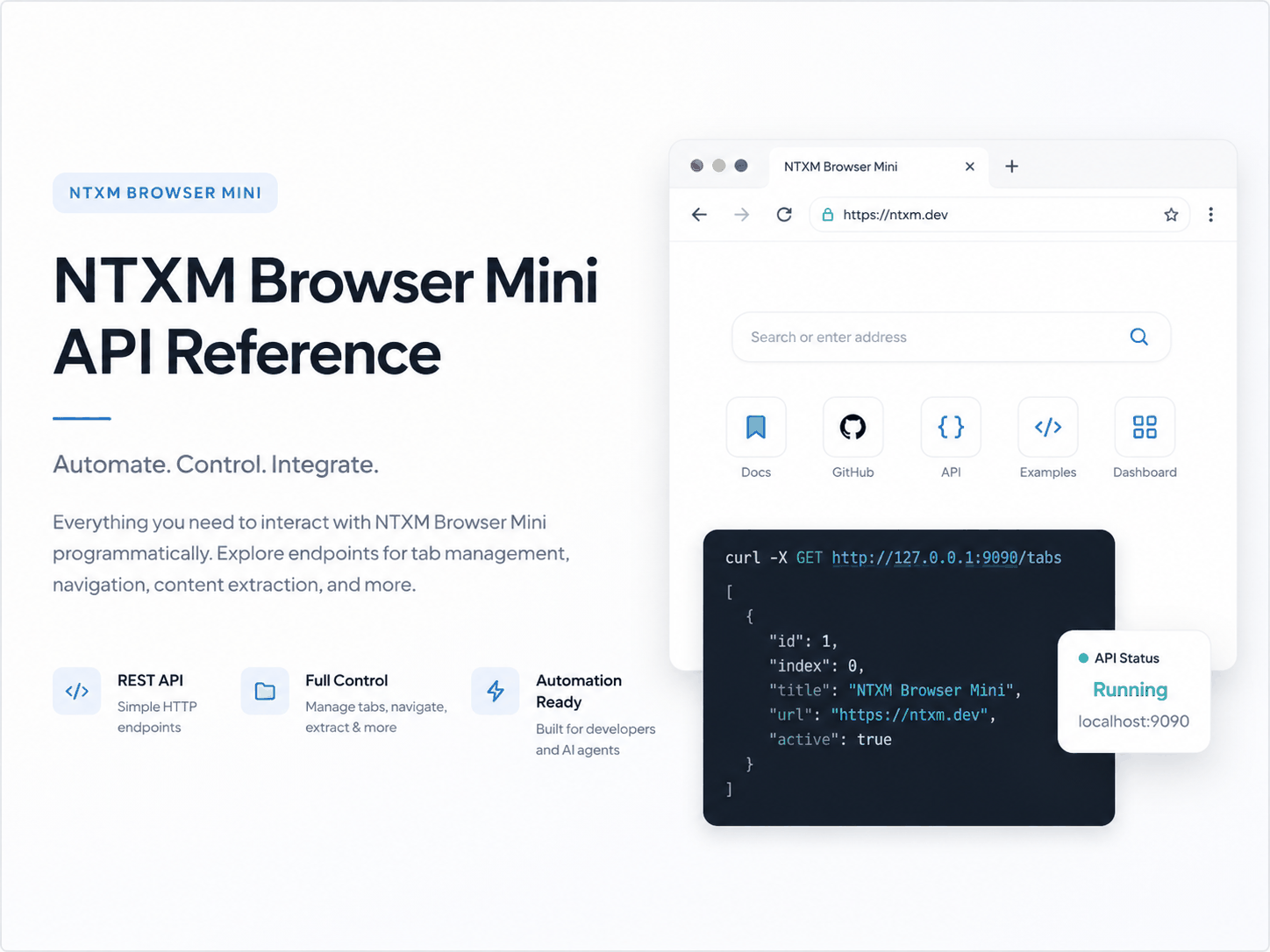
How a C++, Qt6, and Chromium Embedded Framework (CEF) desktop browser exposes a high-performance REST automation server to bypass the resource bloat and environment complexity of traditional browser automation toolchains.