
KinoFlux
Video Player.
The modern, minimalist video player for Windows. Designed for one thing: the viewing experience. No clutter. No complexity. Pure performance.
Version 1.0.0
Released Feb 15, 2026 • 45 MB
$ player.status
Initializing playback engine...
Loading codec libraries
Hardware acceleration: Enabled
✓ Ready for playback
Supports: MKV, MP4, AVI, WebM, MOV
Technical Specifications
Core Features
Distraction-Free
No toolbar clutter. Just your video and essential controls that appear when needed.
Lightweight
Launches instantly and uses minimal system resources. Built for performance.
Universal Format
Plays all standard video formats smoothly including MKV, MP4, AVI, and more.
Hardware Accelerated
Leverages GPU for smooth 4K playback with minimal CPU usage.
Privacy First
100% local. No tracking, no cloud uploads, no data collection.
Dark Mode Native
Built for comfortable extended viewing with elegant dark interface.
Interface Preview
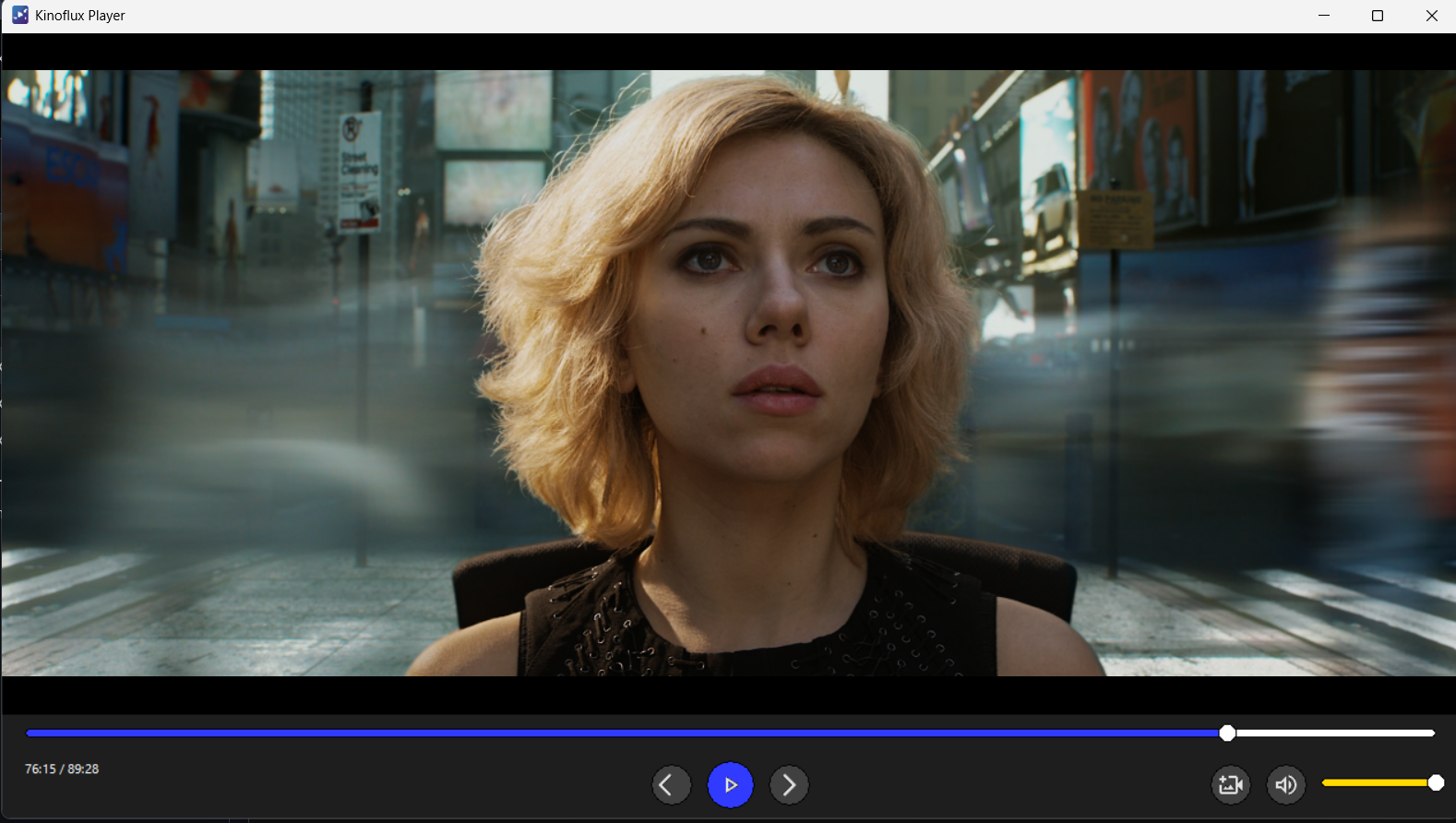
Clean playback interface focused on the content
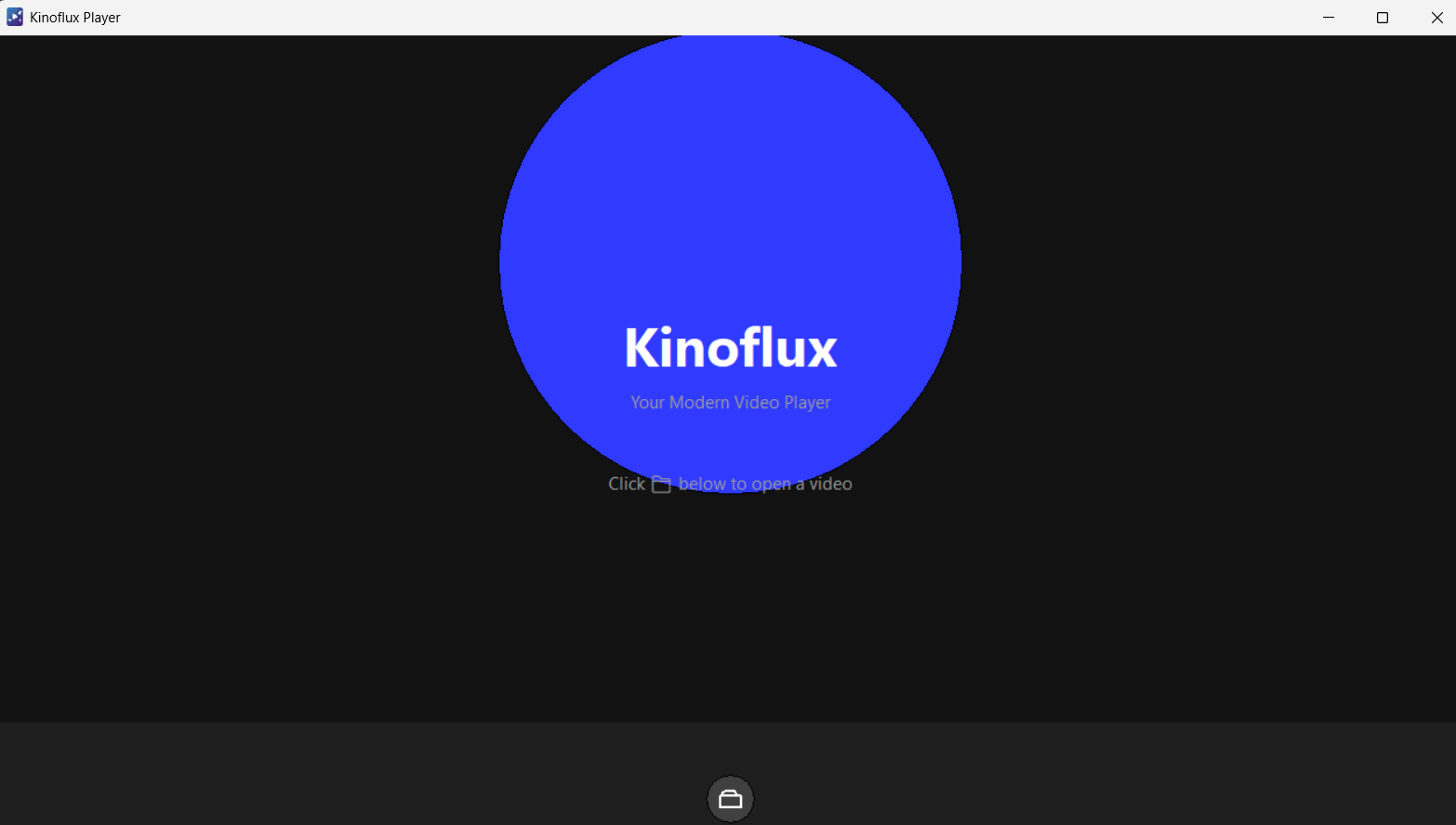
Simple "Open Video" welcome screen
Quick Installation
Download Installer
Get kinofluxPlayer-Setup.exe from GitHub releases
Run Setup
Execute the installer and follow the on-screen instructions
Start Watching
Launch KinoFlux and drag-and-drop any video file to start playing
System Requirements
Minimum
Recommended
Ready to Experience KinoFlux?
Download now and enjoy a clean, modern video viewing experience.
Download Now